Install it
Download brightmoss-wordpress.zip Live demo
- Download brightmoss-wordpress.zip. Don't unzip it.
- In WordPress, open Appearance → Themes → Add New Theme → Upload Theme, choose the file, click Install Now, then Activate.
- Install the free Formgong plugin (Plugins → Add New, search for "Formgong"). Create a free form at formgong.com/new and copy its access key. It starts with
fk_and is safe to put in a web page. Paste it under Settings → Formgong. - Send a test message from your site and check that it reaches your Formgong inbox.
What you can change in the Site Editor
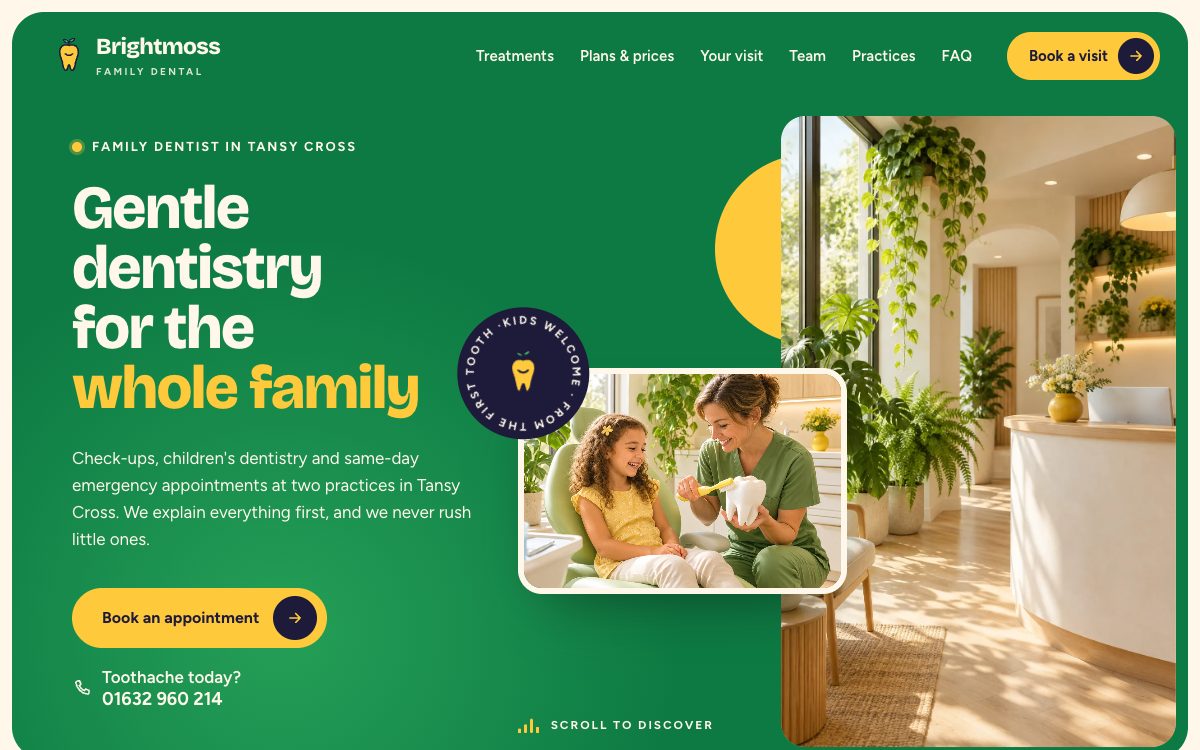
Open Appearance → Editor and the home page is there as 11 patterns: Hero, About, Treatments, Urgent, Plans, Visit, Team, Practices, Reviews, Faq and Book. They are ordinary blocks, so you click into a heading and type, swap a photo from the media library, or move and delete a whole section. The header and footer are template parts and change on every page at once.
The contact form is the Formgong plugin's form block. The theme holds no form code and collects nothing by itself; the plugin sends each message to your Formgong inbox and email.
What is in the zip
Everything sits in one folder, brightmoss/, with 48 files (2.0 MB zipped). theme.json sets the colours, fonts and spacing, templates/ has 404, archive, front-page, index, page, search and single, parts/ has the header and footer, and patterns/ holds the 13 patterns. assets/ carries the CSS and JavaScript, 11 images and the Bricolage Grotesque and Figtree font files, so nothing loads from Google Fonts.
It needs WordPress 6.5 or later (tested up to 7.1) and PHP 7.4 or later.
Limits on WordPress
The form needs the free Formgong plugin; without it the page has no working form. The design covers the home page, while posts, pages and archives get the same header, footer and fonts in a plain layout. The photos were generated for the template, so swap them in the editor before launch.
Brightmoss isn't in the WordPress.org theme directory yet, so you upload the zip instead of searching for it by name.
Tell us what's missing
If Brightmoss breaks on your WordPress site, or a step here doesn't match what you see, email support@formgong.com. We read every message and fix the page, and the next templates we make are the ones people ask for there.
Questions
Is Brightmoss free for WordPress?
Yes, under the MIT license. Use it on your own site or a client's, and change anything.
Will it replace my current theme's content?
No. Posts and pages stay as they are. Switching themes changes how they look, and you can switch back under Appearance → Themes.
Sources
Checked on 20.10.2026 against these public pages: Formgong plugin on WordPress.org, WordPress: block themes.