Brightmoss: a family practice with two branches
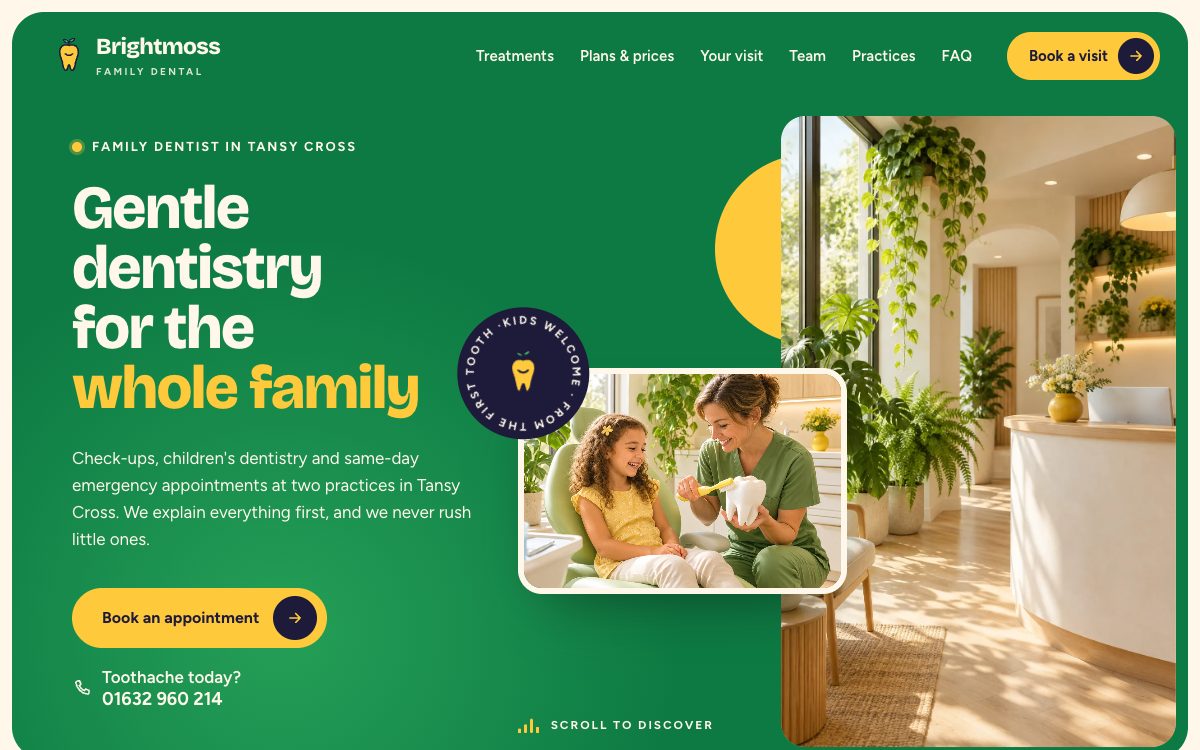
Made for a practice that sees whole families. The appointment form asks who the visit is for and which branch, so a parent can book for a child, and the receptionist knows where to put the visit. There is an emergency band with a call button near the top, a monthly plan next to the price list, and a short walk-through of a first visit for nervous patients. More on the Brightmoss page.
Odera: a cosmetic or premium dental studio
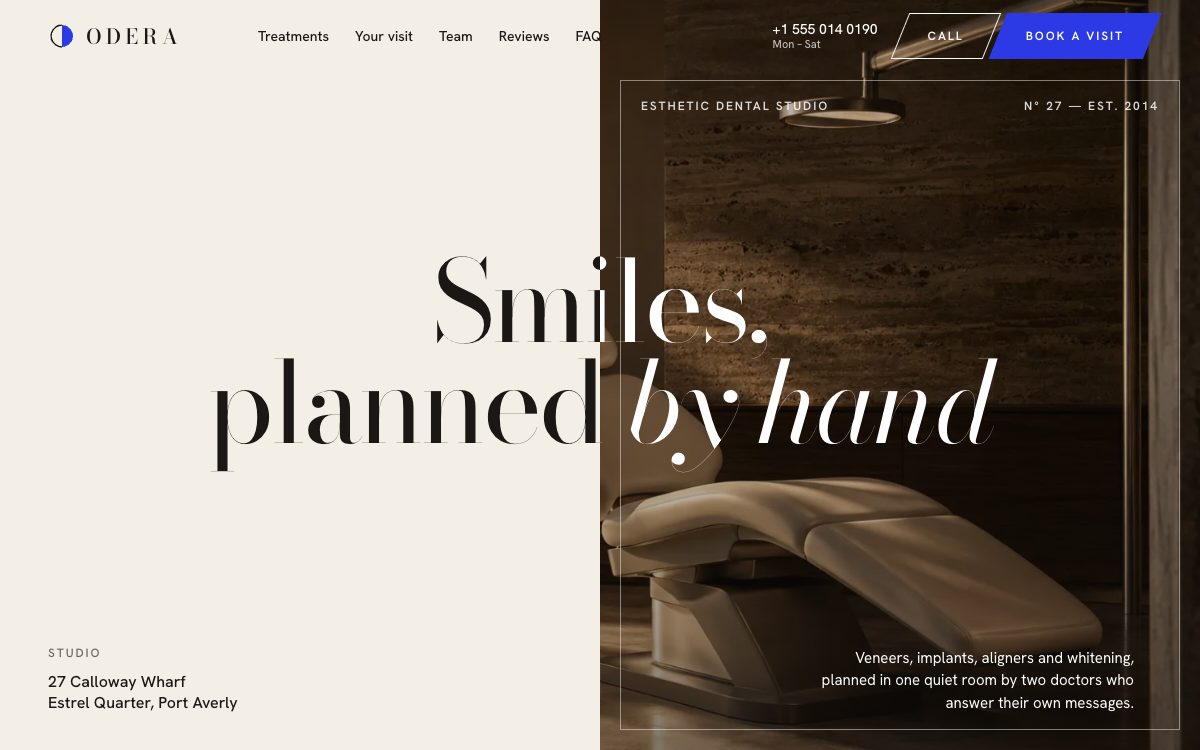
Made for a studio that sells veneers, implants, aligners and whitening. Each treatment gets its own photo and price in a pinned showcase, the team is shown in black-and-white portraits, and the booking form is short: treatment, preferred time and a note. It suits a practice that wants to look calm and expensive rather than busy. More on the Odera page.
What patients look for on a dental site
- A phone number they can tap. Many people book a dentist from a phone, often because something hurts. Both templates keep the number in the header and make it a call link.
- Whether you take emergencies. Say it near the top and say what counts as one. Brightmoss has a band for it; in Odera, add a line to the hero if you take them.
- Prices or at least ranges. People compare practices on price before they call. Both templates have a price list; delete it if you can't publish prices, but tell visitors how a quote works instead.
- Where and when. Address, opening hours, parking or transport. Brightmoss shows two practices; remove one block if you have a single site.
- Real photos of your team and rooms. The demo photos are generated and show nobody real. Replace them before launch.
- A booking form that asks only for what you need to book. Name, contact details, treatment and a preferred time. Neither form asks for medical history or X-rays, and you shouldn't add fields for them: that belongs in your patient system.
The templates load no analytics or ad scripts. Fonts come from Google Fonts; if your privacy policy rules that out, download the font files and serve them from your own host.
Questions
Can I use these templates for a client's dental practice?
Yes. The MIT license allows client work and changes of any size. Keep the license file in the project.
Can the booking form connect to my practice software?
The form sends each request to Formgong, which emails you and can pass it on through a webhook, Zapier or n8n. Whether your practice software can take it from there depends on that software's own integrations.
Do I need to know how to code?
Editing text in index.html is enough for most changes: names, phone numbers, treatments and prices are plain text in the file. A static host such as Cloudflare Pages or Netlify lets you upload the folder by dragging it into the browser.
Sources
Checked on 16.10.2026 against these public pages: Brightmoss on GitHub, Odera on GitHub, MIT License (Open Source Initiative).