Install it
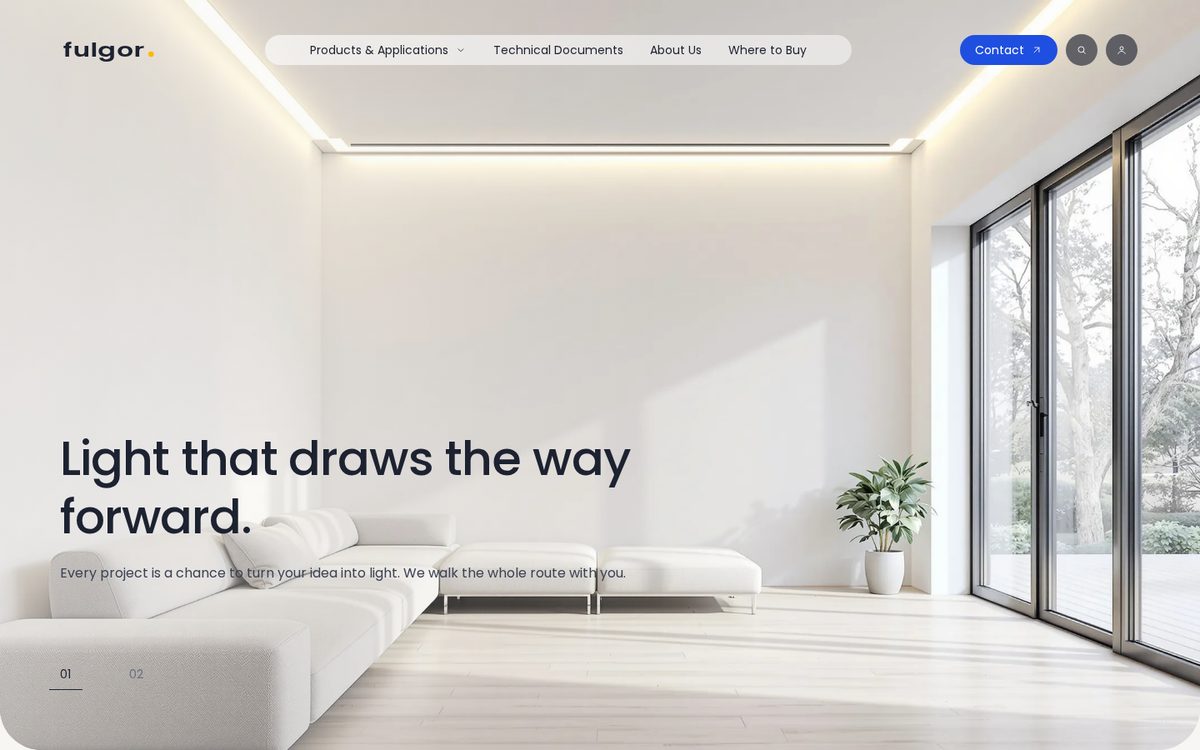
Download Lucerna-1.0.0.zip Shopify demo
- Download Lucerna-1.0.0.zip. Don't unzip it.
- In Shopify admin, open Online Store → Themes → Add theme → Upload zip file, and choose the file. It lands in your theme library; your live theme stays as it is.
- Create a free form at formgong.com/new and copy its access key. It starts with
fk_and is safe to put in a web page. Click Customize on Lucerna, open Theme settings → Formgong and paste the key. Until then the theme's Formgong forms stay hidden. - Add your products, collections and menus, swap the demo photos in the home page sections, then publish.
- Send a test message from your site and check that it reaches your Formgong inbox.
What you can change in the theme editor
Click Customize and the home page opens as 6 sections: Loader, Hero slides, Highlights, Projects strip, About and light zones and Value cards. The parts that repeat are blocks (Slide in Hero slides, Photo card, Product card and Number card in Highlights, Project photo in Projects strip and Card in Value cards), so you add, remove and reorder them without touching code. The product and collection pages have their own sections with blocks as well.
Theme settings covers the logo and favicon, colours, fonts, page width and corner radius, the cart note, product cards and social links. The Formgong group takes the access key.
What is in the zip
The zip has 75 files and weighs 219 KB, in the standard Shopify layout. The design lives in sections/ (21 files: the home page sections above, the header and footer, and one for each store page) and in assets/, which holds the CSS and JavaScript and the Poppins font files, so the store makes no calls to Google Fonts. snippets/ adds 18 small pieces for product cards, prices, filters and cart lines.
templates/ has one file per page type, 13 in all, from the home page to the password page and the gift card. layout/theme.liquid wraps every page, and config/settings_schema.json defines the Theme settings groups.
Limits on Shopify
Shopify installs the theme alone. Your products, menus and pages stay where they are, and the zip carries no demo photos, so the sections show placeholders until you pick your own images. Lucerna runs on any Shopify plan that includes the online store.
Tell us what's missing
If Lucerna breaks on your store, or a step here doesn't match what you see, email support@formgong.com. We read every message and fix the page, and the next templates we make are the ones people ask for there.
Questions
Is Lucerna free for Shopify?
Yes. Download it and use it on your own store or a client's store.
Why doesn't my store look like the demo?
Shopify copies the theme, not the demo's products, photos or menus. Add your own in the theme editor; until then the sections show placeholders.
Sources
Checked on 20.10.2026 against these public pages: Shopify Help Center: adding themes, Shopify Help Center: theme editor.