Form design
Form design best practices, with our own form data
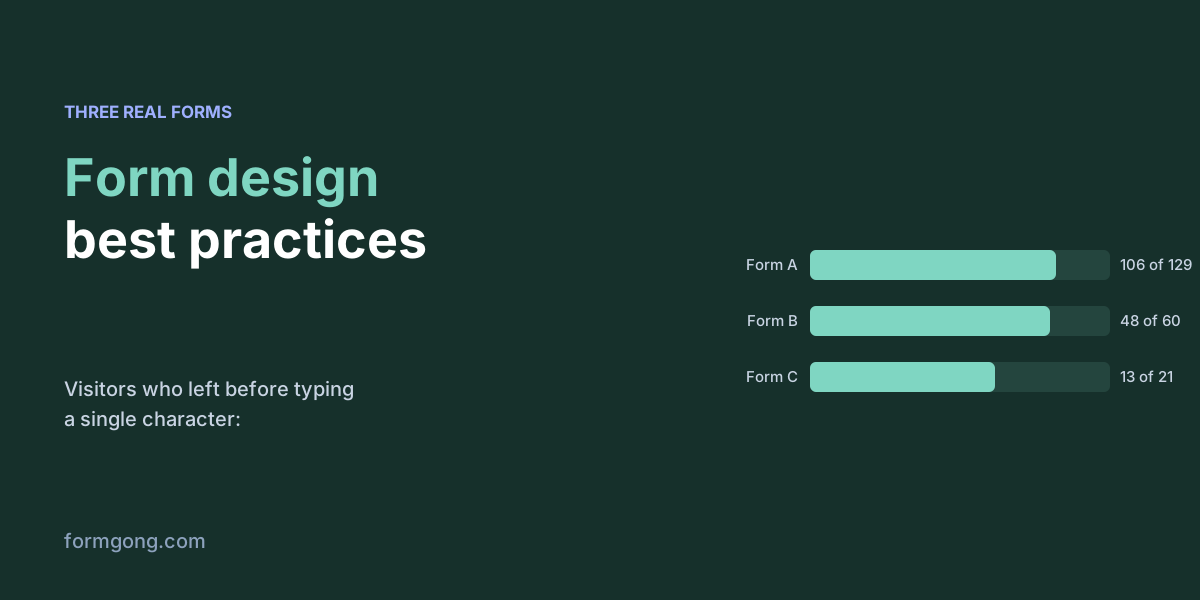
Most form design advice is about the fields. On the three forms we could measure, most visitors left before they typed anything at all. Rules, code, and the data.
The Formgong blog
Connect your forms, receive notifications, and make sure submissions actually reach you.
Form design
Most form design advice is about the fields. On the three forms we could measure, most visitors left before they typed anything at all. Rules, code, and the data.
Headless WordPress forms
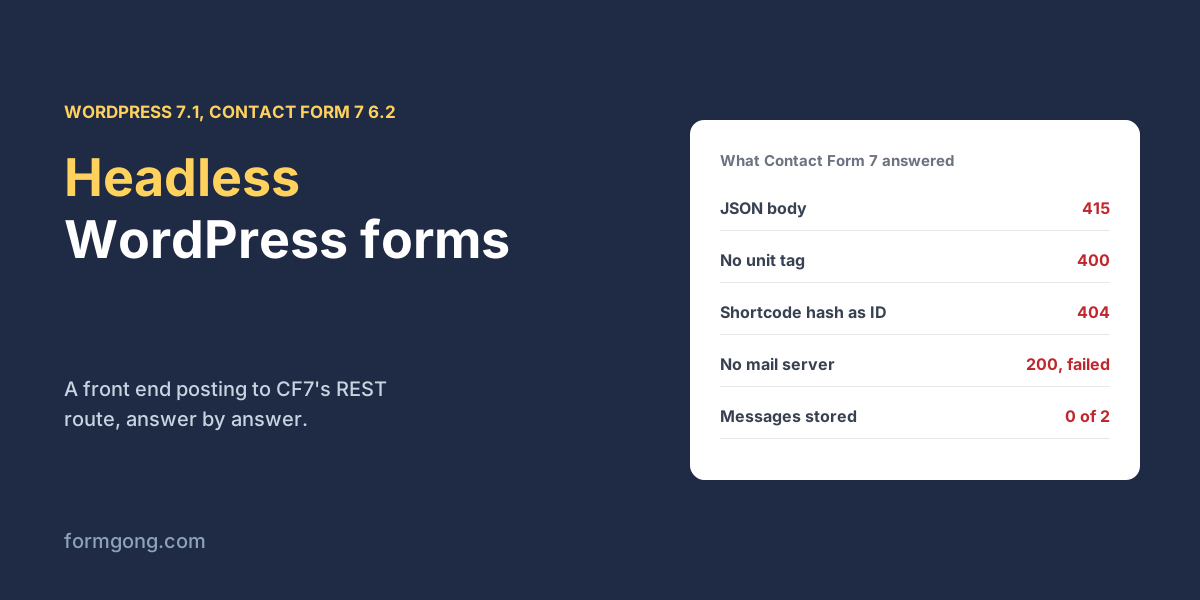
A headless front end posting to Contact Form 7's REST route, case by case: what WordPress refused, what it said was fine when it was not, and what it kept.
review carousel
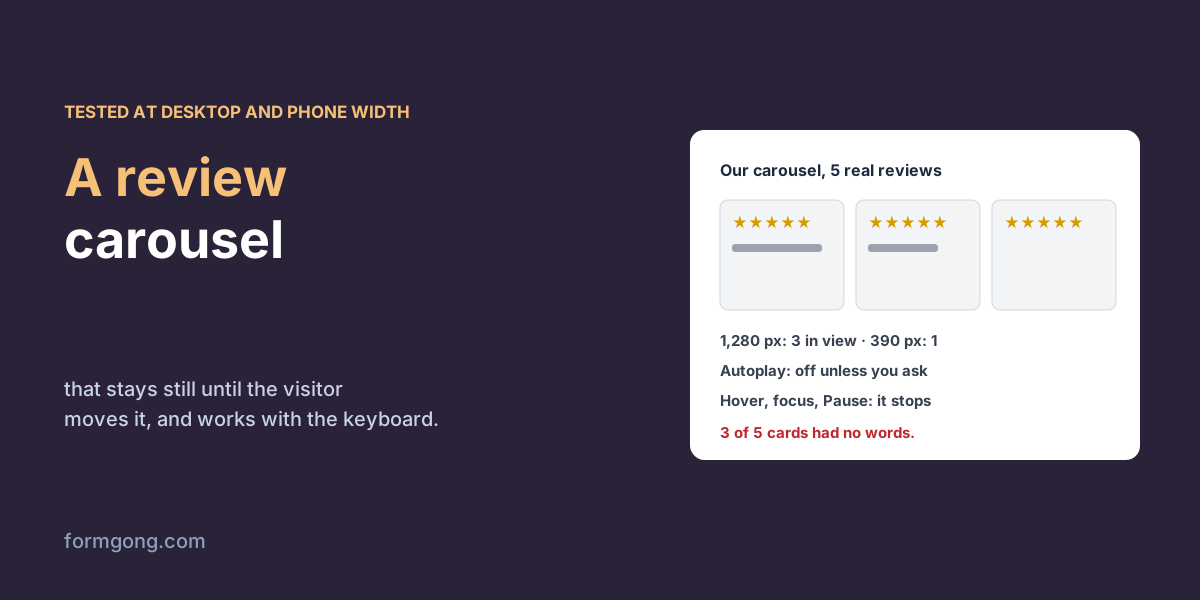
Review sliders save space and lose readers. We tested a carousel on real reviews at desktop and phone width, with and without autoplay, to see what a visitor gets.
hCaptcha
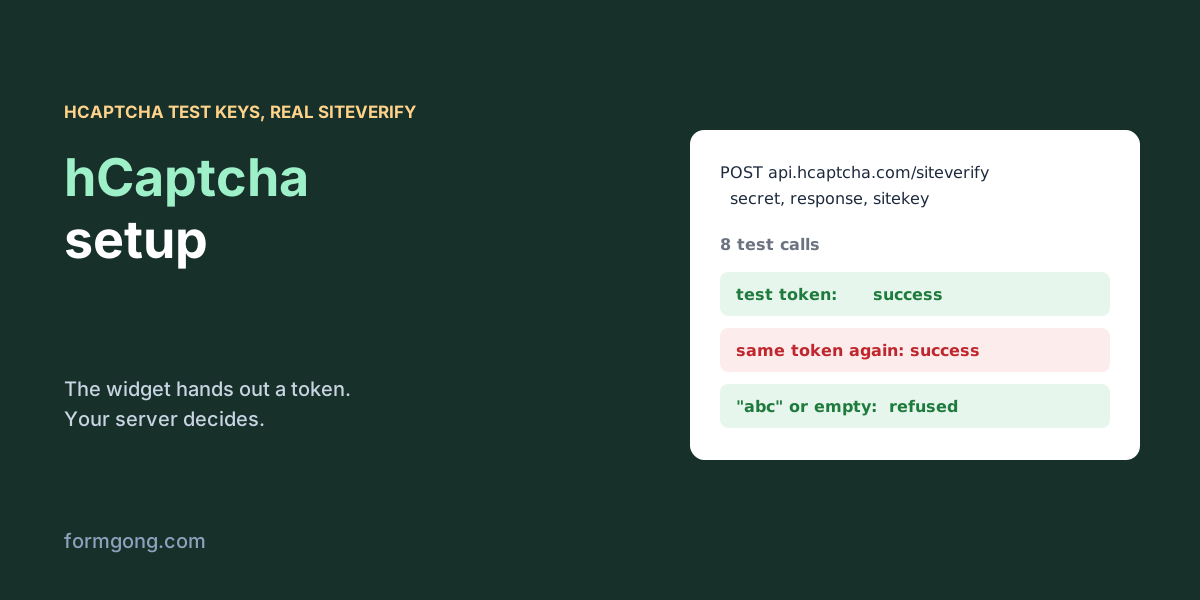
We ran hCaptcha's test keys through the real widget and the real siteverify. They prove your wiring works, and very little else.
Invisible reCAPTCHA
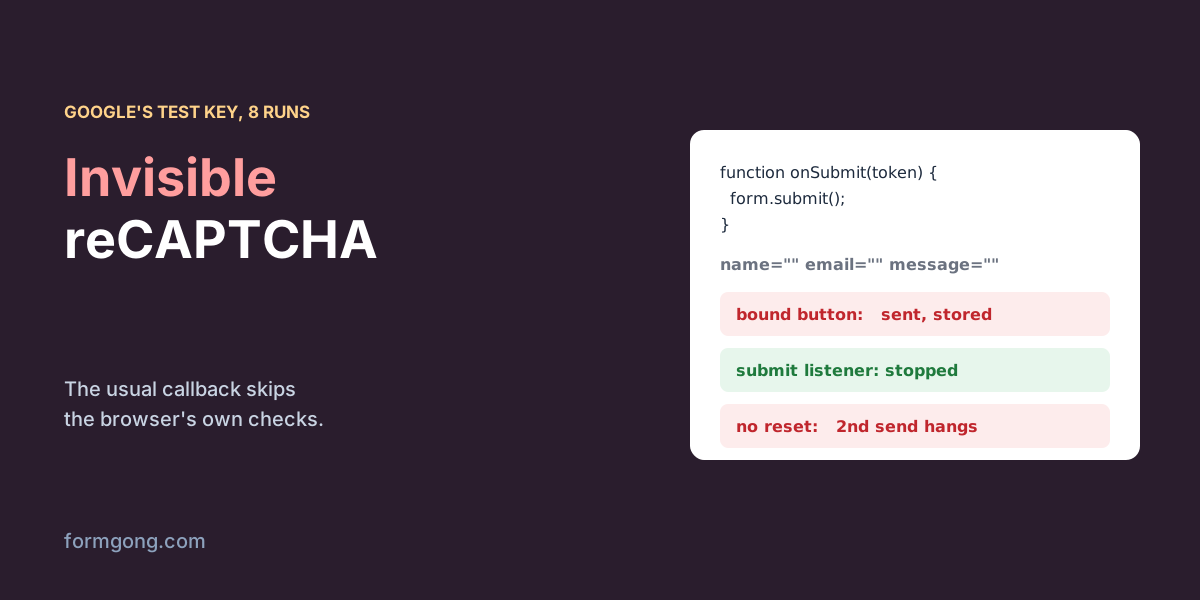
The invisible reCAPTCHA code in most guides calls form.submit(), which skips the browser's own checks. In our test it sent an empty form straight through.
asking for reviews
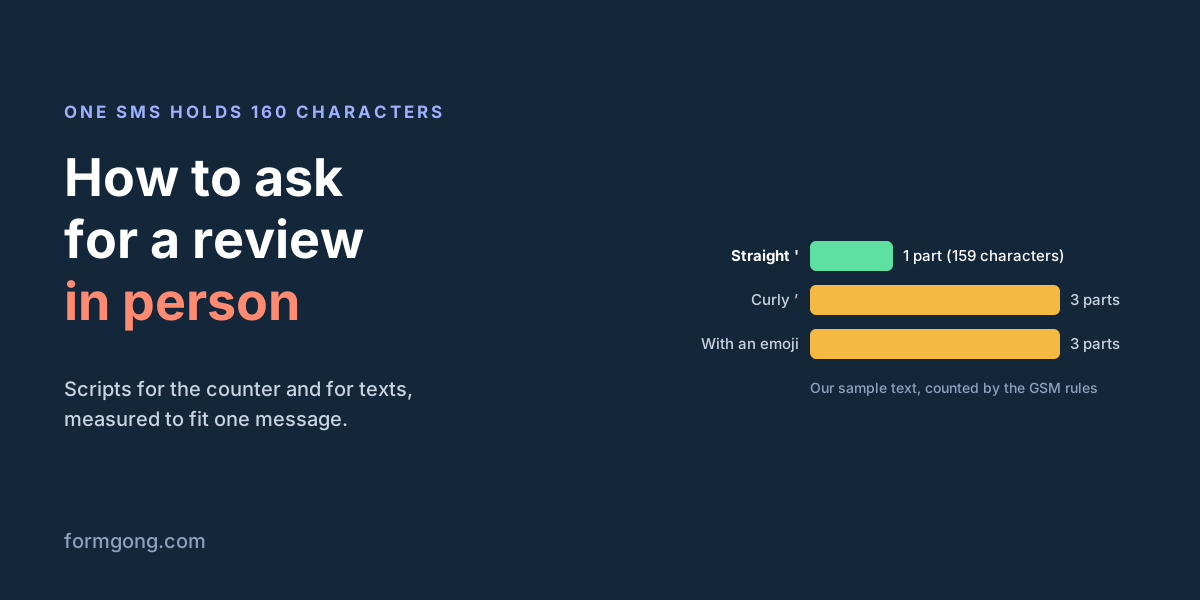
Scripts for asking at the counter, after a job and by text, why a curly apostrophe can triple an SMS, and what Google and Yelp forbid you to say.
File to base64
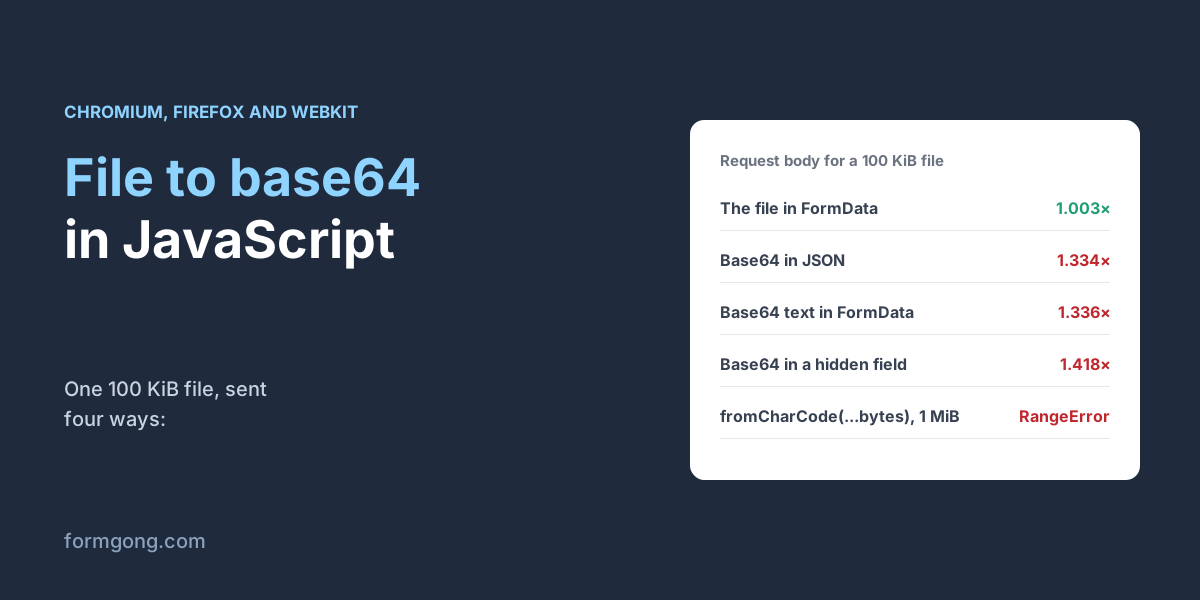
We converted files from 1 KiB to 5 MiB six ways in Chromium, Firefox and WebKit, then measured what base64 does to the size of a form post.
Embed Google Form
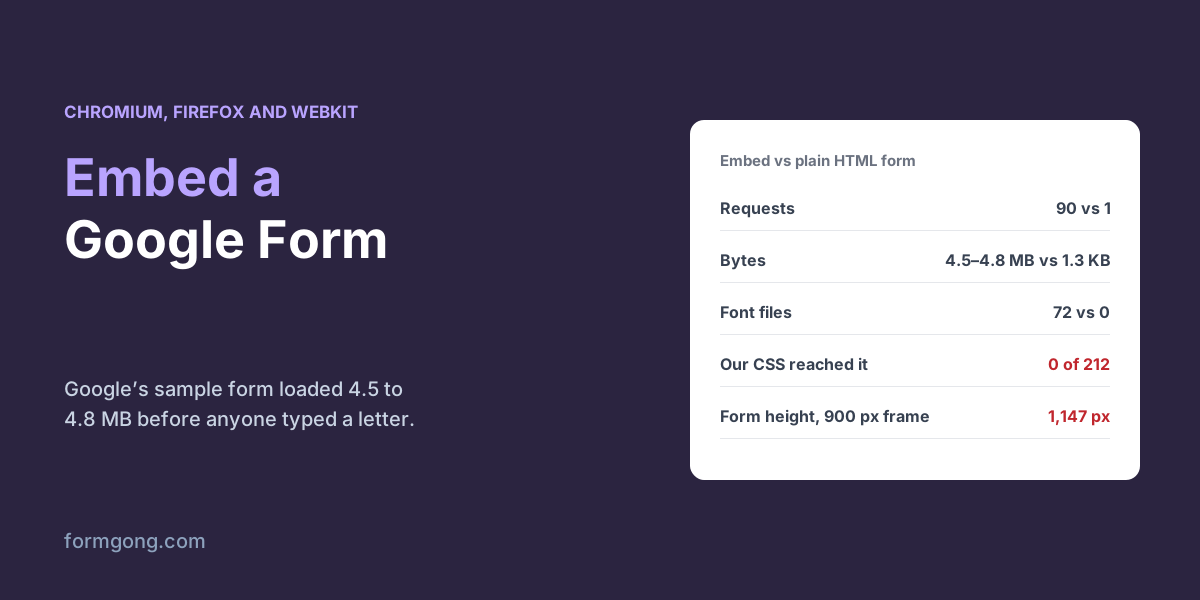
We embedded Google's own sample form in a test page and counted what it loads, what our CSS could change and how tall the frame needs to be.
Getting reviews
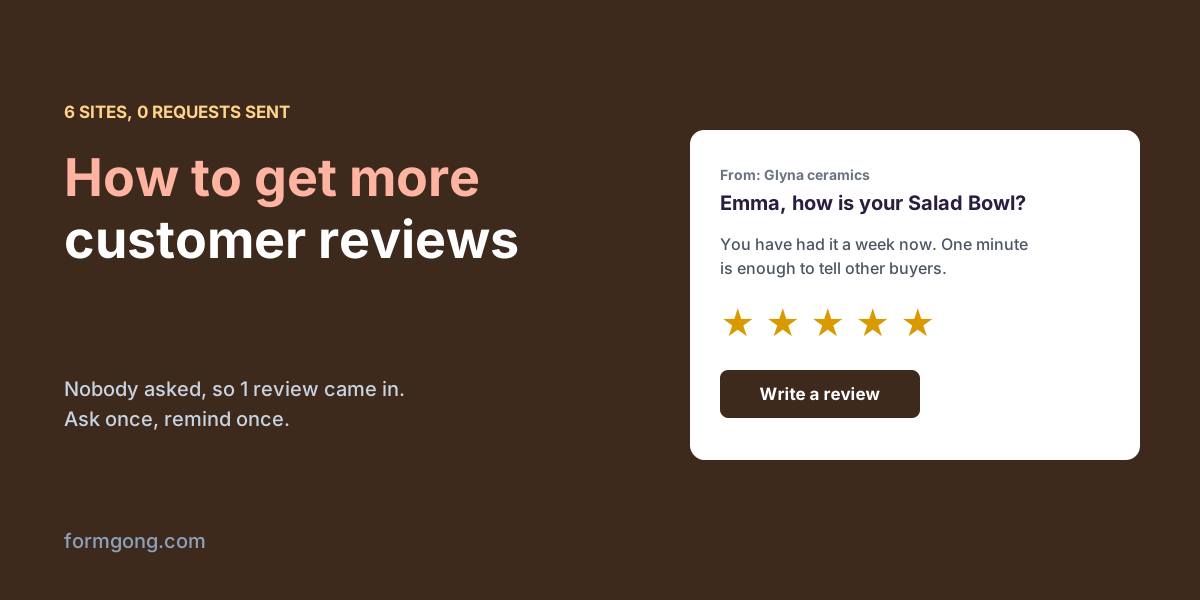
On Formgong, 6 review sites run by outside accounts had sent 0 review requests and had 1 review between them. Here is what to do instead of waiting.
First reviews
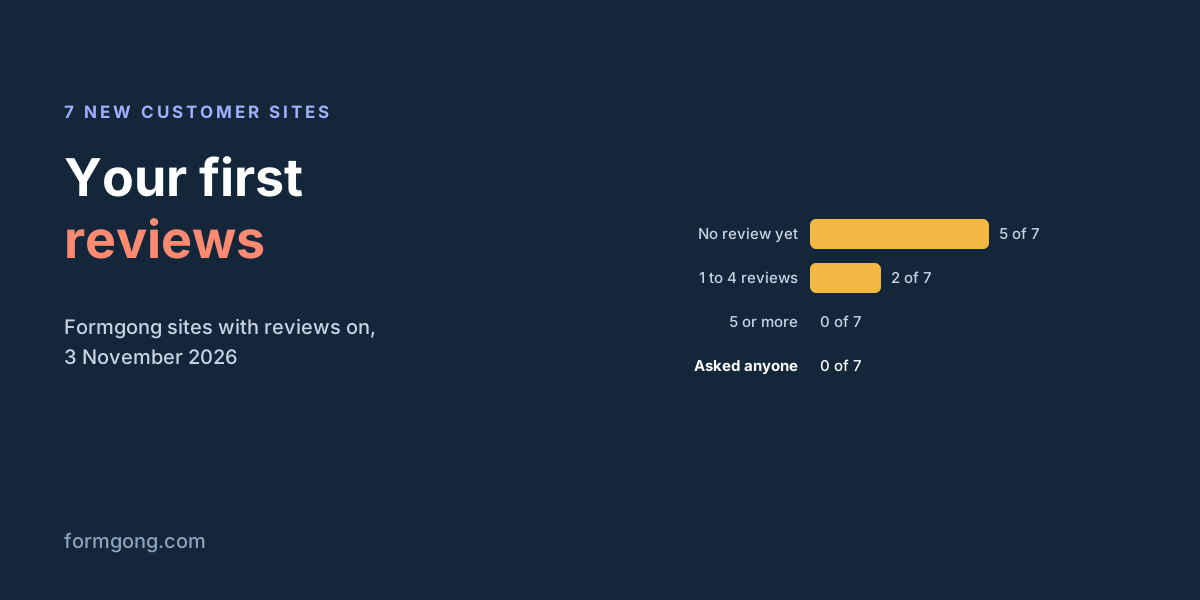
Most new shops wait for reviews to arrive. On 7 new review sites we counted, none had asked anyone yet. How to get the first ones without breaking any rules.
Klaviyo review requests
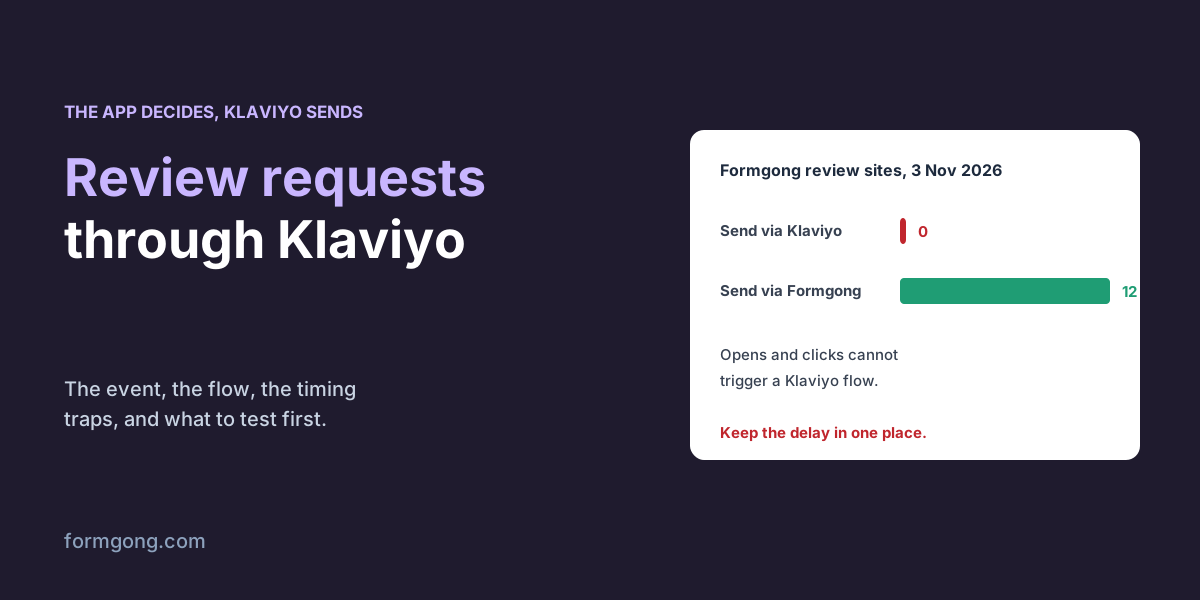
Klaviyo can send your review requests, but it does not decide who is due. Here is how the event and the flow split the work, and where it goes wrong.

reviews on the homepage
We put a review badge, a list and a carousel on a test homepage, fed by our demo shop's real reviews, and looked at what a first-time visitor actually sees.
review tagging
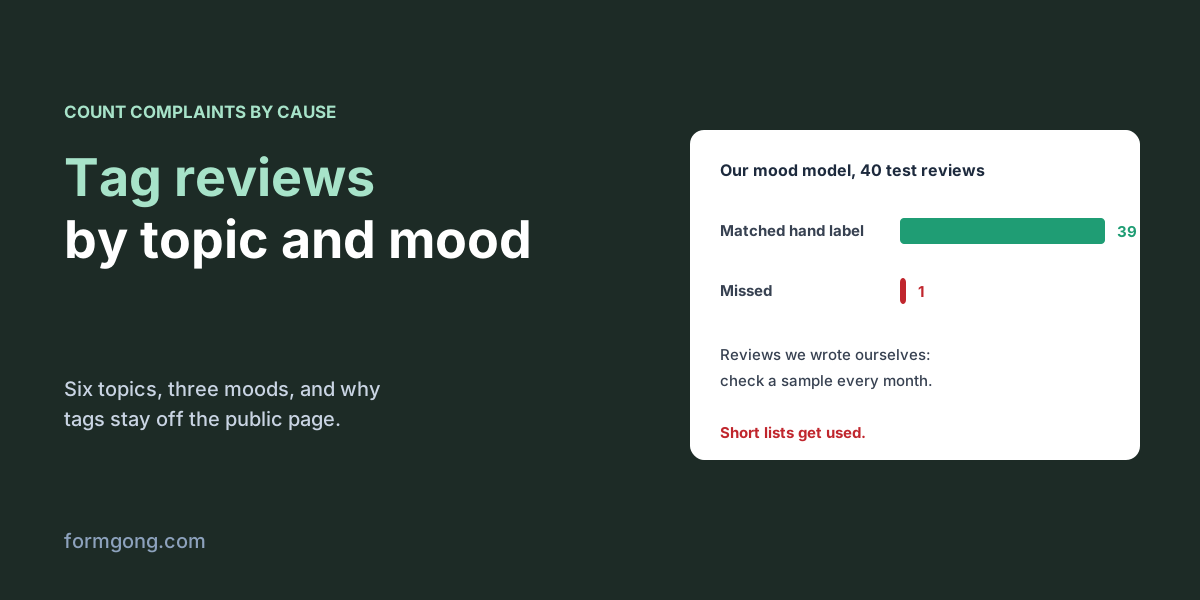
An average of 4.2 tells you nothing about what to fix. Tags on each review do, if you keep the list short and keep them off the public page.
Testing forms
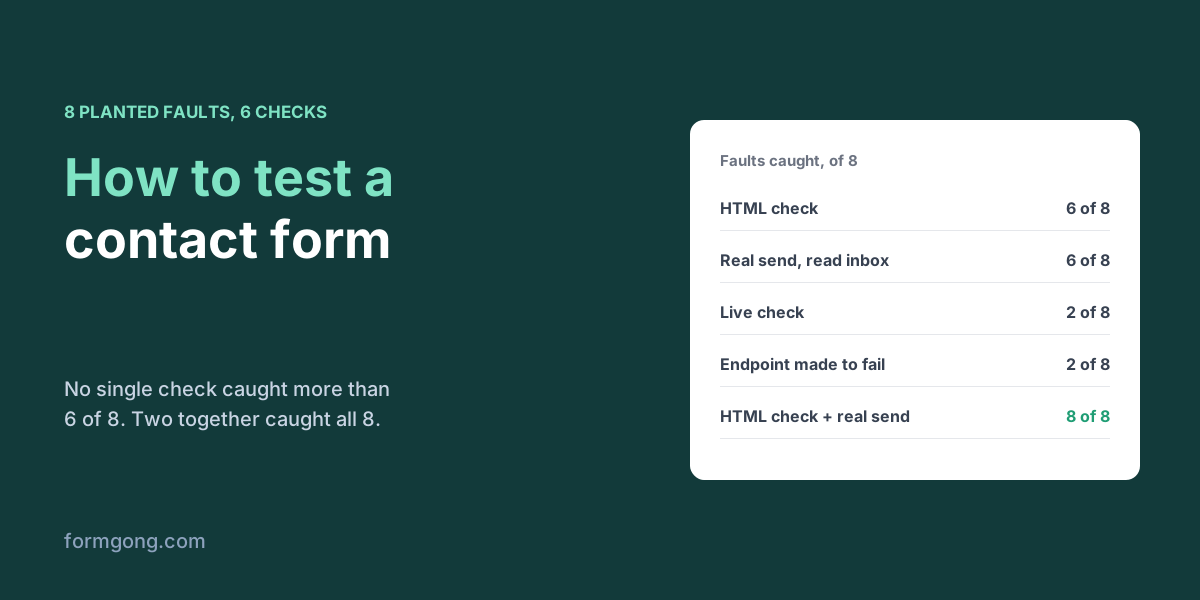
We broke 8 contact forms on purpose, one fault each, then ran five common tests on them to see which test finds which fault.
Review marketing
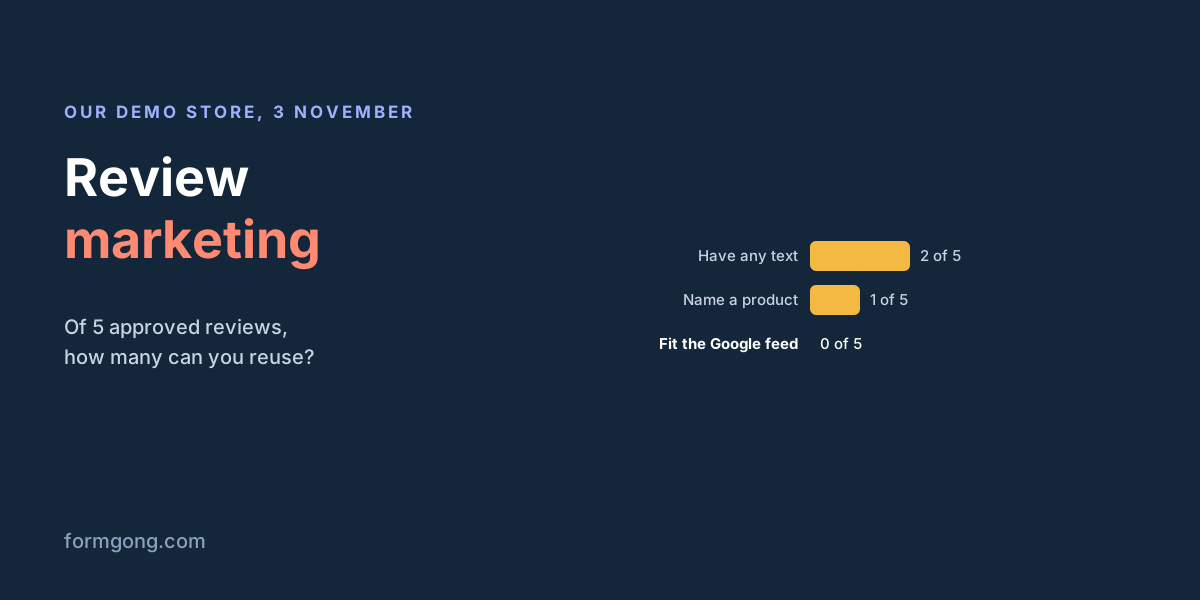
Review marketing means reusing what customers wrote, beyond the product page. Why most reviews can't be reused, and where the good ones work best.
HTML autocomplete attribute
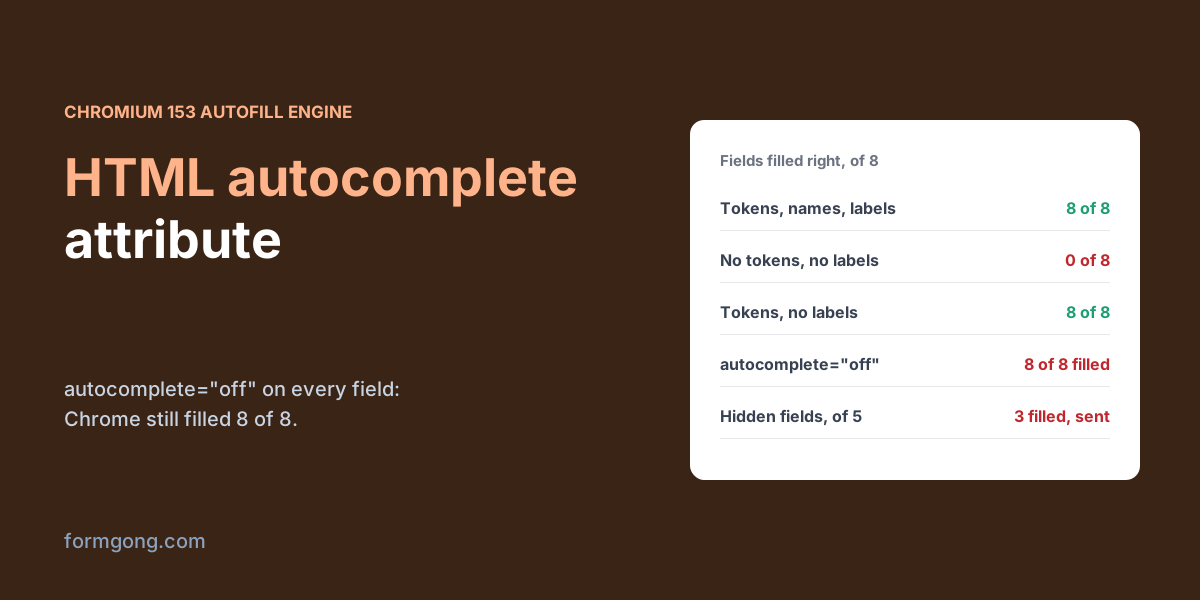
We filled one saved address into twelve versions of the same form with Chrome's own autofill engine to see when the autocomplete attribute changes anything.
HTML button tag
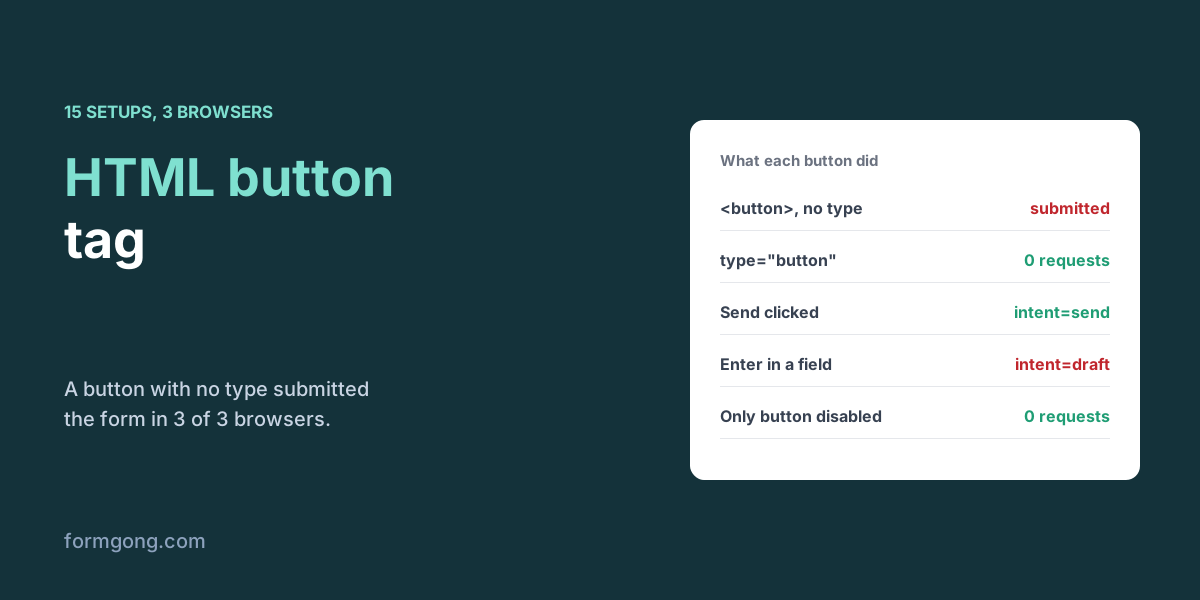
We clicked buttons and pressed Enter in 15 form setups across three browsers to see which ones submit and what each adds to the request.
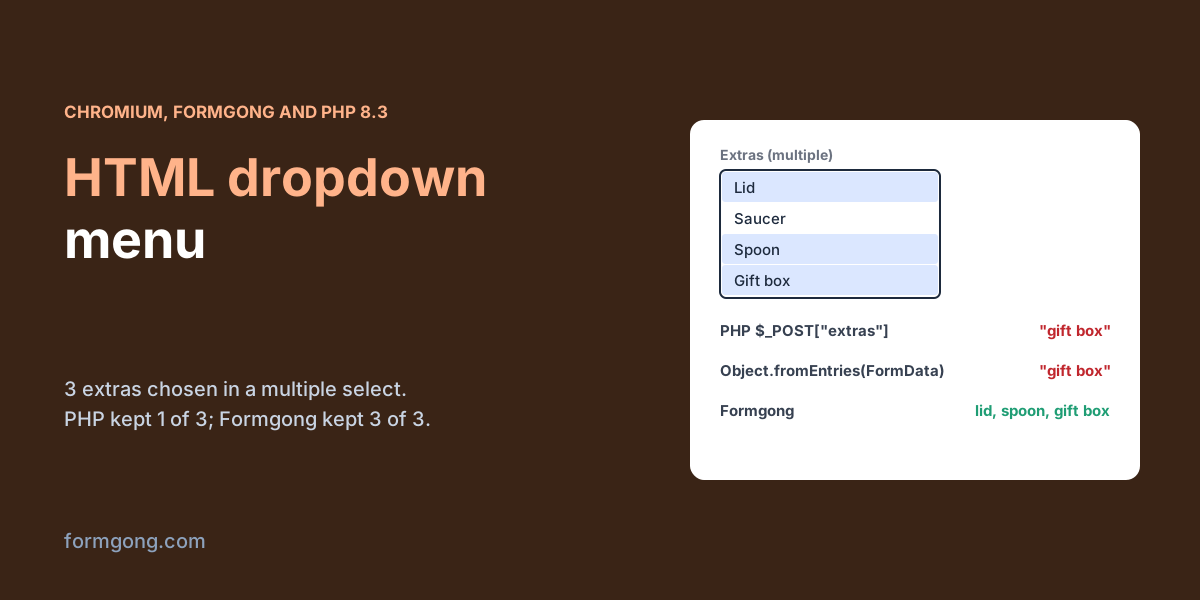
HTML dropdown menu
We built a set of select dropdowns, chose options in Chromium and posted them to our form backend and to PHP, to see which answers arrive and which quietly vanish.
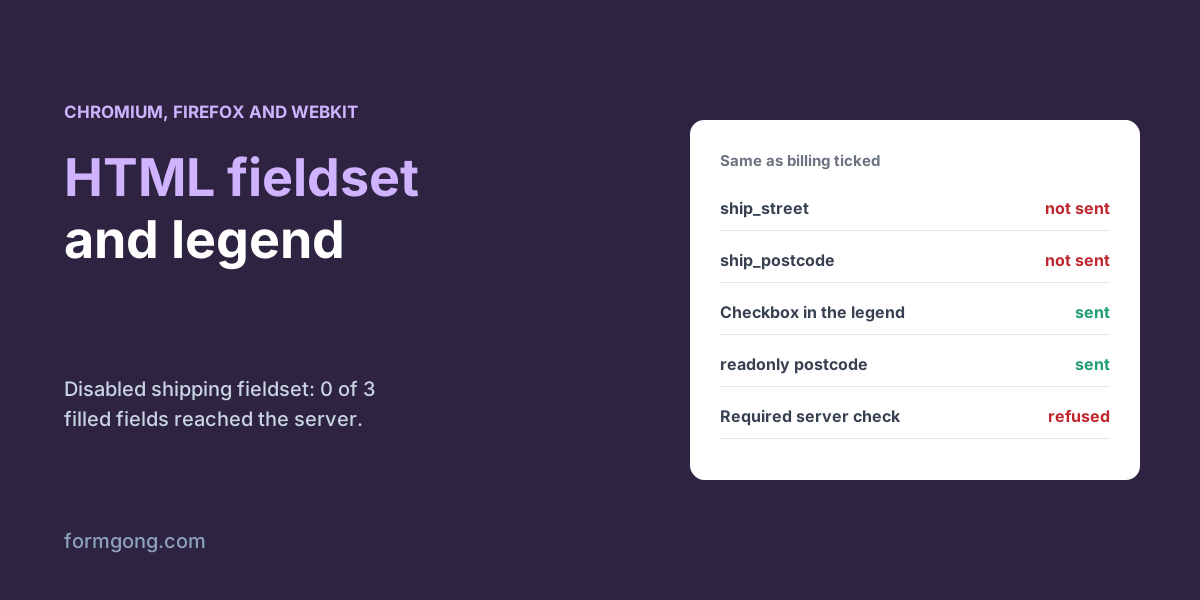
HTML fieldset
We built an order form with billing and shipping fieldsets, switched one off with disabled and posted it in three browsers to see which answers survive.
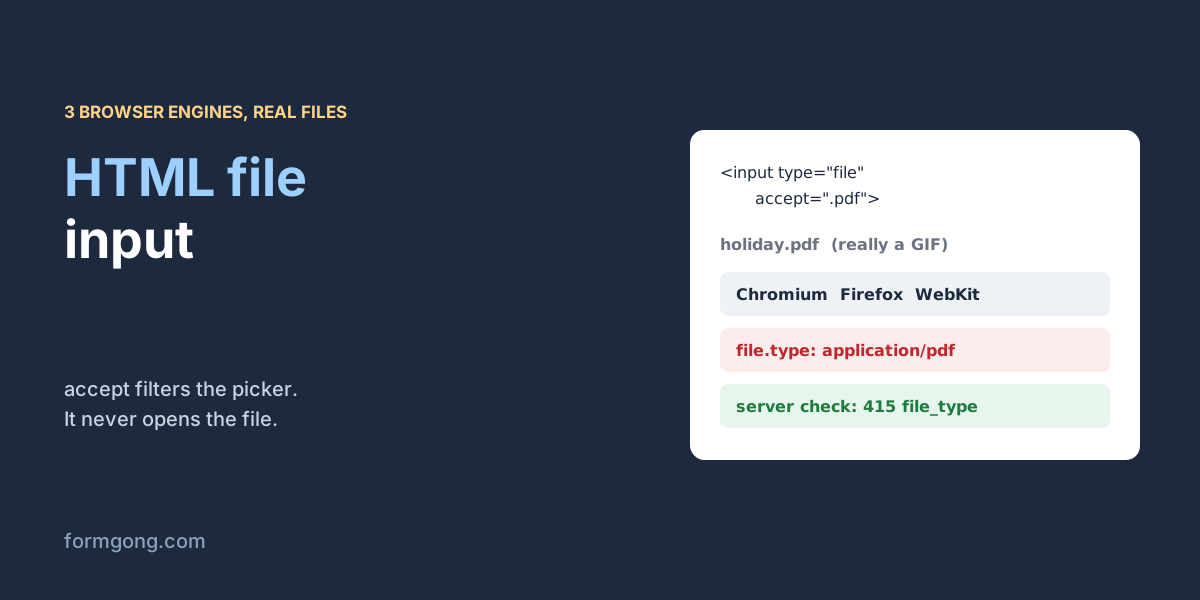
File input
We handed real files to an HTML file input in Chromium, Firefox and WebKit. A GIF renamed holiday.pdf came out as a PDF in all three.
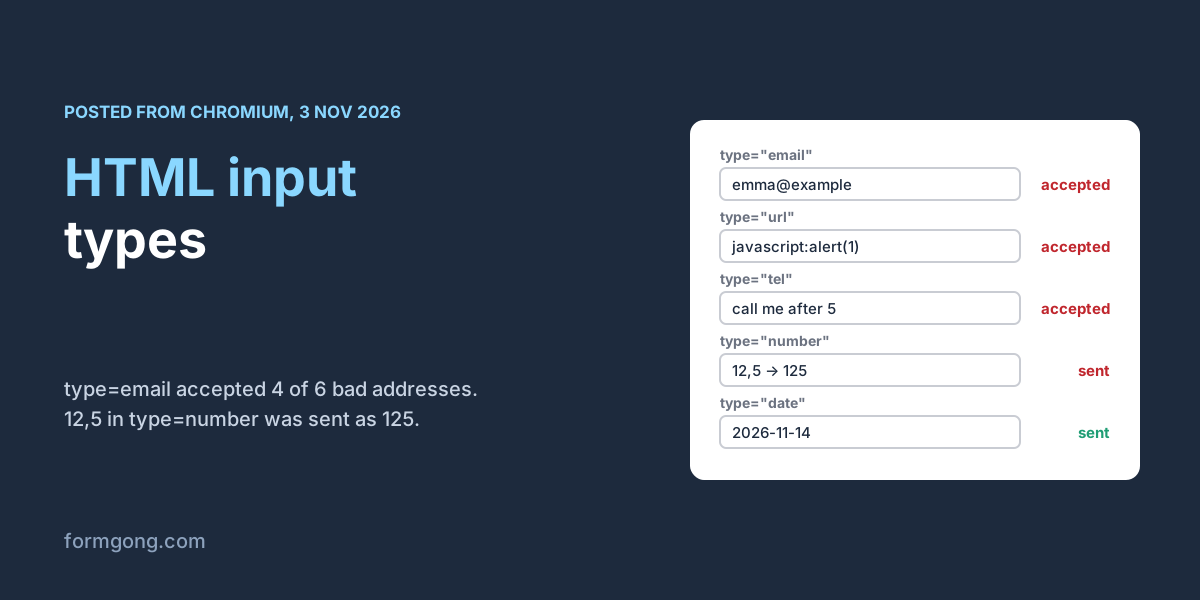
HTML input types
We filled in one input of each type in Chromium, posted the form to a local copy of our form backend, and compared what the browser checked with what the server received.
HTML label
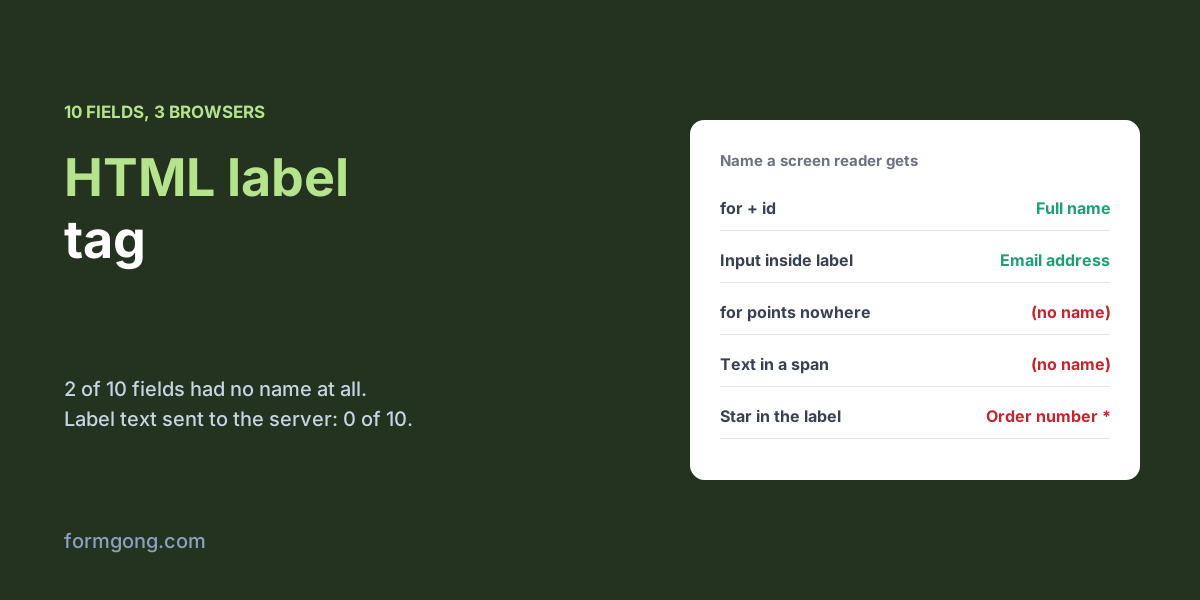
We named ten form fields ten different ways and read back what Chromium, Firefox and WebKit tell a screen reader, what a click does and what the server gets.
HTML radio button
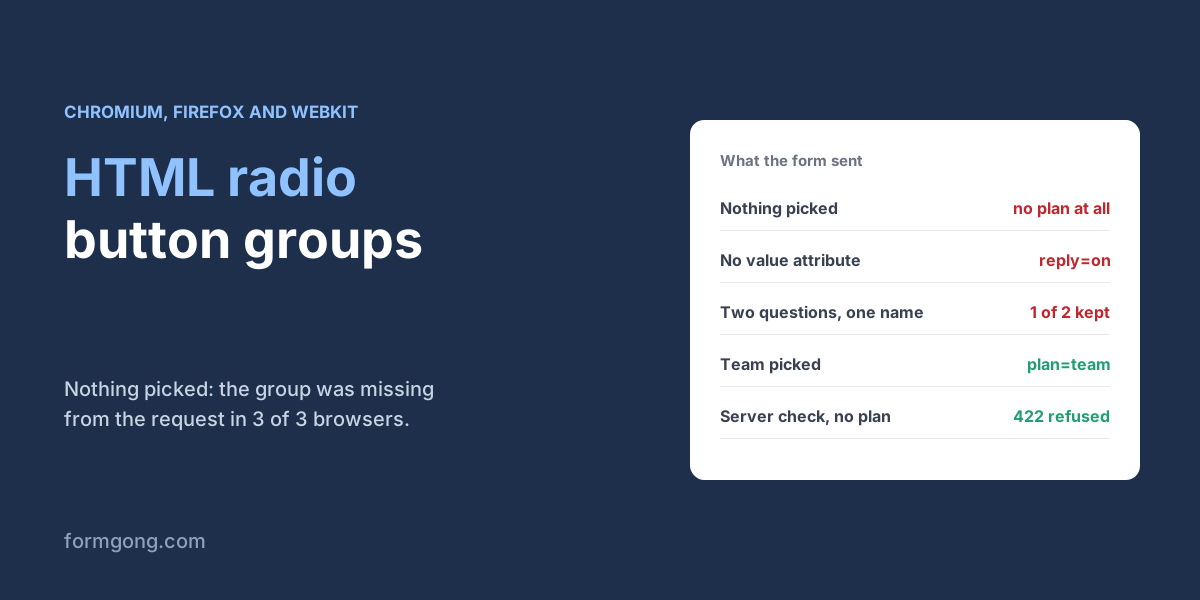
We clicked radio groups in three browsers and posted them to our form backend to see what arrives, what goes missing and what a screen reader is told.
HTML textarea
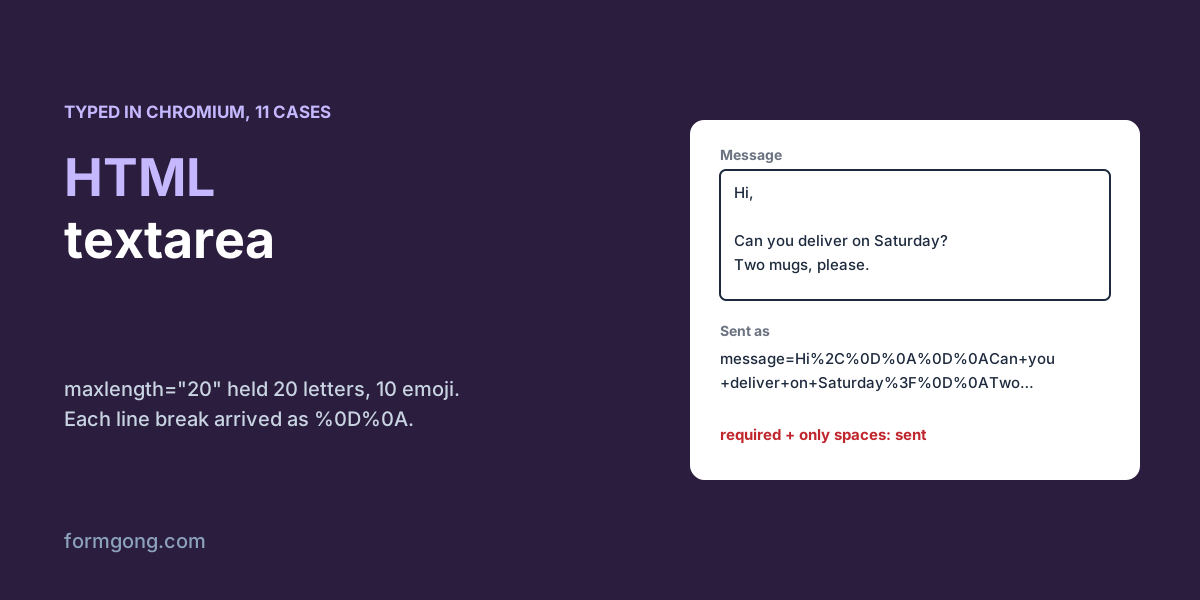
We typed into textareas in Chromium and posted them to a local copy of our form backend, to see what arrives: line breaks, limits, emoji and all.