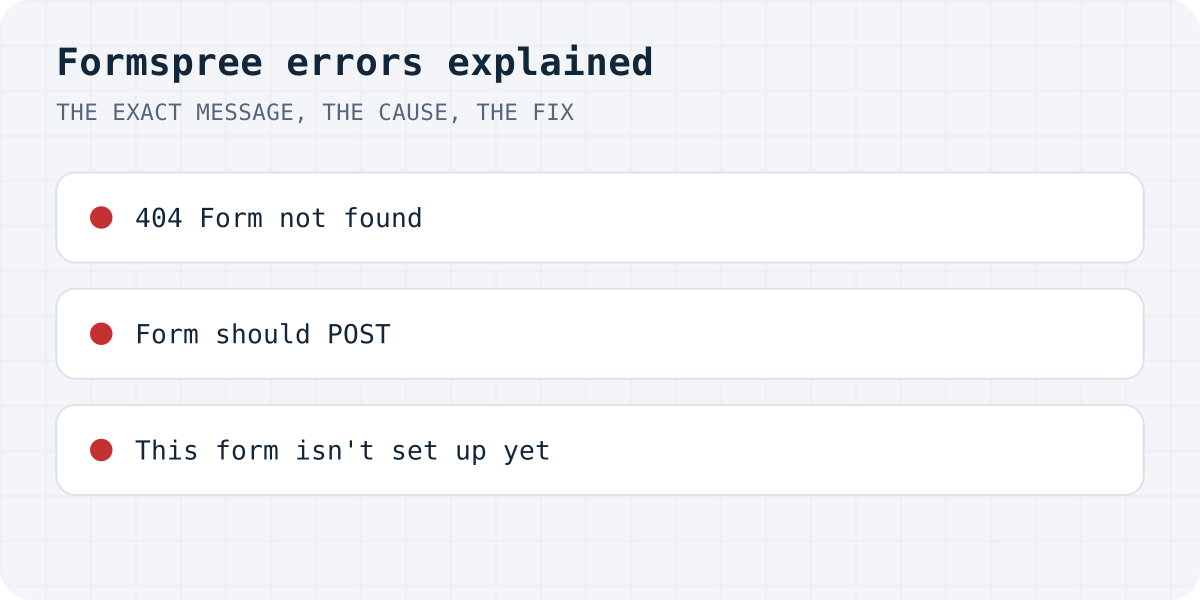
Every response at a glance
Reproduced on 09.10.2026 with a made-up form ID. Formspree answers with an HTML page when a normal form submits, and with JSON when your code sends Accept: application/json, so the same mistake has two texts.
| What you see | How you sent it | Cause |
|---|---|---|
{"error":"Form not found","errors":[{"code":"FORM_NOT_FOUND","message":"Form not found"}]} (404) | fetch with JSON | Wrong or deleted form ID |
| Page: “Form not found. Please check the form hashid” | HTML form | Wrong or deleted form ID |
| Page: “Form should POST. Make sure your form has the method="POST" attribute” | Link, or form without method | The browser sent GET |
{"error":"Please submit POST request."} (405) | fetch with GET | The browser sent GET |
{"error":"Invalid \"Referer\" header"} (400) | Old formspree.io/you@example.com address | No page address sent with the request |
{"error":"This form isn't set up yet"} (404) | Old formspree.io/you@example.com address | That address has no form in Formspree |
“Form not found”: the form ID is wrong
Every Formspree form has an endpoint like https://formspree.io/f/xxxxxxxx. “Form not found” means the part after /f/ does not match a form in any account. The usual causes:
- a typo, or the placeholder
YOUR_FORM_IDleft in the code by a tutorial or an AI builder; - the form was deleted, or created in another Formspree account;
- an environment variable holds the ID locally but is empty on the live site, so the URL ends in
/f/undefined.
Copy the endpoint again from the form's page in the Formspree dashboard and paste the whole URL into the form's action.
<form action="https://formspree.io/f/YOUR_FORM_ID" method="POST">
  <label>Email <input type="email" name="email" required></label>
  <label>Message <textarea name="message" required></textarea></label>
  <button type="submit">Send</button>
</form>
“Form should POST”: add method="POST"
An HTML form without method sends GET, which turns the fields into a URL and opens it. Formspree only accepts POST, so it shows “Form should POST”. The same page appears if you open the endpoint in a browser tab. Add method="POST" to the form; with fetch, set method: "POST", or you get {"error":"Please submit POST request."}.
“Invalid Referer header” and “This form isn't set up yet”
Old tutorials post to https://formspree.io/you@example.com. On that address Formspree answered with Invalid "Referer" header when the request carried no page address, and with This form isn't set up yet when it did. Either way, nothing is delivered. Create a form in Formspree and use its /f/ endpoint instead of an email address.
With fetch, read the answer before you show success
AI-built forms often post with fetch and show “Thanks!” whatever comes back. With a wrong ID, Formspree answers 404 and your visitor still sees the thank-you message. In our test of 105 AI-built sites, 27 forms showed success and sent nothing (the study). Send Accept: application/json, check response.ok, and show Formspree's error text otherwise.
const response = await fetch("https://formspree.io/f/YOUR_FORM_ID", {
  method: "POST",
  headers: { Accept: "application/json" },
  body: new FormData(form),
});
const data = await response.json();
if (!response.ok) throw new Error(data.error); // e.g. "Form not found"
showSuccess();
If you are switching anyway
Formgong works the same way: a form posts to one URL with a key, and the answer says "success": true or explains what is wrong. It differs where it matters for small sites: Telegram alerts on the free plan, 300 submissions a month, data stored in the EU, and pages in 12 languages. See Formgong vs Formspree and the HTML guide; switching means changing the action and adding <input type="hidden" name="access_key">. Our endpoint is https://formgong.com/submit.
Frequently asked questions
What does Formspree “Form not found” mean?
The ID after /f/ in your form's action does not match a form. Copy the endpoint again from the Formspree dashboard; check that the live site does not end in /f/undefined.
Why does Formspree say “Form should POST”?
The form has no method="POST", or you opened the endpoint as a link. Add method="POST" to the form tag.
Can I still use formspree.io/my@email.com?
On our test that address format returned “Invalid Referer header” or “This form isn't set up yet”. Create a form and use its /f/ endpoint.
How do I know a Formspree form really sent?
With fetch, send Accept: application/json and show success only when response.ok is true. Then submit a test and look for it in the Formspree dashboard.
Sources and documentation
Official references for this guide: Formspree: help center, MDN: the form method attribute, MDN: Using the Fetch API. HTML contact form, where data is stored.
Read this article as Markdown