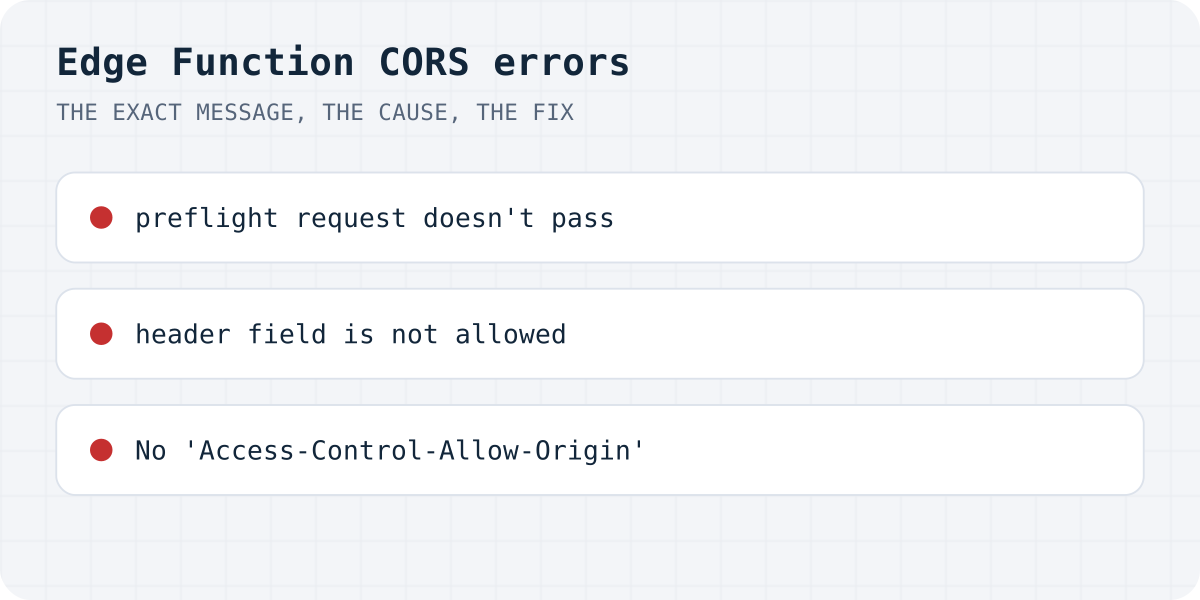
Which message do you see?
We reproduced each case in Chrome on 09.10.2026 with a stand-in function called from a test page. The beginning is always the same, Access to fetch at '…/functions/v1/…' from origin '…' has been blocked by CORS policy:; the end tells you the cause.
| End of the message | Cause | Fix |
|---|---|---|
Response to preflight request doesn't pass access control check: No 'Access-Control-Allow-Origin' header is present on the requested resource. | The function does not answer the browser's OPTIONS request | Return the CORS headers for OPTIONS first |
Request header field authorization is not allowed by Access-Control-Allow-Headers in preflight response. | The allowed headers do not include what supabase-js sends | Allow authorization, x-client-info, apikey, content-type |
No 'Access-Control-Allow-Origin' header is present on the requested resource. (no word “preflight”) | The preflight passed, but the real response has no CORS headers: usually the function threw an error | Add the headers to error responses and read the function logs |
In every case your code only sees TypeError: Failed to fetch. That is why a form that “just shows success” never notices: the request failed before the page could read anything.
1. “Response to preflight request doesn't pass”
A contact form posts JSON with an Authorization header, so the browser first sends an OPTIONS request and asks whether that is allowed. If your function treats OPTIONS like a normal call (it tries to read a JSON body, fails, and answers with an error and no headers), the browser stops there. Answer OPTIONS at the very top of the function with the CORS headers and nothing else.
2. “Request header field … is not allowed”
supabase.functions.invoke() sends authorization, apikey and x-client-info, plus content-type. If Access-Control-Allow-Headers lists only content-type, Chrome names a header that is missing (in our test, authorization). Use the header list Supabase ships: import corsHeaders from @supabase/supabase-js/cors (version 2.95.0 or later), or copy the object below on older versions.
// supabase/functions/_shared/cors.ts, for supabase-js older than 2.95.0
export const corsHeaders = {
  "Access-Control-Allow-Origin": "*",
  "Access-Control-Allow-Headers": "authorization, x-client-info, apikey, content-type",
  "Access-Control-Allow-Methods": "POST, OPTIONS",
};A function that avoids all three
Answer OPTIONS first, put the CORS headers on every response, and catch errors so they come back as JSON the page can show. This follows Supabase's CORS guide.
On the page, show success only when the function answered ok: true, and show the error otherwise. In our test of 105 AI-built sites, 27 forms showed success and sent nothing (the study).
// supabase/functions/contact/index.ts
import { corsHeaders } from "npm:@supabase/supabase-js@^2/cors"; // supabase-js 2.95.0 or later

Deno.serve(async (req) => {
  // 1. Answer the browser's preflight.
  if (req.method === "OPTIONS") return Response.json({ ok: true }, { headers: corsHeaders });

  try {
    const { name, email, message } = await req.json();
    // ... store the message or send the email here ...
    return Response.json({ ok: true }, { headers: corsHeaders });
  } catch (err) {
    // 2. Errors need the CORS headers too, or the browser hides them behind a CORS error.
    const text = err instanceof Error ? err.message : String(err);
    return Response.json({ error: text }, { status: 500, headers: corsHeaders });
  }
});
Or post the form somewhere that already allows it
If the function exists only to receive a contact form, you can drop it. A form backend accepts cross-origin posts from any site and keeps no secret in your code. Formgong takes the post at https://formgong.com/submit with a public access key, answers with JSON, and sends each message to Telegram and email (300 a month free). The Resend errors guide covers the email side if you keep the function.
Frequently asked questions
Why does my Supabase Edge Function fail with CORS only from the browser?
Browsers enforce CORS, curl and Postman do not. The browser sends an OPTIONS preflight first; the function must answer it with Access-Control-Allow-Origin and the allowed headers.
Which headers does supabase.functions.invoke need?
authorization, x-client-info, apikey and content-type. Import corsHeaders from @supabase/supabase-js/cors (2.95.0 or later) to get the current list.
The preflight works but I still get a CORS error. Why?
Usually the function threw an error and returned it without CORS headers, so the browser hides it. Check the function logs and add the CORS headers to error responses.
Does mode: 'no-cors' fix it?
No. It sends the request but makes the response unreadable, so your page cannot tell success from failure. Fix the headers on the function instead.
Sources and documentation
Official references for this guide: Supabase: CORS support for Edge Functions, MDN: Cross-Origin Resource Sharing, MDN: Preflight request. HTML contact form, where data is stored.
Read this article as Markdown