First, find out how your form sends email
Lovable can wire a contact form in several ways, and each one fails differently. Before you fix anything, find out which one your project uses:
- A Lovable Cloud edge function that calls Resend or another email API. This is the most common setup.
- Lovable Emails, the built-in app emails on paid plans, sent from your own domain.
- A form backend such as Formgong or Formspree. The form posts straight to the service.
- Nothing at all. The button only shows a toast. This happens more often than you would think.
Open your site, press F12, and go to the Network tab. Submit the form once. If no request appears, you have the last case. If a request appears, click it and read the status code and response.
Six causes and how to fix them
- The form sends nothing. The success message is shown on click, not after a response. Ask Lovable to connect the submit handler to a real request and to show success only after a 2xx response.
- Resend's test sender. Mail from
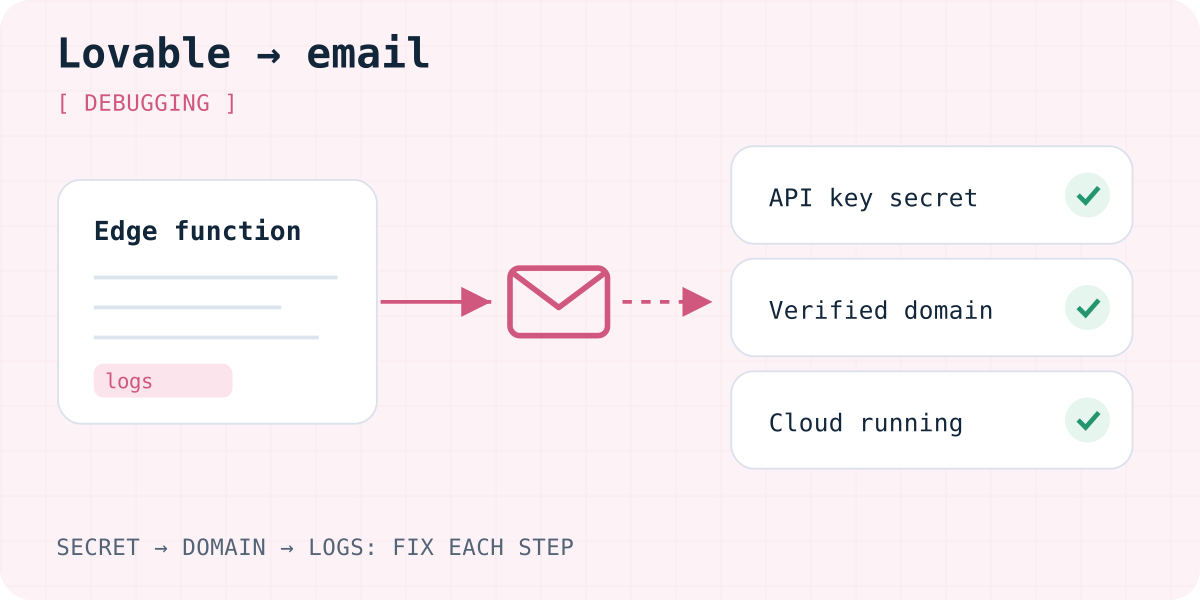
onboarding@resend.devonly reaches the email address that owns the Resend account. Other recipients get a 403 error: “You can only send testing emails to your own email address”. Verify your domain in Resend, then change thefromaddress to that domain. - A missing secret or connector. The edge function reads its API key from project secrets. If the key was skipped, deleted or pasted with an extra character, every send fails. Check More → Cloud → Secrets and the connector link, then save the key again.
- The edge function fails. A CORS error in the browser console usually means the function does not answer the preflight
OPTIONSrequest. Also check that Cloud is not paused: paused projects cannot run edge functions. - Row-level security blocks the insert. Some forms save the message to a table first and send email afterwards. Without an insert policy, the database answers “new row violates row-level security policy”, and nothing is sent. Add an insert-only policy for that table; do not allow public reads.
- The email arrives, but in spam or late. Check the spam folder and the provider's activity log. Lovable Emails also has hourly limits: 100 app emails an hour on Pro (as of 03.10.2026).
Where to look in Lovable
Lovable keeps backend logs for the last five days. Open More → Cloud → Edge functions, pick the function and press View logs. Each failed run shows its error. The Logs view also has database and auth logs, which is where an RLS error appears.
If you send through Resend, open its activity log as well. A send that reached Resend but bounced is a different problem from one that never left your function. You can paste a log line into the Lovable chat and ask for a fix.
A prompt that makes Lovable find the problem
Vague prompts like “fix the form” often produce a new form with the same bug. Ask for evidence first. Paste this into your project chat:
My contact form shows a success message, but no email arrives.
1. Show me exactly what runs when the form is submitted: the request URL, the edge function name, and the email provider call.
2. Check the edge function logs for the last test submission and quote the error.
3. Only show the success message after the request returns a 2xx response. On error, keep the visitor's input and show a message.
Do not change the form's design or field names.
Or skip the email code entirely
A contact form does not need its own email pipeline. You can let a form backend receive the post and send the notification. Then there is no Resend key, no edge function and no RLS policy to get wrong.
With Formgong, the form posts to https://formgong.com/submit with a public key. Submissions are stored in an inbox, sent by email and, if you like, to Telegram. The Free plan includes 300 submissions a month. Our guide how to add a working contact form in Lovable has a ready prompt, and the Lovable integration docs cover details. Formspree and Web3Forms work the same way; the form backend comparison shows the differences.
If the email still does not arrive after switching, our general checklist on why a contact form is not sending email walks through each hop.
Frequently asked questions
Why does my Lovable form say sent when no email arrives?
The success message is often shown when the button is clicked, not after the server answers. Check the Network tab: if there is no request or it fails, the message is misleading. Ask Lovable to show success only after a 2xx response.
Why do I only get test emails at my own address?
Resend's shared sender onboarding@resend.dev only delivers to the Resend account owner. Verify your own domain in Resend and send from an address on that domain.
Do I need Resend for a Lovable contact form?
No. You can use Lovable Emails on a paid plan, or a form backend that sends the notification for you. Either way, no email API key goes into your code.
Where do I see edge function errors in Lovable?
Open More, then Cloud, then Edge functions, choose the function and press View logs. Failed runs show the error message, which you can paste into the chat.
Why does saving the form fail with a row-level security error?
The table has RLS on but no policy that allows inserts from visitors. Add an insert-only policy for that table and keep reads private.
Sources and documentation
Official references for this guide: Lovable: Resend connector, Lovable: Secrets, Lovable: Edge functions, Lovable: Logs, Lovable: Emails, Resend: 403 error with resend.dev, Supabase: Row Level Security, Supabase: CORS for Edge Functions. Formgong for Lovable, where data is stored.
Read this article as Markdown