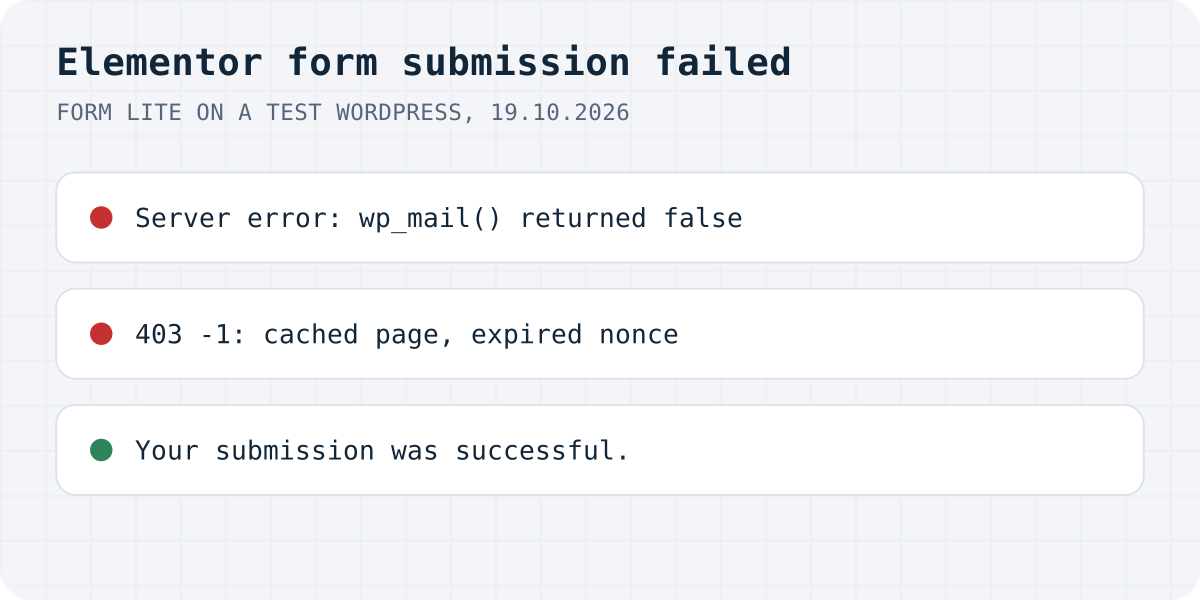
Four default messages
<br> that the page printed as text.We tested the free Form Lite widget, which Elementor ships in its Hello Plus plugin, because the Pro Form widget needs a paid licence. Form Lite's code defines four default messages: “Your submission was successful.”, “Your submission failed because of an error.”, “Your submission failed because the form is invalid.” and “Your submission failed because of a server error.” If your form uses Elementor Pro and the wording is the same, the causes below are a good place to start, but we did not run Pro itself.
| What the visitor sees | What happened | Where to look |
|---|---|---|
| Your submission failed because of a server error. Your submission failed because of an error. | wp_mail() returned false | Mail setup, From address |
| The same two sentences | The From address was not a valid email (email@localhost on our local test) | From Email in the form's email settings |
| TypeError: Cannot read properties of undefined (reading 'errors') | The request got 403 with the body -1: the security token on the page had expired | Page cache |
| Your submission failed because the form is invalid. | The form could not be found or has no fields | Form widget, global widgets, templates |
| Your submission was successful. | wp_mail() returned true | If no email arrives: the spam folder |
“Server error”: WordPress could not send the email
In Form Lite, the email action calls wp_mail(), and when that returns false it adds the server-error message. Then the form handler adds the general “failed because of an error” message on top, which is why we saw both sentences at once. Elementor's help page on form server errors describes the same chain from the other side: Elementor sends with WordPress's wp_mail, and hosts can switch off the PHP function behind it to stop spam.
On our test server there was no mail program, and WordPress logged “Could not instantiate mail function.” When we replaced the mail step with a stand-in that reports success, the same form answered “Your submission was successful.”, so the fields and the widget were fine. Elementor's help page lists these fixes for the mail step:
- Install an SMTP plugin and send through a real mail server. Elementor suggests sending a test email with a different mailer to see whether the host is the problem.
- Set the form's From Email to an address on your site's domain, and use Reply-To for the visitor's address.
- Check Elementor's form submissions screen, if you have it, to confirm the form itself is saving entries.
To see the real reason instead of guessing, log the wp_mail_failed hook. Our Contact Form 7 guide has a five-line must-use plugin that writes it to a file. It works for any form plugin that sends through wp_mail().
The From address can cause it on its own
Our first test failed before mail was even attempted. The test site ran on localhost, the form's From Email came out as email@localhost, and WordPress's mailer refused it with “Invalid address: (From): email@localhost”. The visitor saw exactly the same two sentences as with a missing mail server.
A live site will not get that exact address, but the lesson holds: a From address the mailer cannot accept fails the same way, and the visitor cannot tell it from a mail-server problem. A typo, an old domain after a move, or the visitor's own address put into From are the usual suspects. Elementor's help page asks for an address on the same domain as the site.
A red message about undefined “errors”: a cached page
The form sends a security token (a WordPress nonce) with each submission, and the server checks it before anything else. A page cache can serve a copy of the page that is older than the token's lifetime. We replaced the token on the page before sending, which is what a stale cached copy does. The request got 403 with the body -1, and the form printed “TypeError: Cannot read properties of undefined (reading 'errors')” in red, a JavaScript error message that a visitor cannot make sense of.
If the error comes and goes, or appears only for visitors who are not logged in, exclude the contact page from the page cache or lower its cache lifetime, then purge the cache. Logged-in admins usually skip the cache, which is why the form keeps working when you test it yourself.
Admins see more than visitors
When you are logged in as an administrator, the form can show extra lines that visitors never see. Form Lite adds “This message is not visible to site visitors.” under such admin-only details. Elementor's help centre has a separate page for “This Message Not Visible For Site Visitors” and ties it to field mapping between the form and MailChimp. Test the form once logged in to read those details, and once in a private window to see what a customer sees.
For “the form is invalid” and the bare “An error occurred”, Elementor's help page points to a broken integration with an email marketing service, wrong field mapping, and fields without an ID. Each field's ID is under the field's Advanced tab, and Elementor's server-errors page adds that IDs must be unique.
Where the message goes when the email fails
In Form Lite, saving submissions to the database is not part of the widget itself. The code registers Elementor Pro's “Save to database” action only when it is available, and describes “Collect Submissions” as an upgrade to Elementor Pro. On our test site without Pro, every failed email meant the message was gone.
If you rely on the form for leads, keep a copy of each submission somewhere other than the email. With Elementor Pro that is its Submissions screen. Without it, fix the mail first and send yourself a test after every plugin or hosting change.
Or let something else send the email
Every “server error” fix above is about getting WordPress to send email. If the form is the only thing on your site that sends email, you can skip setting that up.
That is the problem we built Formgong around. The Formgong plugin for WordPress adds a form block and a shortcode, and the form posts to Formgong instead of going through your host's mail. Each submission lands in a web inbox first, then goes out by email and, if you want, to Telegram. If an email bounces, the message is still in the inbox. Formgong also has an AI help chat that answers visitors from your own pages, a review widget (we do not verify purchases, so you approve each review), and free templates with the form already connected.
Still failing?
Which message did your form show, and was it Elementor Pro or Form Lite? Write to support@formgong.com with the message you see and what your browser's Network tab shows for the request. If it is a case we have not covered, we will reproduce it and add it here.
Frequently asked questions
What does “Your submission failed because of a server error” mean in Elementor?
WordPress could not send the notification email: wp_mail() returned false. Common causes are a host with PHP mail switched off and an invalid From address. An SMTP plugin and a From address on your own domain fix most cases.
Why does my Elementor form show two error messages at once?
On our Form Lite test, a failed email added the server-error message and then the form handler added the general error message to the same reply. Both point to the email step.
Why does my Elementor form say Cannot read properties of undefined (reading 'errors')?
On our test it appeared after the request got 403 with the body -1, which happens when the page's security token has expired, for example on a cached page. Exclude the form page from the cache and purge it.
Does Elementor save form submissions if the email fails?
Elementor Pro has a Submissions screen. The free Form Lite widget only saves submissions through Elementor Pro's action, so without Pro a failed email means the message is lost.
Sources and documentation
Official references for this guide: Elementor: Troubleshooting forms server errors, Elementor: Form Invalid error, Elementor: “Not Visible For Site Visitors” error, Elementor: Form Lite widget. WordPress, where data is stored.