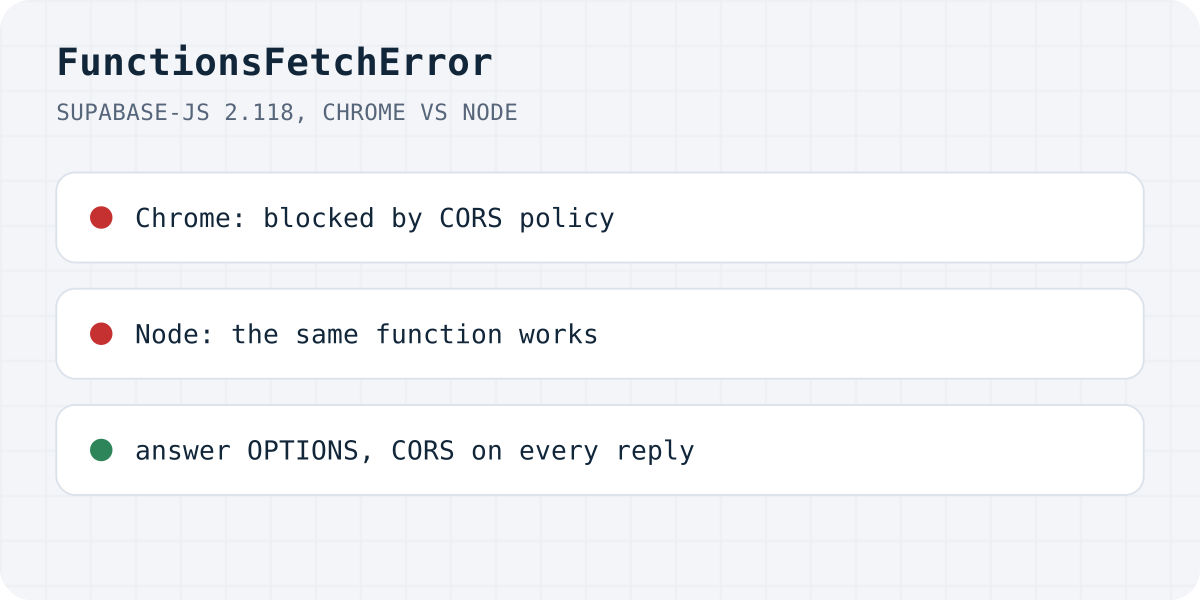
What the browser showed
supabase-js has two errors that look alike. “Edge Function returned a non-2xx status code” (FunctionsHttpError) means your function answered with an error, and its answer is in error.context. “Failed to send a request to the Edge Function” (FunctionsFetchError) means there was no answer to read at all. Under it, error.context is just the browser's TypeError: Failed to fetch, which says nothing either.
Supabase's own troubleshooting page for 404s says browsers misreport them as generic CORS errors, and that the client shows this message for them. So the sentence tells you that something stopped the request, not what.
How we reproduced it
On 20.10.2026 we ran a small server with Deno 2.9.7 that answers /functions/v1/<name> the way the functions below are written. It stands in for a Supabase project; it is not Supabase. Then we called each function with supabase.functions.invoke() from @supabase/supabase-js 2.118.0, once from Node 24 and once from a page on another origin in Chromium 153:
| Case | Node | Chrome | Chrome console line before the error |
|---|---|---|---|
| Function with CORS and an OPTIONS branch | works | works | none |
| No CORS headers at all | works | FunctionsFetchError | Response to preflight request doesn't pass access control check |
| CORS headers on success, no OPTIONS branch | works | FunctionsFetchError | Response to preflight request doesn't pass access control check |
| Crashes on a missing secret after the preflight | FunctionsHttpError, 500 | FunctionsFetchError | No 'Access-Control-Allow-Origin' header is present on the requested resource (no word “preflight”) |
| Typo in the function name (404 without CORS) | FunctionsHttpError, 404 | FunctionsFetchError | Response to preflight request doesn't pass access control check |
| Nothing listening on that port | FunctionsFetchError, ECONNREFUSED | FunctionsFetchError | net::ERR_CONNECTION_REFUSED |
| Made-up project URL | FunctionsFetchError, ENOTFOUND | FunctionsFetchError | net::ERR_NAME_NOT_RESOLVED |
Two of these functions worked from Node and failed in Chrome, and two more gave Node a readable 500 or 404 while Chrome got nothing. Browsers enforce CORS and Node does not, so “it works in Postman and curl” proves little here. In all six Chrome failures the error object was the same; only the console line above it differed.
Causes, most likely first
- The function does not answer the preflight. supabase-js sends
authorization,apikey,x-client-infoand a JSON content type, so the browser always sends an OPTIONS request first. A function that skips the OPTIONS branch, or callsreq.json()on it and crashes on the empty body, fails here. This is the case in the figure. - The function crashed. An uncaught error makes the runtime answer 500 without your CORS headers, and the browser hides that 500. A secret that exists in your local
.envbut was never set for the deployed function is the classic trigger. - The name is wrong or the function is not deployed. Supabase's 404 page lists typos, capital letters, an en dash instead of a hyphen, and extra slashes. It also describes
NOT_FOUND_FUNCTION_BLOB, a deployed bundle that cannot be found even though the dashboard says the function is active; the fix is to redeploy. - The project URL is wrong. A missing or stale
VITE_SUPABASE_URL(or similar) after a deploy givesERR_NAME_NOT_RESOLVED. - Nothing is running. Locally,
supabase functions servewas not started or listens on another port:ERR_CONNECTION_REFUSED. Ad blockers and company proxies can produce the same symptom in the browser.
To see which one you have, open the Network tab and send again. If there is a red OPTIONS request, it is case 1, 3 or 4. If OPTIONS is fine and the POST failed, the function crashed: read its logs in the Supabase dashboard.
Fix the function
Answer OPTIONS first and return CORS headers on every response, including errors. Supabase's CORS guide imports the headers from supabase-js 2.95 and later; older examples define the same object by hand in _shared/cors.ts. In our run, the only function that worked from Chrome was the one built this way: OPTIONS first, CORS headers on every answer.
// supabase/functions/contact/index.ts
import { corsHeaders } from "npm:@supabase/supabase-js@^2/cors";

Deno.serve(async (req) => {
  // 1. Answer the preflight before anything else. No body parsing here.
  if (req.method === "OPTIONS") return new Response("ok", { headers: corsHeaders });

  try {
    const { email, message } = await req.json();
    if (!email) {
      return Response.json({ error: "Email is required" }, { status: 400, headers: corsHeaders });
    }
    // … send the email …
    return Response.json({ ok: true }, { headers: corsHeaders });
  } catch (err) {
    // 2. A crash must still carry CORS headers, or the browser hides it.
    console.error(err);
    return Response.json({ error: "Could not send the message" }, { status: 500, headers: corsHeaders });
  }
});
Tell the cases apart in the client
Branch on the error class, so the next failure says something useful. FunctionsRelayError is the third class supabase-js exports, for a failure between Supabase and your function.
import { FunctionsFetchError, FunctionsHttpError, FunctionsRelayError } from "@supabase/supabase-js";

const { data, error } = await supabase.functions.invoke("contact", { body: { name, email, message } });

if (error instanceof FunctionsFetchError) {
  // No answer the browser let you read. Look at the console line above this one:
  // "blocked by CORS policy", ERR_NAME_NOT_RESOLVED or ERR_CONNECTION_REFUSED.
  console.error("request did not get through", error.context);
} else if (error instanceof FunctionsHttpError) {
  // The function answered 4xx or 5xx. Its own message is in the body.
  console.error("function said", error.context.status, await error.context.text());
} else if (error instanceof FunctionsRelayError) {
  console.error("Supabase could not reach the function", error.message);
}
In Lovable and other AI builders
Apps built with Lovable, Bolt and similar tools call Edge Functions from the browser, so they hit this message often, sometimes as “failed to send a request to the edge function lovable” in search. The causes are the same. Ask the builder to add the OPTIONS branch and the CORS headers to every function, and check that the secrets the function needs are set in Supabase, not only in the editor. Our Lovable form guide covers the email side.
Or skip the function for a contact form
If the Edge Function exists only to email you what a visitor typed into a form, you can drop it. A form that posts to https://formgong.com/submit needs no preflight handling, no secrets and no deploy.
That is the job Formgong does. The form posts to Formgong, each message lands in a web inbox first, and then goes out by email (and to Telegram or Slack if you want). If an email bounces, the message is still in the inbox. There is no API key in your code and no function to deploy. The same account gives you an AI help chat that answers visitors from your own pages, a review widget, and free templates with the form already connected. The HTML guide shows the form.
Still failing?
Did the console show one of the lines in our table, or something else? Write to support@formgong.com and send us that console line and the status of the OPTIONS request in the Network tab. If it is a case we have not covered, we will try to reproduce it and add it here. And if something on this page sent you down the wrong path, we want to hear that too.
Frequently asked questions
What does Failed to send a request to the Edge Function mean?
supabase-js got no response it could read: fetch itself failed. In a browser that is usually CORS (a missing OPTIONS answer, a crash without CORS headers, or a 404). Outside the browser it is a wrong URL or nothing listening.
Why does my Edge Function work in Postman but not in the browser?
Postman, curl and Node do not enforce CORS. In our test two functions without proper CORS handling worked from Node and failed in Chrome with this error.
What is the difference from Edge Function returned a non-2xx status code?
That one (FunctionsHttpError) means the function answered with 4xx or 5xx and the body is in error.context. Failed to send a request (FunctionsFetchError) means there was no readable answer.
How do I find the real error?
Read the console line printed just before it, then the Network tab: a failed OPTIONS request points to CORS or a wrong name, a failed POST after a good OPTIONS points to a crash. The function's logs in the Supabase dashboard show the crash message.
Sources and documentation
Official references for this guide: Supabase: Edge Function 404 error response, Supabase: CORS support for Edge Functions, Supabase: functions.invoke(), MDN: Preflight request. HTML contact form, where data is stored.