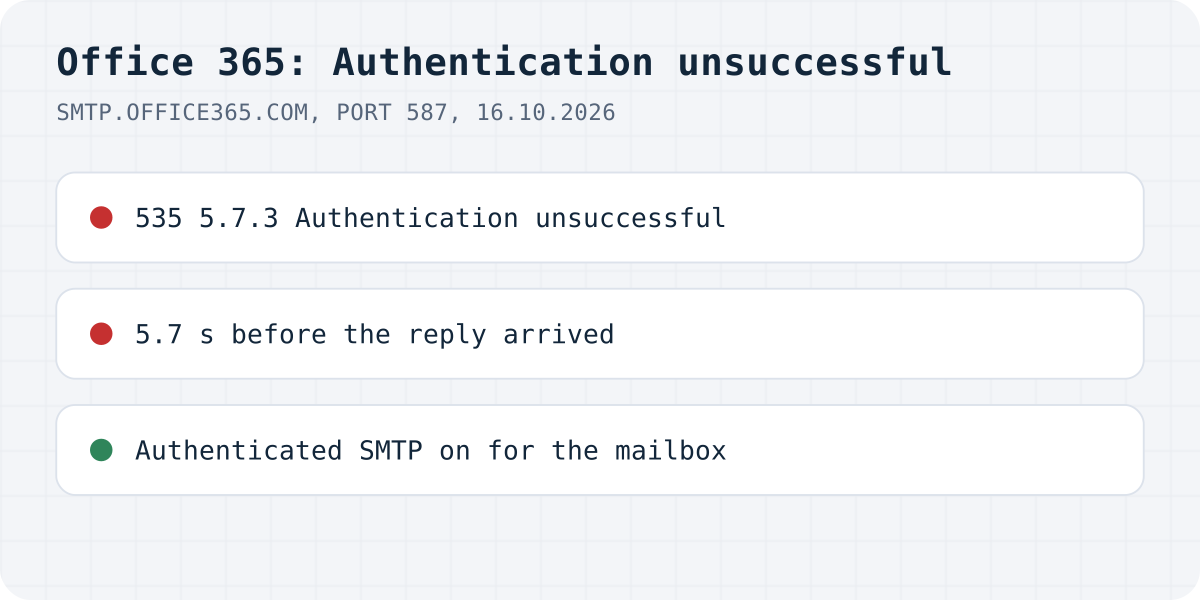
What the server answered
On 16.10.2026 we connected Node.js 22.23 and nodemailer 10.1.1 to smtp.office365.com on port 587 with an outlook.com address that has no account behind it. Nodemailer chose AUTH LOGIN (Gmail gets AUTH PLAIN), and after 5.7 seconds the server answered:
Error: Invalid login: 535 5.7.3 Authentication unsuccessful [ZR0P278CA0032.CHEP278.PROD.OUTLOOK.COM 2026-10-16T08:50:09.235Z 08DF2B5A7F153CD8]
The part in brackets names the Microsoft server and the time. It is useful if you open a support case, and it changes on every attempt. The slow answer is worth knowing too: if your form waits for the SMTP reply before it responds, a visitor waits about six seconds just to see the error.
What to check, in order
- The user is the full address of a licensed mailbox, such as
hello@yourcompany.com, and the password is that mailbox's. - SMTP AUTH is on for that mailbox. Microsoft recommends turning SMTP AUTH off for the organisation and on only for the mailboxes that need it. In the Microsoft 365 admin center the per-mailbox switch is under Users, Active users, the user, Mail, Manage email apps: “Authenticated SMTP” must be checked. The organisation-wide switch is in the Exchange admin center's Mail Flow settings.
- Security defaults. Microsoft's page says that with security defaults on, SMTP AUTH is already disabled, whatever the switches above say.
- Basic authentication policy. If an authentication policy disables basic authentication for SMTP, a username and password are refused even with SMTP AUTH on. Then the app has to log in with OAuth, which Nodemailer supports with
type: "OAuth2".
If the code is 5.7.139
We did not get this one with a made-up account, because the server refused us before it looked at policies. People with real mailboxes report variants such as “535 5.7.139 Authentication unsuccessful, SmtpClientAuthentication is disabled for the Tenant” and “…the request did not meet the criteria to be authenticated successfully”. Both point at the settings in steps 2 and 3 above, not at the password.
Do you need Office 365 SMTP for a contact form?
If the SMTP login exists only so a contact form can email you, you can drop it: a form that posts to Formgong at https://formgong.com/submit has no SMTP host, port or password in your code, and Formgong sends the notification itself. See the HTML guide.
Frequently asked questions
What does 535 5.7.3 Authentication unsuccessful mean?
Exchange Online refused the SMTP login. The address or password can be wrong, or SMTP AUTH is turned off for the mailbox or the organisation.
How do I enable SMTP AUTH in Office 365?
In the Microsoft 365 admin center: Users, Active users, the user, Mail, Manage email apps, then check Authenticated SMTP. With security defaults on, SMTP AUTH stays disabled.
What is the difference between 5.7.3 and 5.7.139?
Both are refused logins. Users report that 5.7.139 replies name a policy, such as SMTP AUTH being disabled for the tenant, so the fix is a setting, not the password.
Sources and documentation
Official references for this guide: Microsoft: Enable or disable SMTP AUTH in Exchange Online, Microsoft: How to set up a multifunction device or application to send email, Nodemailer: OAuth2. HTML contact form, where data is stored.