Why we ran this
We build a form backend, and we wanted to know whether a claim we kept reading was true: that forms generated by AI site builders often show “Message sent!” and send nothing. Competitors repeat it in their guides, but nobody had published a measurement. So we measured: 27 of 105 contact forms on Lovable and Bolt sites did exactly that.
This article is how. It is mostly about the ways our own test was wrong, because that is where the work was.
Submit the form, send nothing
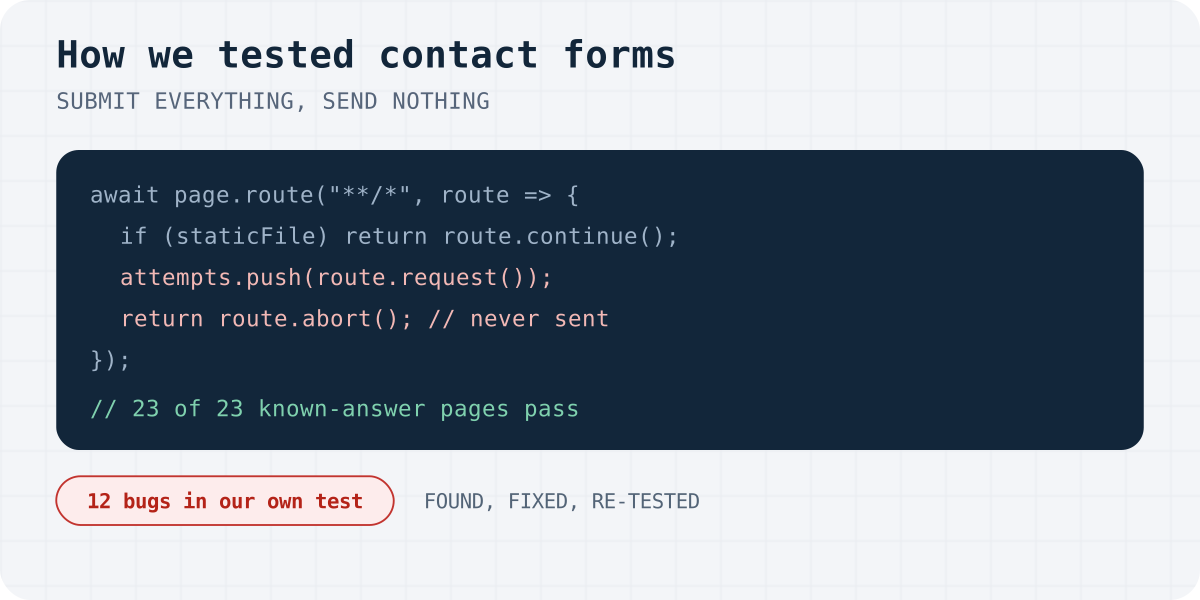
Testing someone else's contact form without bothering them has one hard requirement: the submission must not leave the browser. Playwright's page.route lets us see every request before it goes out. Once the form is found, static files still load, because a submit handler may fetch a code chunk, and every other request is written down and aborted.
// After the contact form is found, nothing may leave the browser.
await page.route("**/*", async (route) => {
  const req = route.request();
  if (!armed) return route.continue();
  const type = req.resourceType();
  const sameOrigin = new URL(req.url()).origin === new URL(page.url()).origin;
  const staticFile = req.method() === "GET" && !req.isNavigationRequest()
    && ["script", "stylesheet", "image", "font", "media"].includes(type)
    && (sameOrigin || ["script", "stylesheet", "font"].includes(type));
  if (staticFile) return route.continue();   // lazy-loaded code may be needed by the handler
  attempts.push({ method: req.method(), url: req.url(), body: req.postData() ?? "" });
  return route.abort();                       // recorded, never sent
});
What counts as “sent”
The first version said a form sends if any request happened after the click. The first pilot run proved it wrong: analytics events, route prefetches and session refreshes all fire after a click. The rule that held up is narrower. We fill the form with values nobody else would type, and a form sends only if a request carries one of them in its URL or body.
The order of the checks matters too. If anything at all went out, the form is never called fake, even when we cannot see our text in the request, for example because it was encoded.
// "Sent" means a request carried what we typed, not just "a request happened".
const MARKERS = ["research@example.com", "automated test", "Test Research", "15555550123"];
const carries = (q) => MARKERS.some((m) => decodeURIComponent(q.url).includes(m) || q.body.includes(m));

if (attempts.some((q) => carries(q) && !isAnalytics(q.url))) return "SENDS";
if (attempts.some((q) => q.method !== "GET" && !isAnalytics(q.url))) return "OTHER_REQUEST"; // never "fake"
if (sawSuccessText || dialogs.length) return "FAKE_SUCCESS";
return "NO_EFFECT";
Twelve ways our own test was wrong
Each of these was found by checking results by hand or by a known-answer page, then fixed, covered by a known-answer page, and followed by a full re-test. All twelve are logged with dates in the pre-registration file.
- Analytics looked like sending. A form that only fired a Google Analytics event after the click was counted as working. Its page said “Message sent!”. Fix: Ignore telemetry hosts and paths (/g/collect, Clarity, PostHog, Sentry, Lovable's own analytics) and require the typed values in the request.
- Route prefetches looked like sending. Next.js prefetches other pages when links appear. Those GET requests showed up after the click. Fix: Same rule: a request counts only if it carries what we typed.
- alert() boxes vanished. Playwright dismisses dialogs by default. A form that said “Thank you!” in an alert() looked like it did nothing. Fix: Record every dialog's text and treat it like an on-page success message.
- AI chat boxes counted as contact forms. A textarea with a Send button is also what an AI chat widget looks like. Fix: A contact form must ask who is writing: an email, phone or name field.
- An empty POST counted as fake. A form that sent an empty body and then said “Thank you” was classed as fake. Fix: Any outgoing non-GET request now blocks the “fake” verdict; it gets its own class instead.
- Clicks that never happened. An invisible overlay covered the button. The click timed out and the form was reported as doing nothing. Fix: A failed click is an invalid test, excluded from every count.
- Thank-you pages without the message. Some forms just navigate to /thanks. No request carries the text, so nothing is sent. Fix: A separate class, never added to the fake count.
- The site's own validation. Custom validation refused our test phone number and showed an error. That looked like “nothing happens”. Fix: Validation error text after the click means “rejected input”, not “no effect”.
- Toasts that last two seconds. We read the page once, five seconds after the click. Some forms show “Message Sent!” for two seconds and hide it. Fix: Sample the page every 250 ms for the whole window.
- mailto: via location.href. Assigning a mailto: link to window.location never becomes a request, so request interception cannot see it. Fix: Listen for Page.frameRequestedNavigation over the Chrome DevTools Protocol.
- We filled the honeypot. The harness filled every “visible” input, including an off-screen trap field. One site then showed a fake “queued” message, exactly as designed for bots. Fix: Never fill inputs that are off-screen, transparent, aria-hidden or tabindex=-1.
- The honeypot fix broke hidden selects. shadcn and Radix render a visible button and keep a 1×1 px, aria-hidden native select. Our new rule skipped it, the site demanded a choice, and three working forms became “invalid”. We first blamed fields named “website”; a re-run showed that guess was wrong. Fix: Apply the honeypot rule to text inputs only; hidden selects and checkboxes are always filled.
How we decided to trust the numbers
- Known-answer pages. Every bug got a tiny local page whose correct verdict we know: a fake toast, a real fetch, a Formspree POST, an alert, a honeypot-guarded form, a Radix select. The final harness gets 23 of 23.
- Break it on purpose. We replaced the classifier with one that always says “sends”. It must fail most fixtures (it gets 10 of 23), or the fixtures prove nothing.
- Rules before results. The definitions, the minimum sample (at least 100 clear results) and the rule that sorts demos from real sites were written down before we counted. Changes were logged, never edited away.
- Read the code. For 21 of the 27 fake forms we found the submit handler in the site's JavaScript and confirmed there is no network call; the other six were too minified to read and are reported as such.
- No messages, no names. Every request was aborted, the site list stays private, and the write-up names no one.
Run it on your own site
The harness, the 23 known-answer pages and the full method are open source: github.com/formgong/dead-forms-study. It needs Node and Google Chrome:
git clone https://github.com/formgong/dead-forms-study
cd dead-forms-study && npm install
npm run fixtures
node harness.mjs https://your-site.example --out result.jsonl
Frequently asked questions
Did the test send messages to the sites?
No. Every request after the form was found was recorded and aborted inside the browser, so no message reached a site owner or a form service.
Why not just count any request after the click?
Because analytics events, route prefetches and session refreshes fire after clicks too. A form counts as sending only if a request carries the text that was typed.
How do you know the harness itself is right?
It is checked against 23 local pages with known answers, a deliberately broken version must fail them, and the fake forms were confirmed by reading their submit code.
Can I use the harness?
Yes, it is MIT licensed on GitHub. Please use it the same way: block every request and do not publish lists of other people's sites.
Sources and documentation
Official references for this guide: Playwright: Network (route and abort), Chrome DevTools Protocol: Page.frameRequestedNavigation, Radix UI: Select, Study repository on GitHub. Formgong documentation, where data is stored.
Read this article as Markdown