Getform is Forminit now
On 14 January 2026 Getform was renamed to Forminit. Old endpoints like https://getform.io/f/… keep working, so most forms did not break on that day. The rest moved: getform.io redirects to forminit.com, the old app.getform.io dashboard redirects to app.forminit.com, and every old docs link now opens the docs home page instead of the page it pointed to. If a tutorial sent you to a Getform docs page that looks unrelated, that is why.
npm install getform installs an unrelated jQuery package from 2018; Forminit's own SDK is the forminit package.
What the endpoints answered on our test
response.ok passes and the page thanks the visitor. Only the body says the form does not exist.We sent requests to both hosts on 11.10.2026 with a made-up form ID. The same mistake gets an HTML page when a normal form submits and JSON when your code asks for it with Accept: application/json or sends a JSON body.
| What you see | HTTP status | What happened |
|---|---|---|
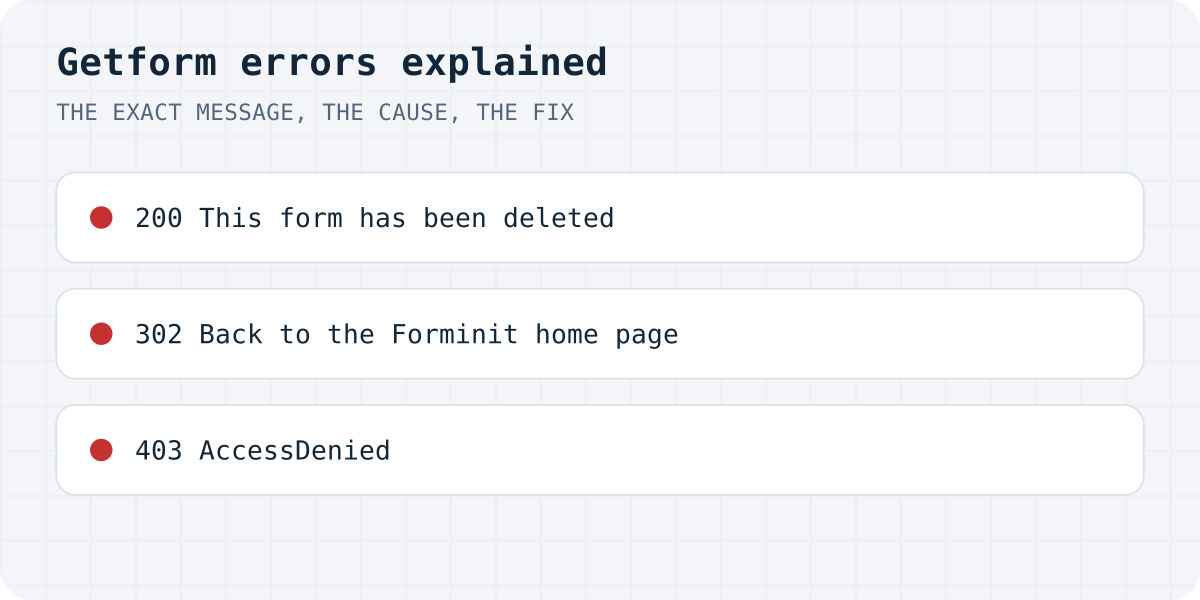
| Page: “This form has been deleted and is no longer available. Please contact support if you believe this is an error.” | 200 | The form ID does not exist (typo, placeholder or deleted form) |
{"success":false,"error":"FORM_NOT_FOUND","code":404,"message":"This form has been deleted…"} | 200 | The same, with fetch or a JSON body |
| The Forminit home page opens | 302 | The form sent GET instead of POST; the data is dropped |
<Error><Code>AccessDenied</Code><Message>Access Denied</Message></Error> | 403 | getform.io/f/ with no ID at all |
| “Page Not Found - 404” | 404 | forminit.com/f/ with no ID at all |
The docs list FORM_NOT_FOUND as a 404, but the live reply is HTTP 200 with "code":404 inside the body.
“This form has been deleted”: the form ID is wrong
This message comes back for any ID that does not match a form, so it shows up even when you never deleted anything. Most of the time it is one of these:
- the placeholder from a tutorial or an AI builder is still in the code, for example
YOUR_FORM_IDor{your-form-id}; - a character was lost when the ID was copied;
- the ID sits in an environment variable that exists on your computer but not on the live site, so the URL ends in
/f/undefined.
Open the form in the Forminit dashboard, copy the endpoint and paste the whole URL into the form's action.
<form action="https://forminit.com/f/YOUR_FORM_ID" method="POST">
  <label>Email <input type="email" name="email" required></label>
  <label>Message <textarea name="message" required></textarea></label>
  <button type="submit">Send</button>
</form>
The page jumps to the Forminit home page
If pressing Send takes the visitor to forminit.com, your form is sending GET. A form tag without method does that by default, and so does opening the endpoint as a link. Forminit answers GET with a redirect to its home page and keeps nothing, with no error anywhere. Add method="POST" to the form tag.
403 “AccessDenied” on getform.io
This XML answer looks like a permissions problem, but on our test it only appeared when the URL ended in /f/ with no ID after it. The usual cause is an empty environment variable on the live site. Print the endpoint your page actually uses, or look at the request in the browser's Network tab, and you will see the missing ID.
fetch says it worked, but nothing arrives
Getform's old fetch example checked response.ok and threw an error only when it was false. Forminit now answers a missing form with HTTP 200, so response.ok is true and the visitor sees your thank-you message while the data goes nowhere. Read the body: when success is false, show message instead of a success state.
When we tested 105 AI-built sites, 27 forms showed success and sent nothing (the study).
const response = await fetch("https://forminit.com/f/YOUR_FORM_ID", {
  method: "POST",
  headers: { Accept: "application/json" },
  body: new FormData(form),
});
const data = await response.json();
// Forminit answers 200 even when the form does not exist,
// so response.ok is not enough. Check the body.
if (data.success === false) throw new Error(data.message);
showSuccess();
Submissions that never show up in the inbox
These come from Forminit's documentation rather than our test, because they need a real form:
- If you limit the form to your domains, a submission from any other address is not rejected. It goes to the Spam folder. A preview URL or a new domain can send everything there.
- The free plan has 100 submissions a month. Over the limit, Forminit says forms “pause and reject new submissions”, and those submissions are not stored, so they cannot be recovered later.
- Old Getform docs listed field names it drops, among them
id,submitandpassword. If one field never arrives, rename it. - Forminit supports reCAPTCHA v3. A token older than two minutes fails with
RECAPTCHA_TOKEN_EXPIRED.
If you are switching anyway
Formgong works the same way: a form posts to one URL with a key. A missing or wrong key gets a real error status and "success": false, so a plain response.ok check already catches it. The free plan has 300 submissions a month with email on every one, Telegram alerts, data stored in the EU, and errors and thank-you pages in 12 languages. Switching means changing the action to https://formgong.com/submit and adding <input type="hidden" name="access_key">. See the HTML guide and how Formgong compares with other form backends.
Frequently asked questions
Is Getform shut down?
No. Getform was renamed to Forminit on 14 January 2026. Old getform.io/f/ endpoints still accept submissions; the dashboard and docs moved to forminit.com.
Why does Getform say “This form has been deleted”?
The ID after /f/ does not match a form. It appears for typos, placeholders and empty environment variables too. Copy the endpoint again from the Forminit dashboard.
Why does my Getform form open the Forminit home page?
The form sends GET. Add method="POST" to the form tag; Forminit redirects GET requests to its home page and keeps nothing.
How do I know a Forminit submission really worked?
Send Accept: application/json and check the body: success must be true. HTTP status alone is not enough, because a missing form also returns 200.
Sources and documentation
Official references for this guide: Forminit: Getform is now Forminit, Forminit: submit form API and error codes, Forminit: authorized domains, Forminit: pricing and limits, Forminit: reCAPTCHA. HTML contact form, where data is stored.