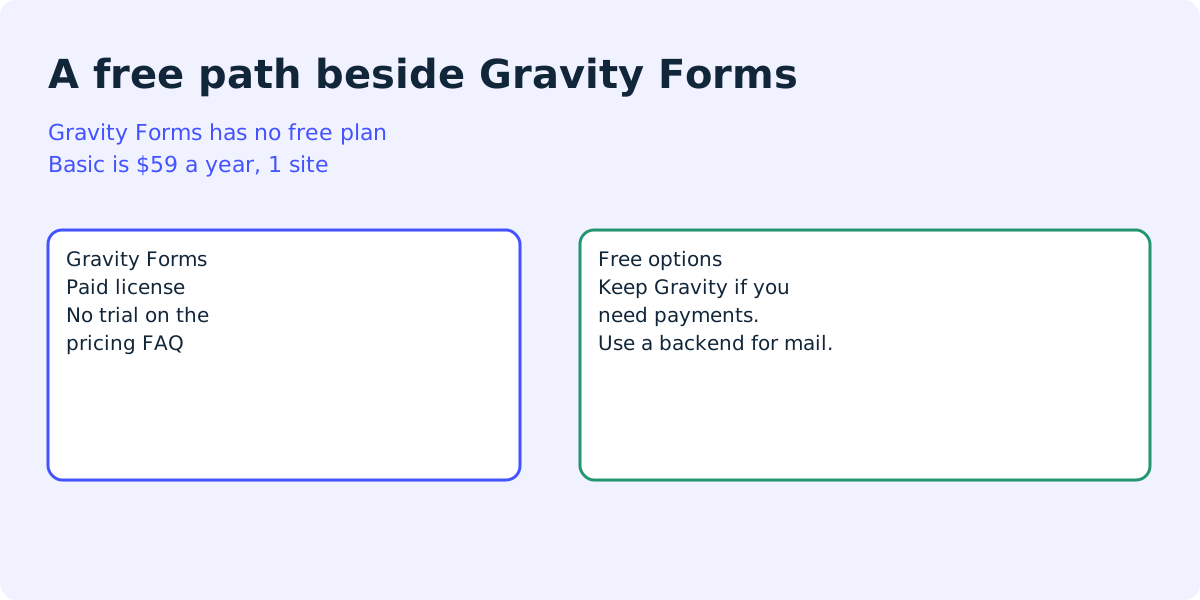
What a free alternative has to be
Gravity Forms alternative free is a search for a form without a yearly license. Gravity Forms is a WordPress plugin with paid licenses only. A page that says “free” and then sells the same add-ons is answering a different question.
Read the job before you read a plugin list.
- Stay on Gravity Forms if you already use an add-on from its pricing page, such as Stripe, Zapier, user registration, or a survey add-on. Rebuilding that inside a free plugin is a new project, not a price cut.
- Look at a free WordPress form plugin if the form is still a contact form and you want the entries in wp-admin. The plugins below advertise that. On 12 October 2026 we installed Auto Form Builder 1.5.2 and FillKite 1.3.1, and both kept the entry in wp-admin.
- Look at a form backend if the job is “tell me, and keep a copy if host mail fails.” That is a smaller job than Gravity.
Formgong is the third case. It is not a drag-and-drop builder. The WordPress setup page is the install. This page is the license question.
What the Gravity pricing page said
Checked on 11 October 2026 at the Gravity Forms pricing page. Basic and Elite print “per year” on the card. The Pro card shows a price and a site count, and does not repeat “per year” the way those two cards do.
| What you are comparing | Basic | Pro | Elite |
|---|---|---|---|
| The price printed on the card. | $59 per year. | $159. The card does not repeat “per year”. | $259 per year. |
| How many sites the card allows. | 1 site. | 3 sites. | Unlimited sites. |
| A free license or a trial. | Neither. The FAQ says there is no trial. It offers docs, a demo, the terms, and a support form. | ||
The same FAQ says a WordPress.com site needs the Business plan, a custom domain, and the Hello Dolly plugin before that host will allow Gravity Forms to be installed.
Formgong’s prices are a delivery limit, not a WordPress license. Free is 300 submissions a month. Pro is $9 a month for 5,000. Business is $15 a month for 25,000. See the pricing page. Free includes Telegram at once and an email on every submission, to one recipient. There is no auto-reply on Free.
What you lose if you leave Gravity
Be plain about the gap. Gravity Forms is a form builder. The Pro card lists Stripe, Dropbox, Square, Zapier, and Trello. Elite lists user registration, conversational forms, partial entries, polls, and surveys. A contact form that only sends a message does not include those.
Formgong does not do conditional logic, calculations, card payments, or a WordPress entry list. It will not import an existing Gravity form. If any of those is the reason for the license, this is the wrong switch.
What it does: the plugin posts the form to https://formgong.com/submit. The copy sits in an EU inbox, outside the WordPress database. Email goes out for every submission. Telegram is instant when you connect it. A honeypot named botcheck is in the form. Leave it empty.
The sample uses a placeholder key. Do not paste a real key into a public page.
Fields a simple form posts
POST https://formgong.com/submit
Content-Type: application/x-www-form-urlencoded

access_key=fk_your_access_key
_lang=en
_page_url=https://example.com/contact/
name=Ada
email=ada@example.com
message=Can you call on Tuesday?
botcheck=
How to choose without a trial
- Open the Gravity Forms pricing page and note the license, the site limit, and that the FAQ says there is no trial.
- Write down whether you need conditional logic, payments, calculations, or only a message in an inbox.
- Stay on Gravity Forms when an add-on on that page is the reason you pay. Leave only when the job is delivery.
- Submit from the live page and confirm the message arrived in the inbox and by email.
If the form you have is Contact Form 7 or WPForms, that comparison is a different page: Contact Form 7 vs WPForms. Do not treat this URL as a second answer to that query.
A form with no plugin at all is the Custom HTML route. Telegram from an existing Contact Form 7 form is the webhook guide.
Free Gravity Forms alternatives tested with broken mail
On 12 October 2026 we installed two of the free plugins from this page on a local WordPress 7.1.3 test site: Auto Form Builder 1.5.2 and FillKite 1.3.1, both from WordPress.org. The site had no mail server, so every call to wp_mail failed. We did not test Gravity Forms, because it has no free license or trial. We did not test GriffinForms either, because it is not on WordPress.org.
In each plugin we built a form from its own Contact template and sent one message as a logged-out visitor: name Test Visitor, email test.visitor@example.com, message “Formgong test 2026-10-12”.
- Auto Form Builder showed “Thank you for your submission!” and saved the entry under Auto Form Builder, then Submissions. It did not try to send an email at all. Its Contact template is saved with email notifications off.
- FillKite showed “Thanks! Your message has been sent.” even though the email failed. It saved the entry under FillKite Forms, then Entries. It marked the entry “Email not sent”, put a notice in wp-admin that a notification email could not be sent, and scheduled a retry.
FillKite log: Admin notification failed
error: Could not instantiate mail function.
Both kept the message in WordPress. Neither told the visitor that mail had failed. With Auto Form Builder, nobody gets an email until you turn notifications on.
Pages that ranked for this query
On 11 October 2026 the results for this query were other products’ pages, not a neutral guide. We opened them. On 12 October 2026 we installed Auto Form Builder 1.5.2 and FillKite 1.3.1, and both kept the entry in wp-admin. The other features below are their claims, not our test.
GriffinForms’ page says it is free and includes multi-step forms, conditional logic, file uploads, user registration, Stripe and PayPal, and Mailchimp. It also says Gravity is the better choice when you need add-ons it does not ship, and it repeats the $59, $159, and $259 range. That is their marketing page.
Auto Form Builder on WordPress.org, version 1.5.1 on 11 October 2026 and 1.5.2 on 12 October 2026, listed 200+ active installations. The page says there is no premium tier, and that the only paid item is credits for optional AI after a free credit trial. It claims conditional logic, calculations, and Stripe with no fee of its own.
FillKite, version 1.3.1, listed fewer than 10 active installations. The page says the builder is free with no cap on forms or entries, and that a separate Pro add-on covers file upload, payments, and multi-step forms.
Pick one of those only after you install it on a test site and send a real entry. A feature list is not a test. Pick Formgong when you already know you do not need Gravity’s builder. Install notes are in the WordPress guide.
Frequently asked questions
Is Gravity Forms free?
No. On 11 October 2026 the pricing page had no free license. Basic was $59 per year for one site. The Pro card showed $159 and three sites. Elite was $259 per year for unlimited sites.
Does Gravity Forms have a trial?
The pricing FAQ says there is no trial. It points to documentation, an online demo, the terms, and a contact form for support.
Can I install Gravity Forms on WordPress.com?
Their FAQ says the site must be on the WordPress.com Business plan, with a custom domain, and the Hello Dolly plugin installed, before WordPress.com will allow the install.
What does a free alternative fail to copy?
Gravity’s add-ons, conditional logic, payments, and calculations. A directory plugin may claim those features. On 12 October 2026 we installed Auto Form Builder 1.5.2 and FillKite 1.3.1. Both kept the entry in wp-admin. The other features are still their claims, not our test.
Is Formgong a Gravity Forms replacement?
No. It posts the form to an inbox, to email, and to Telegram. It does not import a Gravity form, store entries in the WordPress database, or take a card payment.
Sources and documentation
Official references for this guide: Gravity Forms pricing, Auto Form Builder, FillKite, GriffinForms: Gravity Forms alternative. Formgong on WordPress, where data is stored.