The question that stops a purchase
A shopper who is almost ready to buy usually has one small question left. Will this bag take a 15-inch laptop. If the page doesn't say, most people won't email you to ask. They leave. A questions-and-answers section under the product gives that last question somewhere to land, which is why Amazon has kept one on every listing for years.
Before you pick a widget, though, decide who answers the questions.
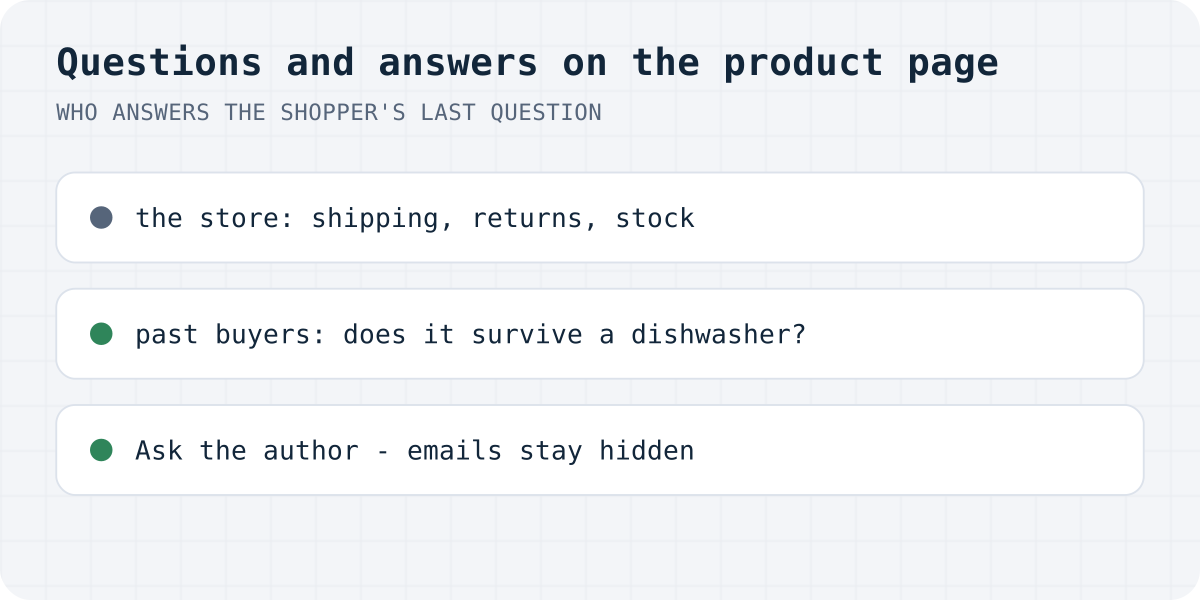
Most Q&A apps send every question to the store owner, and you answer from a dashboard. For shipping or returns that's the only sensible route. But when someone asks whether the thing survives a dishwasher, the store is the least convincing voice on the page, because of course you'll say yes. Amazon noticed this early and routed customer questions to people who had already bought the item. Those answers read differently. A stranger with no stake wrote them.
The whole flow
- You turn on Let shoppers ask reviewers questions in the form's review settings. Nothing changes on the page yet.
- Your review form grows a checkbox for the reviewer: Shoppers can email me questions about this product. My email stays hidden. Only reviews whose writer ticked it get the “Ask the author” button. Reviews imported from another platform never get it, because those people opted in to nothing.
- A shopper clicks the button under a review, writes a question of up to 1,000 characters and leaves an email for the answer. The question lands in the reviewer's inbox with a one-time answer link that works for 30 days, and a “Stop questions” link in case they regret the checkbox.
- If the reviewer answers, the answer goes to the shopper by email. The reviewer can also tick Also show this question and my answer under my review, and then the exchange appears publicly under the review, where you can hide it if it doesn't belong on your site.
Answering is optional and there is no “reviewer online” badge or any other presence indicator. A reviewer is a customer who agreed to the occasional question, not support staff, and the widget shouldn't make them look like they're on shift.
What keeps it from being abused
A box that emails strangers on your behalf needs guardrails, so the question form carries the same protection as the review form: a honeypot, a timing check, and Turnstile if you have it on. Anything that looks like a link is stripped from the question text before it is stored or sent, which removes most of the point of spamming it.
There are also daily limits: 3 questions per review, 5 per visitor and 50 per site, each per day. A reviewer who opted in can get at most three questions about their review in a day, and usually gets none.
The data doesn't pile up either. A question is deleted 90 days after it was asked, or 30 days after it was answered, whichever comes first. A published Q&A keeps its text under the review but drops the email addresses.
If you're starting from zero
A Q&A section only works once you have reviews, and reviews only arrive once asking for them is easy. That's the order we'd suggest: put a review form on the product page, approve what comes in, then turn on questions when there are authors to ask. How to add customer reviews to your website covers that first part step by step.
Formgong covers the whole path in one place. The reviews widget collects and shows reviews with the Q&A described above, the same account runs your contact and order forms, the AI help chat answers the shipping-and-returns questions that shouldn't go to reviewers at all, and everything lands in one inbox. There are free website templates with the form already wired in if you're building the site itself.
We shipped “Ask the author” this week, so you'd be among the first to use it. If you try it, tell us what's missing or confusing, in the rating box under this article or at support@formgong.com. That feedback decides what we build next.
Frequently asked questions
Does the reviewer see the shopper's email address?
No. Formgong sends both emails itself and neither person sees the other's address. The reviewer gets the question, the shopper gets the answer, and the addresses stay with Formgong.
Can a reviewer be flooded with questions?
No. One review takes at most 3 questions a day, one visitor can send at most 5, and one site at most 50. Every question email carries a “Stop questions” link that turns the button off for that review.
Do imported reviews get the “Ask the author” button?
No. Only reviews collected on your site, where the writer ticked “Shoppers can email me questions”, get the button. Imported reviewers never opted in, so they are never emailed.
Does the reviewer have to answer?
No. The answer link says so explicitly, it works once, and it expires after 30 days. An unanswered question is deleted 90 days after it was asked.
Can the Q&A appear on the product page?
Only if the reviewer ticks “Also show this question and my answer under my review” when answering. You can hide any published Q&A from your site; unpublished ones stay private between the two people.
Sources and documentation
Official references for this guide: Yotpo: Adding the Q&A Widget, Rivyo: Product Q&A Widget, WiserReview: Question & Answer widget. Formgong docs, where data is stored.