The form worked; follow the email
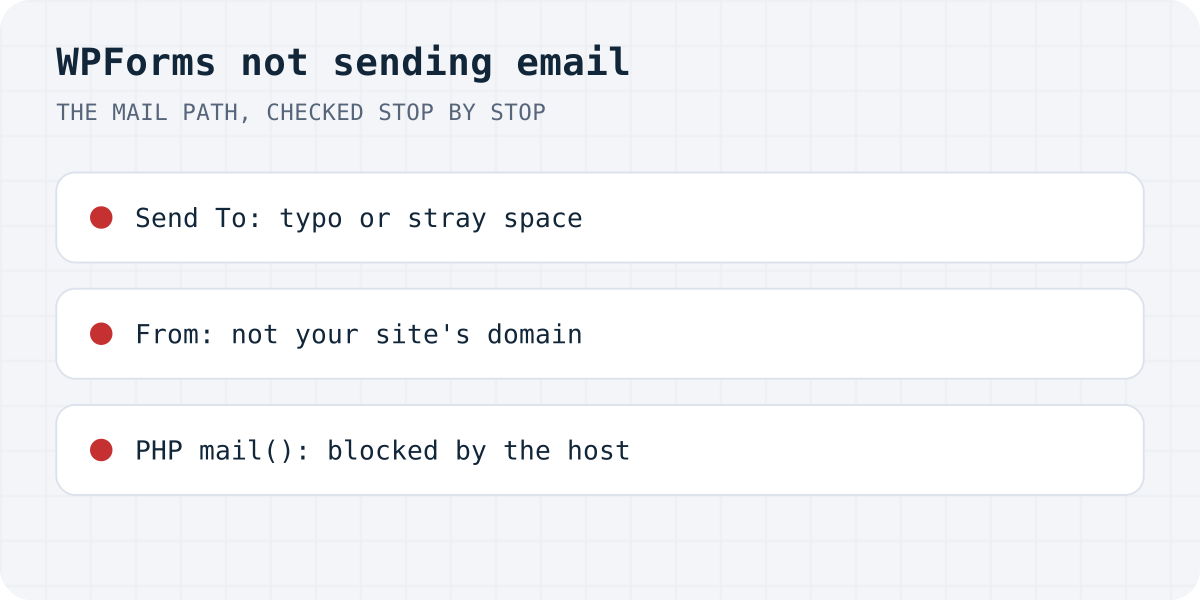
WPForms' own troubleshooting guide is honest about the boundary: notifications go out through wp_mail(), and “WPForms doesn't control the delivery process” after handing the email to WordPress. So the checks run along the mail path, from the cheapest to the most structural:
| Likely cause | The check |
|---|---|
| Typo or stray space in the Send To address | Notification settings, step 1 |
| From address on a domain that is not your site | Step 2 |
| The host's PHP mailer is blocked or distrusted | SMTP plugin and its test email, step 3 |
| Mail arrives, your inbox hides it | Spam folder and filters, step 4 |
Step 1: reread the notification settings
Open the form, then Settings → Notifications. WPForms lists misspelled addresses and extra spaces among the usual causes, and both are invisible at a glance: an address pasted with a trailing space fails quietly. Retype the Send To address rather than squinting at it. While there, confirm notifications are actually enabled for this form and that conditional logic on the notification is not quietly excluding the test you keep sending.
If the notification uses Smart Tags for the recipient, resolve them in your head for the submission you tested: a tag that points at an empty field addresses the email to nobody.
Step 2: the From address must be your site's domain
The From address is where most silent losses start. If it is a Gmail or Yahoo address, the receiving server checks whether your web host is allowed to send gmail.com mail, and it is not, so the message is refused or filed as spam. WPForms' doc flags exactly this case: a From address that does not match the site's domain gets mail flagged. Set From to an address on the site's own domain, such as forms@your-site.com, and put the visitor's address in Reply-To so answering still works.
This rule is not WPForms-specific. Gmail's sender guidelines require authentication (SPF or DKIM) for the sending domain, which your host can only have for domains it legitimately sends. The deeper fix for that is in contact form emails going to spam.
Step 3: route the mail through SMTP and send the test
WordPress's default mailer is the host's PHP mail(), and WPForms' doc notes that some servers do not support it or get their mail flagged. The structural fix is an SMTP plugin, which makes WordPress send through an authenticated mail account instead. WP Mail SMTP is the usual choice (it is by the WPForms team), but any SMTP plugin works: connect it to a mailbox or transactional mail service, then use its test email.
The test email is the diagnostic, not a formality. If the test arrives, WordPress can send mail, and anything still missing is form settings (back to step 1) or the receiving inbox (step 4). If the test fails, the error it prints is the real fault, usually credentials or a blocked port, and no amount of form editing will fix it. WP Mail SMTP's email log, once enabled, shows the same per-message: what was sent, where, and with what result.
WPForms' doc has one more switch worth knowing: if deliveries are erratic, it suggests turning off its “Optimize Email Sending” option, which defers sending; with it off, the email goes out during the submission itself.
Step 4: the mail arrived and you cannot see it
Before concluding the email was never sent, search the receiving mailbox properly: the spam folder, any filters that file mail away, and, on Google Workspace or Microsoft 365, the quarantine your admin console keeps separately from the spam folder. A notification that always arrives flagged is a From-address or authentication problem (step 2), not randomness.
Also check where you are looking. A notification can go to the address of whoever built the site years ago; step 1's reread catches that, but only if you read the actual saved value rather than assuming.
Or stop depending on WordPress mail at all
Every step above exists because the site's own server has to win trust with mail providers. A form backend skips that: the form posts to Formgong, and delivery comes from our servers, with each submission also stored in a dashboard inbox so a filtered email is not a lost lead. Telegram delivery is instant on every plan, the free plan takes 1,000 submissions a month, and the WordPress plugin or a plain HTML form both work; your WPForms styling can stay if you only change where the form posts.
Did the test email arrive?
Which step found it, or did the SMTP test pass while form notifications still vanish? Write to support@formgong.com and tell us what you tried. The cases readers send are how these guides get better.
Frequently asked questions
Why is WPForms not sending email notifications?
The submission reached WordPress, but the notification email died on the mail path. In order: a typo or stray space in the Send To address, a From address that is not on your site's domain, the host's PHP mailer being blocked or distrusted, or the message sitting in spam. An SMTP plugin's test email tells you which half of the path is broken.
Does WPForms send email by itself?
No. WPForms hands notifications to WordPress's wp_mail() function and, per its own troubleshooting doc, does not control delivery after that. That is why the usual fix is an SMTP plugin that gives WordPress an authenticated way to send.
What From address should a WPForms notification use?
An address on your site's own domain, for example forms@your-site.com, with the visitor's address in Reply-To. A Gmail or Yahoo address in From fails authentication checks, because your web server is not allowed to send that domain's mail.
Are WPForms submissions lost when the email fails?
The email is, but on paid WPForms plans submissions are also stored as entries in WordPress, so check the Entries screen. On WPForms Lite, treat the email as the only copy, which is a reason to fix delivery before you need it.
Sources and documentation
Official references for this guide: WPForms: Troubleshooting form notification emails, WPForms: Setting up SMTP with the WP Mail SMTP plugin, Google: Email sender guidelines. WordPress, where data is stored.