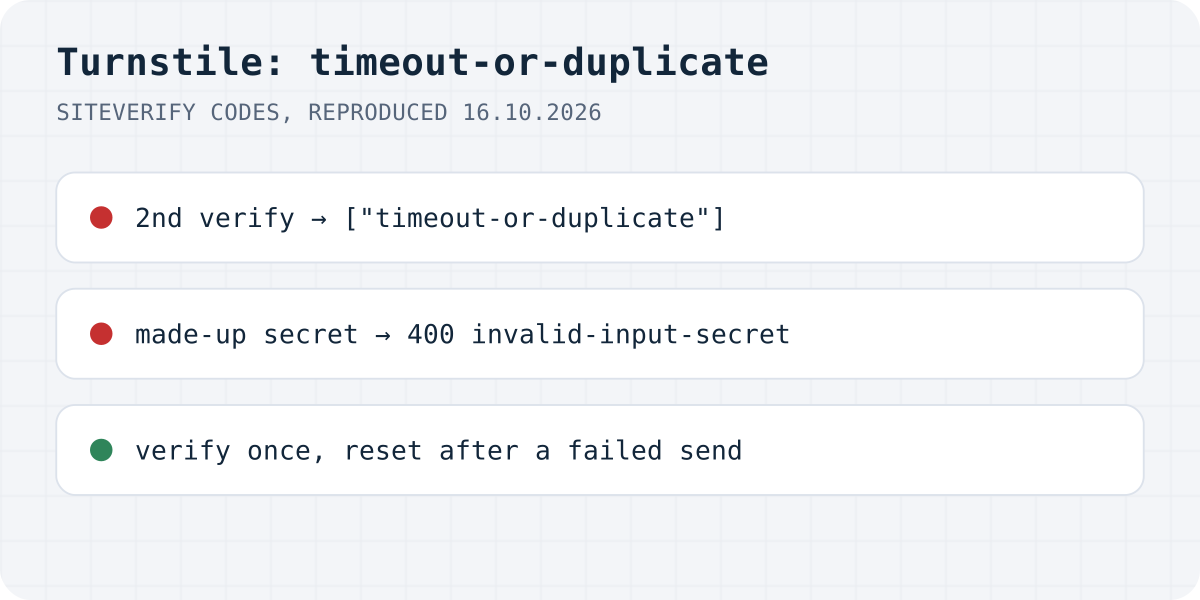
What siteverify answered
On 16.10.2026 we posted to https://challenges.cloudflare.com/turnstile/v0/siteverify with each of Cloudflare's published test secrets, a made-up secret, and empty fields. Every reply came back like this:
| What we sent | HTTP | error-codes |
|---|---|---|
| Test secret that always fails | 200 | invalid-input-response |
| Test secret for a spent token | 200 | timeout-or-duplicate |
| A made-up secret | 400 | invalid-input-secret |
Empty response | 200 | missing-input-response |
Empty secret | 400 | missing-input-secret |
| A GET request | 405 | bad-request, message “This API expects POST requests.” |
Two details catch people out. The failures about the token come back with HTTP 200, so code that checks only the status thinks it passed; read success. And the test secret that always passes accepted any string we sent as the token, even not-a-real-token, so a form tested only with test keys proves nothing about your token handling.
timeout-or-duplicate: the token was used or is too old
Cloudflare's docs say each token is valid for 300 seconds and can be validated only once. So this code has two causes, and both are common on contact forms:
- It was verified twice. Your form handler checks the token, and then something else checks it again: a retry after a timeout, a second handler, or a form backend that also verifies Turnstile. Verify in one place only.
- The visitor took more than five minutes between the widget passing and pressing Send, or pressed Send again after a failure. Reset the widget when sending fails so the next attempt carries a fresh token, and let a long-open page refresh its token.
// Cloudflare Worker or any server: verify once, right when the form arrives
const form = await request.formData();
const token = form.get("cf-turnstile-response");
if (!token) return new Response("Please complete the check", { status: 400 });

const result = await fetch("https://challenges.cloudflare.com/turnstile/v0/siteverify", {
  method: "POST", // GET gets 405 "This API expects POST requests."
  body: new URLSearchParams({ secret: env.TURNSTILE_SECRET_KEY, response: token }),
}).then((r) => r.json());

if (!result.success) {
  console.log("turnstile", result["error-codes"]); // e.g. ["timeout-or-duplicate"]
  return new Response("The check expired. Please try again.", { status: 400 });
}
invalid-input-response and invalid-input-secret
invalid-input-response is about the token: Cloudflare describes it as invalid, malformed or expired. A token from another site key, a token truncated by your code, or the field name typed wrong all end here. The form field is cf-turnstile-response.
invalid-input-secret came back with HTTP 400, so it is the one most likely to show up as a server error rather than a polite “try again”. It means the secret key is wrong, from another widget, or still the test secret in production. Copy it again from the widget's settings in the Cloudflare dashboard and store it as a server secret.
Error 110200 in the browser: domain not allowed
This one happens before any token exists. We rendered Formgong's own production site key on localhost and on a .test host. Both times the widget showed “Unable to connect to website” with a Troubleshoot link, the browser console showed a 400, and the error-callback received 110200. Cloudflare's error list calls it “Domain not authorized”: add the domain under the widget's hostnames in the dashboard. For local development, use Cloudflare's test site keys instead of adding localhost to a production widget.
// After a failed send, give the visitor a fresh token for the next try
turnstile.render("#captcha", {
  sitekey: "YOUR_SITE_KEY",
  "error-callback": (code) => {
    console.warn("Turnstile error", code); // 110200 = domain not allowed for this key
    return true; // you handled it
  },
});

async function onSendFailed() {
  turnstile.reset("#captcha"); // the old token cannot be verified again
}
Turnstile on a Formgong form
Formgong verifies the Turnstile token on its server when the submission reaches https://formgong.com/submit and also checks that the hostname in Cloudflare's answer is your site, so you do not write a verification of your own that could run twice. Turn on Require Cloudflare Turnstile in the form settings and enter your own site key and secret there. The setup and a comparison of the three captcha services are in Turnstile vs reCAPTCHA vs hCaptcha.
Frequently asked questions
What does timeout-or-duplicate mean in Turnstile?
The token was already validated once, or it is older than 300 seconds. Each token can be checked only once, so verify in one place and reset the widget after a failed send.
Why does Turnstile siteverify return 200 when verification failed?
On our test, token problems such as invalid-input-response and timeout-or-duplicate came back with HTTP 200 and success false. Check the success field, not the status.
What is Turnstile error 110200?
The site key is not allowed on the current domain. Add the domain under the widget's hostnames, or use Cloudflare's test site keys on localhost.
Why do Turnstile test keys accept any token?
The always-pass test secret answered success for every string we sent, including a made-up token. Test the real flow with a real widget before launch.
Sources and documentation
Official references for this guide: Cloudflare: Turnstile server-side validation, Cloudflare: Turnstile client-side error codes, Cloudflare: Turnstile testing (test keys). HTML contact form, where data is stored.