The exact message
AWS's list of SES sending errors gives the API wording as “Email address is not verified. The following identities failed the check in region region: identity1, identity2, identity3”. Through the SMTP interface it arrives as 554 Message rejected: Email address is not verified. The following identities failed the check in region …. AWS's docs say the API returns it as a MessageRejected error, and an SDK may name the exception a little differently. If SES cannot list every failed identity, the message ends with three dots.
Before you change any settings, read the addresses after the colon. SES lists there exactly what it refused, and in a contact form you will often find a stranger's Gmail address among them, which already tells you the cause.
What we could and could not reproduce
We could not trigger this exact error. It needs a real AWS account with SES enabled, and a made-up key never gets that far. Here is what SES answered on 20.10.2026 to made-up credentials, so you can rule them out:
| What we sent | What came back |
|---|---|
| SES API v2, made-up access key, us-east-1 (aws-cli 2.38.3) | UnrecognizedClientException: The security token included in the request is invalid. |
| SES API v1, made-up access key, eu-west-1 | InvalidClientTokenId: same sentence |
| No credentials at all | NoCredentials: Unable to locate credentials. |
SMTP email-smtp.us-east-1.amazonaws.com:587, made-up SMTP user | 535 Authentication Credentials Invalid |
So if you see “Email address is not verified”, your keys and SMTP login are working. SES got as far as checking the addresses, and the fix is in the SES console, not in your secrets.
Causes, most likely first
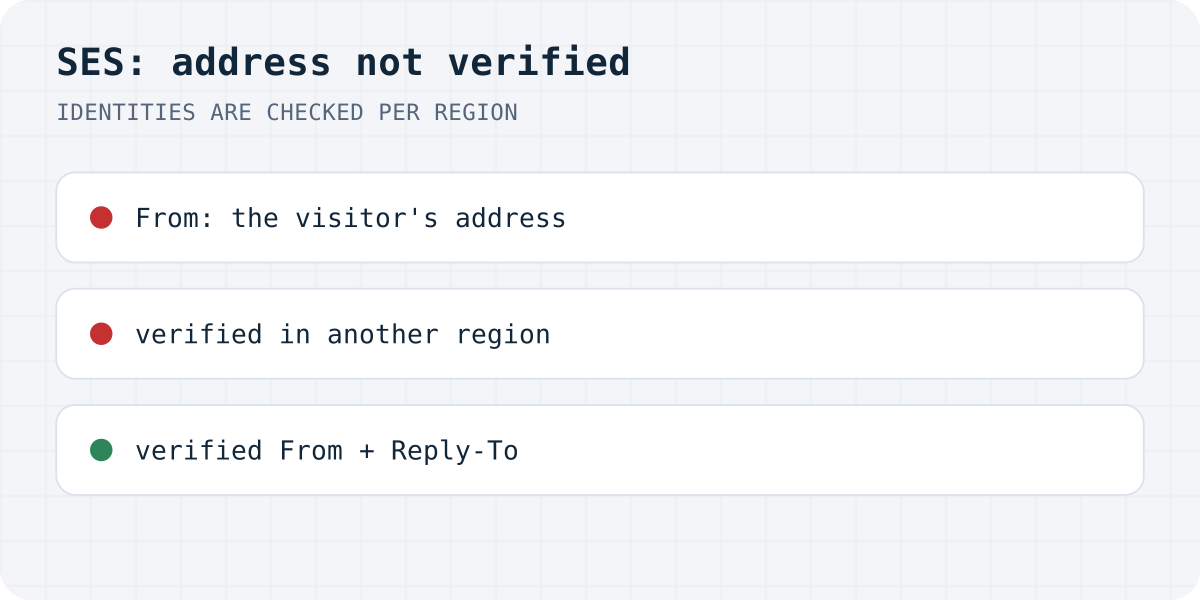
- The visitor's address is in From. It is tempting to set From to whoever filled in the form, so the email in your inbox looks like it came from them. SES sends only from identities you verified, so that works for nobody except you. AWS's docs say the check covers the From, Source, Sender and Return-Path addresses.
- Verified in another region. Verification status is kept per region. If you verified your address in us-east-1 and your code (or the SDK's default region on that server) calls eu-west-1, SES treats the address as unknown. The region is printed in the message, so compare it with the region the console was set to when you verified.
- The account is still in the sandbox. New SES accounts start there. In the sandbox the recipients have to be verified as well, except AWS's mailbox simulator addresses, so even mail to yourself fails until your own address is verified.
- The domain is added but not verified. If you added the whole domain and its DNS records are missing or wrong, its status stays pending or failed, and the addresses on it are not covered yet.
Fix it
Send from your own verified address, in the region where it is verified, and put the visitor in ReplyToAddresses, so pressing Reply still answers them. If the account is in the sandbox, verify the recipient address as well, or request production access.
import { SESv2Client, SendEmailCommand } from "@aws-sdk/client-sesv2";

// The region where the From identity is verified, not the default of your machine.
const ses = new SESv2Client({ region: "eu-west-1" });

await ses.send(new SendEmailCommand({
  FromEmailAddress: "form@yourdomain.com",      // verified in eu-west-1
  Destination: { ToAddresses: ["you@yourdomain.com"] },
  ReplyToAddresses: [visitorEmail],              // the visitor goes here, not in From
  Content: {
    Simple: {
      Subject: { Data: "New message from the website" },
      Body: { Text: { Data: message } },
    },
  },
}));
Check identities and sandbox status from the command line
# Which identities are verified in this region?
aws sesv2 list-email-identities --region eu-west-1

# Is the account still in the sandbox here? Look for "ProductionAccessEnabled".
aws sesv2 get-account --region eu-west-1
Keep the call on a server
The SES v2 API answered our browser preflight with Access-Control-Allow-Origin: *, so a signed request from page code would not be stopped by CORS. That means nothing stops you from shipping AWS keys in your JavaScript, where anyone can copy them. Call SES from a function or server with credentials that may only send email.
Or skip SES for a contact form
If SES is set up only so a contact form can reach you, a form that posts to https://formgong.com/submit needs no verified identities, no region and no sandbox request.
That is the job Formgong does. The form posts to Formgong, each message lands in a web inbox first, and then goes out by email (and to Telegram or Slack if you want). If an email bounces, the message is still in the inbox. There is no API key in your code and no function to deploy. The same account gives you an AI help chat that answers visitors from your own pages, a review widget, and free templates with the form already connected. The HTML guide shows the form.
Still rejected?
Which identities does your error list after the colon, and which region? Write to support@formgong.com and send us the error with the addresses masked if you like. If it is a case we have not covered, we will try to reproduce it and add it here. And if something on this page sent you down the wrong path, we want to hear that too.
Frequently asked questions
What does Email address is not verified. The following identities failed the check in region mean?
Your credentials were fine, but one of the addresses in the message is not verified in the region you called, so SES would not send it. The addresses printed after the colon are the ones it refused.
Why does it fail when my address shows as verified?
Look at the region in the message first, because verification is kept per region and the console may be showing another one. Then look at the listed address; often it is not yours at all but the visitor's, sitting in From.
Do I need to verify the recipient?
Only while the account is in the SES sandbox, where every recipient has to be verified except AWS's mailbox simulator addresses. Once AWS grants production access, that rule goes away.
Can I send from the visitor's email address with SES?
No. Send from an address of yours that SES has verified and put the visitor in Reply-To, so pressing Reply still writes to them.
Sources and documentation
Official references for this guide: Amazon SES: Email sending errors, Amazon SES: SMTP issues and response codes, Amazon SES: Request production access (sandbox), Amazon SES: Verified identities. HTML contact form, where data is stored.