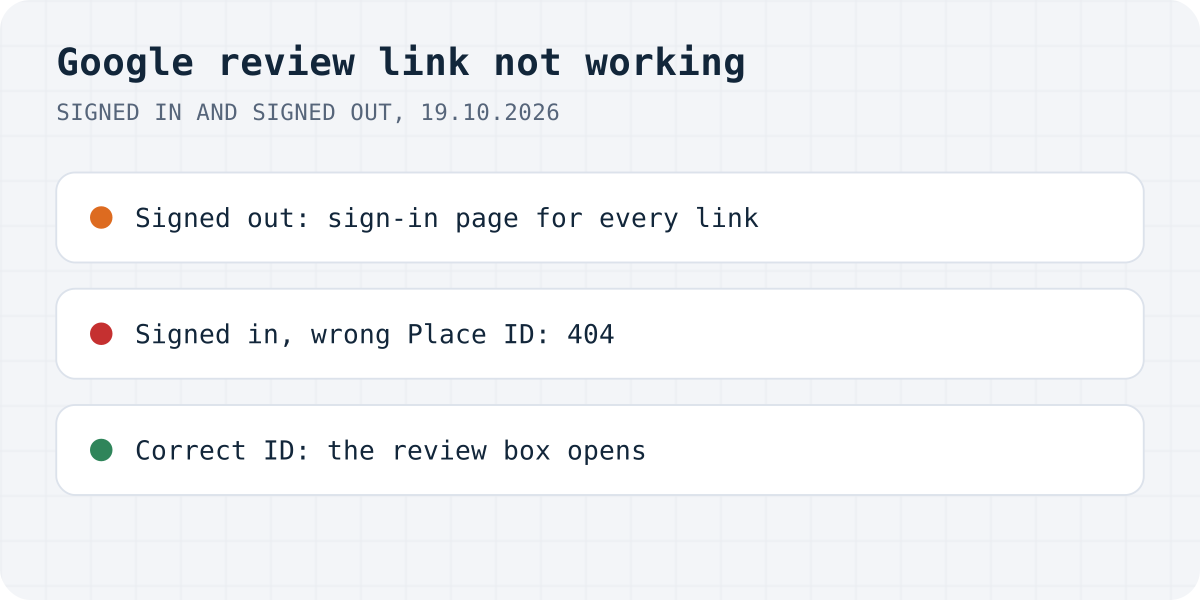
A broken link only fails after sign-in
A Google review link is an address like search.google.com/local/writereview?placeid= followed by your business's Place ID. We tested it with the Place ID that Google uses as an example in its own docs, then broke that ID on purpose. Here is what each version did:
| Link | Signed out | Signed in |
|---|---|---|
| Correct Place ID | Google sign-in | Google Search with the business and the review box open |
| One character changed | Google sign-in | 404. That's an error. |
| Cut short | Google sign-in | 404. That's an error. |
| Made-up ID | Google sign-in | not tested signed in |
Nothing after placeid= | 400. That's an error. | not tested signed in |
Maps link with ?cid= | not tested | The business on Google Maps, no review box |
The iPhone emulation behaved like the desktop when signed out. Google's help page says customers must be signed in to a Google Account to leave a review, and the link makes sure of that before it looks at the ID. So a customer who is not signed in signs in first, and only then sees the 404. At that point they have no way to fix the link, and they may not tell you.
Test the link from a signed-in browser
Open the exact link you send, the one in the email template or behind the QR code, in a browser where you are signed in to Google. If the review box opens over your business, the link is fine. If you get “404. That's an error.” with “The requested URL /local/writereview?placeid=… was not found on this server”, the Place ID is wrong.
Checking from a private window does not help here: you will only see the sign-in page, which a broken link shows too. Test the link as it appears in the email or on the printed QR code you actually use, not the copy in your notes. A link pasted from a document can lose its last characters when it wraps onto two lines.
The Place ID is wrong or out of date
A Place ID is a long string, and one lost or changed character breaks it. Copy it again from Google's Place ID Finder, or paste it into our Google review link generator, which builds the link and a QR code.
A link that worked last year can stop working too. Google's Places documentation says a Place ID can become obsolete when a business closes or moves to a new location, that IDs can change with updates to the Maps database, and it recommends refreshing stored IDs that are more than 12 months old. If you moved, merged two profiles or rebranded, look the ID up again.
The safest source is Google's own link. Google's help page: on a computer, open your Business Profile, select Read Reviews, then Get more reviews, and copy the link. The same panel offers a QR code, which Google says can only be made in a computer browser, not on mobile.
The link opens Google Maps, but no review box
A link to your profile is not a review link. We opened the Maps address with the ?cid= number of the same business: it showed the business on Google Maps with no review box. The customer has to find the Reviews tab and the “Write a review” button on their own, and on a phone that is several taps away. Short share links such as maps.app.goo.gl are profile links too. Use a writereview link or the one from your Business Profile instead.
The link does not work on a phone
Signed out, our emulated iPhone went to the same sign-in page as the desktop, so the link itself does not care about the device. On a real phone the Google Maps app can get involved, and Google's page on missing reviews says customers on older phones or software might have trouble leaving reviews and should update the Maps app. If one customer cannot post, ask them to try in the browser, signed in, or to update Maps.
The review was posted but does not show
That is a different problem from the link, and Google's help page on missing or delayed reviews covers it:
- Reviews are checked against Google's policies, which can take a few days.
- After merging two Business Profiles, reviews from both can take a few days to appear.
- Reviews removed for policy violations are not restored.
- Google can temporarily turn off reviews for some profiles or business categories. Profiles listed mainly as schools for students aged 6 to 18 no longer get reviews at all.
One policy to keep in mind while you ask: Google treats a discount, a gift or anything else offered in exchange for a review, or for changing or removing a negative one, as fake engagement.
Reviews on your own site too
Google reviews stay on Google. Formgong Reviews collects reviews for your own website: you send customers your review link, or press “Ask for a review” on a submission in your inbox, and the customer gets one email with a link to your review page. Nothing shows until you approve it. If your shop sends us its orders (our WordPress plugin does it for WooCommerce), reviews left from the email we send after an order are marked “Verified buyer”. A div and a script tag show the approved reviews on any page.
The same account runs your contact forms, which email you and post to Telegram, an AI help chat that answers from your own pages, and free templates with the form already connected.
Still not working?
Was it the Place ID, or did your customers hit something else? Write to support@formgong.com and tell us what you see. If it is a case we have not covered, we will check it and add it here.
Frequently asked questions
Why is my Google review link not working?
Usually the Place ID in the link is wrong or out of date. Signed in, a wrong ID shows Google's 404 page; signed out, every review link first asks the customer to sign in, so a broken link looks normal until then.
Why does my Google review link open Google Maps instead of the review box?
It is a link to your profile, such as a ?cid= or maps.app.goo.gl link. Only a writereview link with your Place ID, or the link from Get more reviews in your Business Profile, opens the review box.
Do customers need a Google account to leave a review?
Yes. Google's help page says customers must be signed in to a Google Account to leave a review. They can create one with a non-Gmail email address.
Why doesn't a review show after the customer posted it?
Google checks reviews against its policies, which can take a few days. Reviews removed for policy violations are not restored, and Google can temporarily switch off reviews for some profiles or categories.
Sources and documentation
Official references for this guide: Google Business Profile Help: Create a Google link or QR code to request reviews, Google Business Profile Help: Tips to get more reviews, Google Business Profile Help: About missing or delayed reviews, Google Maps Platform: Place IDs. Google review link generator, where data is stored.