The exact error
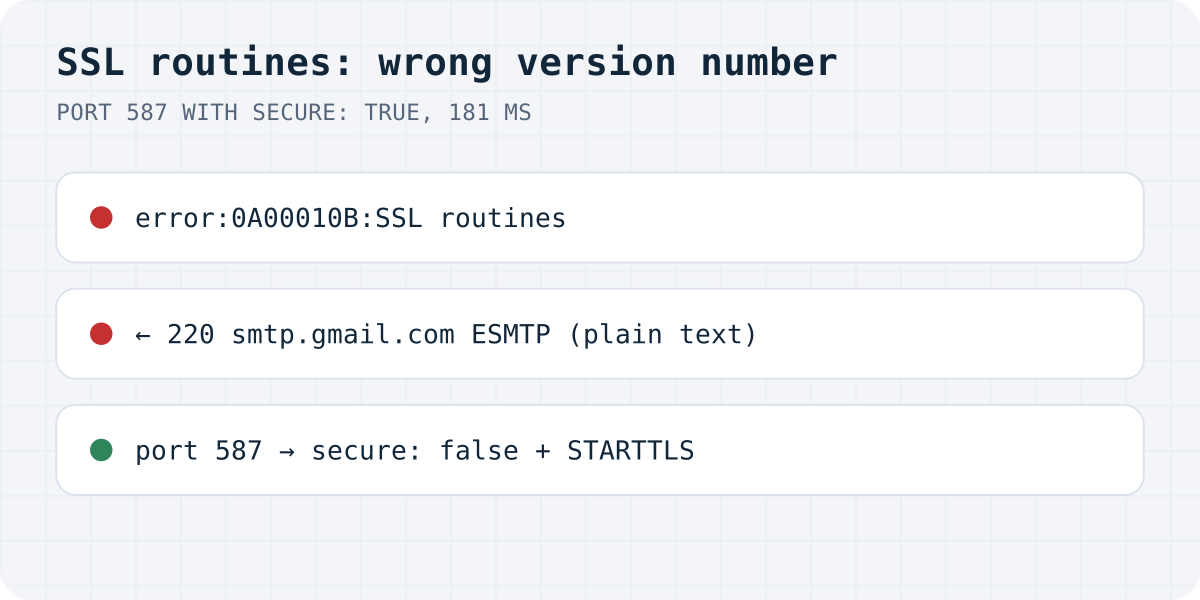
secure: true. It failed in 181 ms.On 16.10.2026 Node.js 22.23 and nodemailer 10.1.1 connected to smtp.gmail.com:587 with secure: true and failed in 181 milliseconds:
Error: 809E75EC01000000:error:0A00010B:SSL routines:tls_validate_record_header:wrong version number:../deps/openssl/openssl/ssl/record/methods/tlsany_meth.c:78:
The error object had code: "ESOCKET" and command: "CONN". Older Node versions, built on OpenSSL 1.1, print the same problem as ssl3_get_record:wrong version number.
What “version number” has to do with it
The first bytes of a TLS record carry its type and protocol version. Port 587 does not speak TLS at first: it sends the text 220 smtp.gmail.com ESMTP. OpenSSL reads the first bytes of that text as a TLS header, finds a version that does not exist, and stops. So the message is about a version number, but the fix is about the port.
Set secure: false for 587 and 25. Nodemailer still encrypts: it sends STARTTLS after the greeting when the server offers it, and you can insist with requireTLS: true. Use secure: true only with 465. The reverse mismatch, 465 with secure: false, does not fail fast; it hangs and ends with “Greeting never received”.
// Port 465: TLS from the first byte
nodemailer.createTransport({ host: "smtp.gmail.com", port: 465, secure: true, auth });

// Port 587: plain connection, upgraded with STARTTLS
nodemailer.createTransport({ host: "smtp.gmail.com", port: 587, secure: false, auth });
The same error outside Nodemailer
Any TLS client gives this error when it speaks TLS to a plain-text service: curl https:// against an http port, or a database client with SSL forced against a server without it. In each case, check that the port and the “secure” or “ssl” switch belong together.
Do you need SMTP for a contact form?
If the SMTP login exists only so a contact form can email you, you can drop it: a form that posts to Formgong at https://formgong.com/submit has no SMTP host, port or password in your code, and Formgong sends the notification itself. See the HTML guide.
Frequently asked questions
What does SSL routines wrong version number mean in Nodemailer?
Node started a TLS handshake but the server answered with plain SMTP text. It means secure: true on a STARTTLS port such as 587 or 25.
Is secure: false on port 587 unencrypted?
No. Nodemailer upgrades the connection with STARTTLS when the server offers it. Add requireTLS: true to refuse servers that do not.
Why is the error code 0A00010B?
That is OpenSSL 3's code for this check. OpenSSL 1.1 wrote the same failure as ssl3_get_record:wrong version number.
Sources and documentation
Official references for this guide: Nodemailer: SMTP transport (secure, requireTLS), RFC 3207: SMTP service extension for secure SMTP over TLS (STARTTLS). HTML contact form, where data is stored.