What the error is telling you
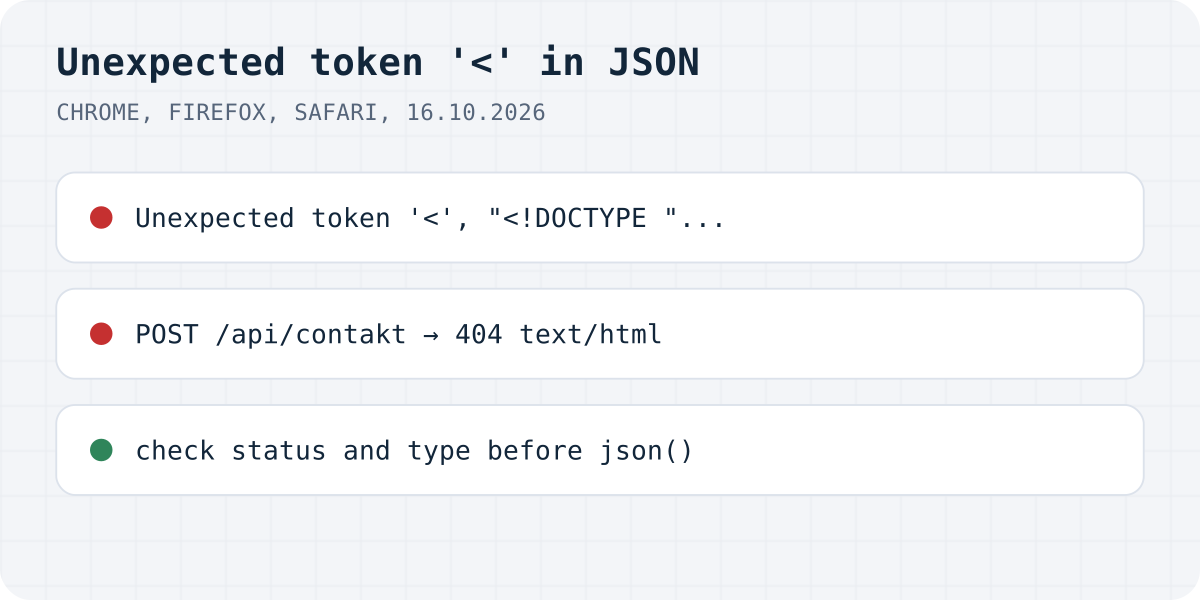
response.json() failed on it.On 16.10.2026 we sent a form to /api/contakt, a typo for /api/contact, on a Next.js 16.4.2 app. The server answered 404 with its HTML not-found page, and await response.json() in Chromium 152 threw:
SyntaxError: Failed to execute 'json' on 'Response': Unexpected token '<', "<!DOCTYPE "... is not valid JSON
The quoted part is the start of what came back. That makes the error more useful than it looks: it tells you what kind of reply you got.
| Error text | What the server sent, on our tests |
|---|---|
Unexpected token '<', "<!DOCTYPE "... | An HTML page: Next.js's 404 for a wrong path, GET or POST |
Unexpected token 'I', "Invalid Se"... | Next.js 16's 400 “Invalid Server Action request.” for a FormData POST to a path that does not exist |
Unexpected token 'F', "Forbidden" is not valid JSON | Mailgun's plain-text 401 (Mailgun guide) |
Unexpected end of JSON input | A 500 with an empty body |
Firefox and Safari say it differently
We ran the same replies through Firefox 142 and WebKit 26, the engine behind Safari:
- Firefox, HTML or text reply:
SyntaxError: JSON.parse: unexpected character at line 1 column 1 of the JSON data. Empty reply:JSON.parse: unexpected end of data at line 1 column 1 of the JSON data. - Safari, for all three:
SyntaxError: The string did not match the expected pattern.
Neither quotes the reply, so in those browsers the Network tab is the only way to see what came back.
Why a page comes back instead of JSON
- A wrong URL. A typo, a missing
/apiprefix, or a relative URL that resolves against the current page. - The API is not deployed. On a static host the route does not exist, and the host answers with its 404 page or with
index.html(single-page apps often send every path there, with status 200). - A server error page. The route crashed and the framework answered with an HTML error page.
- A login or firewall page. A protected preview deployment or a bot check answers with its own HTML.
Parse only what is JSON
Read the body once as text, check the status and content type, and include the start of the body in your error. Then the next failure tells you the cause instead of a character.
async function readJson(response) {
  const text = await response.text(); // read the body once
  const type = response.headers.get("content-type") || "";
  if (!type.includes("application/json")) {
    throw new Error(`Expected JSON, got ${response.status} ${type}: ${text.slice(0, 80)}`);
  }
  return JSON.parse(text);
}

const response = await fetch("/api/contact", { method: "POST", body: new FormData(form) });
const data = await readJson(response);
if (!response.ok) showError(data.error);
Formgong always answers in JSON
When a fetch posts to Formgong at https://formgong.com/submit with Accept: application/json, errors come back as JSON too: on 16.10.2026 a made-up access key got HTTP 404 with {"success":false,"code":"unknown_access_key"}, so response.json() works and the code can show the reason. See the HTML guide.
Frequently asked questions
What does Unexpected token < DOCTYPE is not valid JSON mean?
Your code called response.json() on an HTML page. The request reached a server, but the reply was a web page, usually a 404 or error page, not JSON.
How do I find out what the server returned?
Open DevTools, go to the Network tab, click the request and read its status and Response tab. Or read response.text() and log the first characters.
What is the Safari version of this error?
Safari's WebKit says SyntaxError: The string did not match the expected pattern. Firefox says JSON.parse: unexpected character at line 1 column 1 of the JSON data.
Why does it say Unexpected end of JSON input?
The reply had an empty body, often a 500 or 204. There was nothing to parse. Check the status before calling response.json().
Sources and documentation
Official references for this guide: MDN: Response.json(), MDN: SyntaxError: JSON.parse: bad parsing, MDN: Response.ok. HTML contact form, where data is stored.