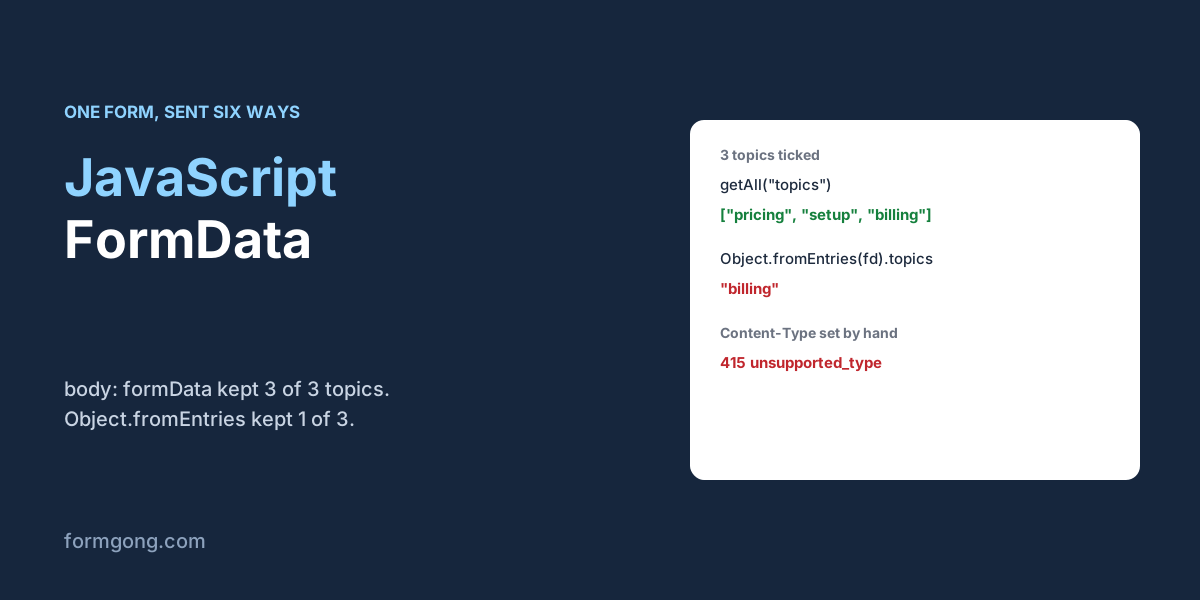
Why does FormData lose values that were on the screen?
You switch a form from a normal submit to fetch so the page does not reload, and soon a customer says they ticked three topics but you only see one. Or the console shows an empty FormData {} and you start to wonder whether anything was read at all.
FormData itself rarely loses anything. The trouble starts when you change it into something else on the way out. To see where, we built one form with the fields that cause surprises: four topic checkboxes with the same name, a multiple select, an unticked box, a disabled coupon field, an empty file input and two submit buttons. We read it in Chromium and sent it to a local copy of Formgong's form backend, then compared what was sent with what was stored.
What does new FormData(form) actually read?
With three topics and two sizes ticked, new FormData(form) held 10 entries. Each ticked checkbox was its own entry under the same name, topics, so the name appeared three times. The unticked newsletter box, the disabled coupon and both submit buttons were not there at all. The empty file input was there as a File with no name and a size of 0.
Three methods read it back differently, and this is where values go missing. get("topics") gave the first value, pricing. getAll("topics") gave all three. Object.fromEntries(formData).topics gave only the last one, billing, because a plain object can hold one value per key. So whenever a name can repeat, read it with getAll(). Our guide to the HTML dropdown menu shows the same loss with <select multiple>.
The empty console is a display quirk. JSON.stringify(formData) returns {} and the object prints as [object FormData], even with 10 entries inside. To see the contents, log [...formData] or loop over formData.entries().
The clicked button is missing for a reason too. new FormData(form) does not know which button was pressed. Pass it as the second argument, new FormData(form, event.submitter), and Chromium added intent=draft for the "Save draft" button in our test. That matters when one form has two actions.
Which way of sending FormData keeps everything?
We filled in the same form and sent it six ways. The table shows the header Chromium sent and what our backend stored.
| How the body was built | Content-Type sent | What was kept |
|---|---|---|
body: formData | multipart/form-data; boundary=…, set by the browser | All 3 topics and both sizes |
body: new URLSearchParams(formData) | application/x-www-form-urlencoded | All 3 topics, but the empty file field arrived as the text [object File] |
JSON.stringify(Object.fromEntries(formData)) | application/json | Refused with 400 invalid_json: the file input became {} |
| The same, with the file field deleted first | application/json | 1 of 3 topics (billing) and 1 of 2 sizes |
JSON built with getAll() for repeated names | application/json | All 3 topics and both sizes |
| No script, the browser's own submit | application/x-www-form-urlencoded | All 3 topics, plus the clicked button's intent=send |
Passing the FormData object straight to fetch is the safest choice, because the browser writes the body and the header together and nothing is converted. URLSearchParams also kept every topic, but it turns a file into the text [object File], so use it only for forms without files. The plain JSON version is where the data went missing. With a file input in the form, the file became an empty object and our backend refused the whole request. Without the file input it went through, and two of the three topics silently vanished.
If your server only takes JSON, build the object yourself and use getAll() for names that repeat. That version kept everything. The walk-through of the HTTP request a form sends explains the three encodings in more depth.
Should you set the Content-Type header yourself?
No. Setting it by hand breaks the request in a way that is hard to spot, because the code looks correct.
A multipart body is split into parts by a boundary string, and the receiver needs that string to read it. When you pass FormData, Chromium sent multipart/form-data; boundary=----WebKitFormBoundary…. When we set Content-Type: multipart/form-data by hand, the boundary was gone, and our backend answered 415 unsupported_type because it could not split the body. Setting Content-Type: application/json on a FormData body got 400 invalid_json, since the body was still multipart. Leave the header out and let the browser write it.
How do you add or change values before sending?
Use append() to add one more value under a name and set() to replace every value under it. In our test, append("topics", "other") took the list from 3 to 4 values, and set("topics", "other") left exactly 1. delete() removed the name entirely. The difference matters for checkbox groups, where set() quietly throws away what the visitor ticked.
If the form still submits the normal way, without fetch, you can change its data in the formdata event. It fires on the form when the browser builds the body, and anything you append there is sent with it. We added page=pricing this way, and it arrived in the stored message as a normal field. That is handy for tagging which page a shared form was sent from without adding hidden inputs.
Files are the one place where FormData asks more of the receiver. The backend has to accept uploads at all. Our test form had attachments switched off, and a FormData body with a real file got 400 uploads_disabled instead of being stored without it. The HTML file input guide covers sending files, size limits and type checks.
What does a form backend do with repeated names?
The form above posts FormData to Formgong, a form backend that sends each message to your email and Telegram. It accepts multipart, URL-encoded and JSON bodies on the same address. When a name repeats, it keeps every value and joins them into one line, so the three topics arrived as “pricing, setup, billing” whether they came as FormData, as URL-encoded text or as a JSON array. The same joined value goes into the email, Telegram, the CSV export and the webhook. The two competitor guides we read on 3 November 2026 do not say what their own services store for a repeated name. Splitforms' FormData guide, updated on 14 October 2026, says its endpoint accepts all three encodings but describes nothing about how repeated names are kept. Static Forms' guide to getAll(), dated 3 October 2026, says outright that it makes no claim about how every email, integration or webhook shows repeated fields. You can start from the HTML form generator, and the HTML forms docs list the fields Formgong reads.
<form id="enquiry" action="https://formgong.com/submit" method="POST">
  <input type="hidden" name="access_key" value="fk_your_access_key">
  <label for="name">Name</label>
  <input id="name" name="name" autocomplete="name" required>
  <label for="email">Email</label>
  <input id="email" name="email" type="email" autocomplete="email" required>
  <fieldset>
    <legend>What is it about?</legend>
    <label><input type="checkbox" name="topics" value="pricing"> Pricing</label>
    <label><input type="checkbox" name="topics" value="setup"> Setup</label>
    <label><input type="checkbox" name="topics" value="billing"> Billing</label>
  </fieldset>
  <label for="message">Message</label>
  <textarea id="message" name="message" required></textarea>
  <button type="submit">Send</button>
  <p id="status" role="status"></p>
</form>

<script>
  const form = document.getElementById("enquiry");
  const status = document.getElementById("status");

  form.addEventListener("submit", async (event) => {
    event.preventDefault();
    // FormData reads every named, enabled field, including all three ticked boxes.
    const data = new FormData(form, event.submitter);
    try {
      // No Content-Type header: the browser writes multipart/form-data with its boundary.
      const res = await fetch(form.action, { method: "POST", body: data, headers: { Accept: "application/json" } });
      const body = await res.json().catch(() => ({}));
      if (!res.ok) throw new Error(body.message || "The form was not accepted.");
      form.reset();
      status.textContent = "Thanks, your message is on its way.";
    } catch (error) {
      status.textContent = error.message || "Something went wrong. Please try again.";
    }
  });
</script>
Did FormData behave differently for you?
If a browser or backend handled one of these cases differently, write to support@formgong.com with the code you used. We will rerun the test with it and update this page.
Frequently asked questions
Why does console.log(formData) show an empty object?
FormData does not print its entries. Log [...formData] or loop over formData.entries() to see what it holds.
How do I get all values of checkboxes with the same name?
Use formData.getAll(name). get() returns only the first value and Object.fromEntries keeps only the last one.
Do I need to set Content-Type when I send FormData with fetch?
No. Leave it out. The browser adds multipart/form-data with the boundary, and a hand-written header drops the boundary.
What is the difference between append and set?
append() adds another value under the name. set() replaces every existing value under that name with one value.
Can I convert FormData to JSON?
Yes, but build the object yourself and use getAll() for repeated names. Object.fromEntries drops all but the last value.
Sources and documentation
Official references for this guide: Formgong: How do HTML forms work? The HTTP request, Formgong: HTML dropdown menu in a form, tested. HTML forms, where data is stored.