Why use a client intake form?
A new client books a call, and the first fifteen minutes go on spelling their name, finding out which service they mean and asking them to email last year's return afterwards. An intake form moves all of that before the call, so the call can be about the actual problem.
The risk is the opposite one: a form so long and so nosy that people never finish it. The template below sits in between. It asks for contact details, the job, a deadline and the documents you would request anyway, and it leaves everything else for the conversation.
How does it compare with our clinic and legal templates?
We already publish two intake-style forms: a patient intake form for clinics and a legal inquiry form for law firms. A general client intake form sits between them, so we compared them field by field before writing it.
| Field | Patient intake | Legal inquiry | This intake form |
|---|---|---|---|
| Name, email, phone | Yes (email optional) | Yes, all required | Yes (phone optional) |
| Company | No | Optional | Optional |
| What it is about | Reason for the visit | Type of matter + summary | Service + details |
| Deadline or date | Date of birth only | Deadline, optional | Deadline, optional |
| How to reach you | No | No | Email or phone |
| Documents | No | No, “do not paste a whole case file” | Up to 3 files, optional |
| Consent box | Required, for health details | None | Required, for stored documents |
All three ask for a name and a way to reply, and none asks for anything a first answer does not need. The legal form tells people not to paste a whole case file, since it only asks a lawyer to call back. A general service business usually does want the documents early, which is why this form adds an upload and, with it, a consent box.
What does a client intake form template look like?
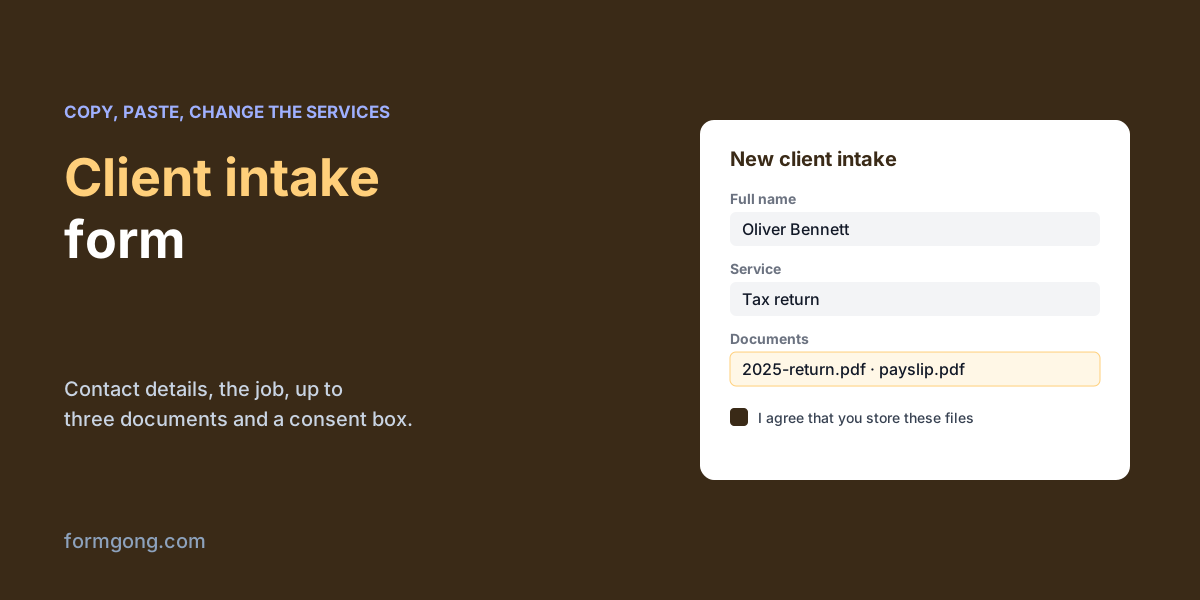
Copy the form, put your Formgong access key in the first hidden field and change the services to yours. It posts as multipart/form-data, which a file upload needs, and includes a hidden spam-trap field and a thank-you redirect.
We checked it in Chrome before publishing. Left empty, it refused to send and flagged 5 controls: name, email, service, details and the consent box. Filled in, it was valid, and every one of the 10 visible controls had its label. Choosing 4 files showed “Please choose up to 3 files.”, while 3 were accepted. We did not send a live post with files, because that needs your own Turnstile keys on the form.
<script src="https://challenges.cloudflare.com/turnstile/v0/api.js" async defer></script>

<form action="https://formgong.com/submit" method="POST" enctype="multipart/form-data">
  <input type="hidden" name="access_key" value="fk_your_access_key">
  <input type="hidden" name="_subject" value="New client intake">
  <input type="hidden" name="_redirect" value="https://your-site.example/thanks/">
  <input type="text" name="botcheck" tabindex="-1" autocomplete="off" style="display:none">

  <fieldset>
    <legend>About you</legend>
    <label for="name">Full name</label>
    <input id="name" name="name" autocomplete="name" maxlength="80" required>

    <label for="email">Email</label>
    <input id="email" type="email" name="email" autocomplete="email" maxlength="120" required>

    <label for="phone">Phone <span>(optional)</span></label>
    <input id="phone" type="tel" name="phone" autocomplete="tel" maxlength="40">

    <label for="company">Company, if any</label>
    <input id="company" name="company" autocomplete="organization" maxlength="120">
  </fieldset>

  <fieldset>
    <legend>What you need</legend>
    <label for="service">Service</label>
    <select id="service" name="service" required>
      <option value="">Choose one</option>
      <option>Bookkeeping</option>
      <option>Tax return</option>
      <option>Company set-up</option>
      <option>Something else</option>
    </select>

    <label for="details">What should we know before the first call?</label>
    <textarea id="details" name="details" maxlength="1500" rows="5" required></textarea>

    <label for="deadline">Is there a deadline?</label>
    <input id="deadline" type="date" name="deadline">

    <label for="contact_by">How should we reach you?</label>
    <select id="contact_by" name="contact_by">
      <option>Email</option>
      <option>Phone</option>
    </select>
  </fieldset>

  <fieldset>
    <legend>Documents (optional)</legend>
    <label for="documents">Up to 3 files: PDF, PNG or JPEG, 5 MB each</label>
    <input id="documents" type="file" name="documents" accept=".pdf,.png,.jpg,.jpeg" multiple>
  </fieldset>

  <label>
    <input type="checkbox" name="consent_documents" value="yes" required>
    I agree that you store the details and files I send here to prepare my first appointment.
  </label>
  <p><small>We use your details only to answer you. <a href="https://your-site.example/privacy/">Privacy policy</a></small></p>

  <div class="cf-turnstile" data-sitekey="YOUR_TURNSTILE_SITE_KEY"></div>
  <button type="submit">Send</button>
</form>

<script>
  // Browsers do not limit the number of files; stop a fourth one before the post fails.
  document.getElementById("documents").addEventListener("change", function () {
    this.setCustomValidity(this.files.length > 3 ? "Please choose up to 3 files." : "");
  });
</script>
Do you need a consent box for documents?
An upload field makes the form far more useful and puts real responsibility on you, because people send what they are asked for and often more. Say which files you want in the label. Limit the types to the ones you can open, here PDF and images, and keep the files only as long as you need them.
The consent box is there because of what documents can contain. The GDPR treats health and some other details as special categories, and its Article 9 allows processing them when “the data subject has given explicit consent” for a specified purpose, among other grounds. A clinic's intake form clearly needs that box, which is why our patient template has one. For an accountant or an agency it depends on what clients send. A required box that names the purpose is the cautious choice, and the privacy line under the form tells people where to read more. Our article on which forms need consent covers the reasoning, and the guide to a GDPR-compliant contact form has a template and code.
What should happen after the form?
Send a short reply confirming what you received and when the call is, and ask for anything missing in that reply rather than adding fields. When the work is done, a review request to the client is the natural last step, and the clients who arrived through the form are the easiest ones to ask.
How do you run it on Formgong?
Formgong takes files on every plan, Free included, with 1 GiB of storage on Free. Each post can carry up to 3 files of 5 MiB each, and the files.js script handles larger ones. Formgong checks that a file really is a PDF, PNG or JPEG by its content, scans it for viruses and stores it privately. Your notification email links to the files rather than attaching them. Formspree's plans page, which we read on 2 November 2026, leaves the file uploads row empty for its free plan and lists 1 GB from its first paid plan up.
A file always needs a Turnstile check, so add your Turnstile keys under Protection before you turn uploads on. The file upload guide lists the error codes. The same account gives you the form templates, the help chat and review requests for the clients who came through the form, and you can start from the Formgong home page.
What does your intake form ask?
If your clients need a field this template does not have, or you dropped one and nobody missed it, tell us at support@formgong.com. We will update the template.
What Formgong's free plan includes
- Build the form or bring your own. The form builder takes the colours and fonts from your site's address, with no sign-up; ready form templates copy into your account; AI writes the fields from one sentence. Any hand-written HTML form works too.
- Websites with the form already connected. 28 free website templates post to Formgong out of the box.
- 250 submissions a month on unlimited forms. Spam does not count. Once a year, a busy month keeps delivering on credit until the 7th instead of stopping.
- Everywhere you work. Email to up to 3 people at once, Telegram with Reply and Handled buttons, Google Sheets, Notion, and 3 signed webhooks for Slack, Discord, Zapier, Make or n8n.
- Emails to your customers in your business's name. Formgong sends them under your business name and replies come back to you, with no email service of your own to set up: a review request to every lead, a reminder a visitor asked for, and review emails after an order with your logo and colours. People who agree can also go straight into your Mailchimp, Klaviyo, Brevo, MailerLite or Kit list. An automatic reply to each visitor is on Pro.
- No captcha needed. A server-side spam filter, a honeypot, allowed domains and a block list; add your own Turnstile key if you want one.
- Files and voice. Visitors can attach files, or record a voice message that arrives transcribed.
- Made for AI-built sites. A hosted form page and a contact button; step-by-step guides for sites built with Lovable, Bolt, v0, Replit and Base44; an MCP server lets Cursor or Claude wire the form for you.
- See what the form does. Analytics for views, starts, conversion and where each lead came from, and an alert when a form goes quiet.
- One account for the rest. Customer reviews and an AI help chat that answers visitors from your own pages, with every message in one inbox. Data is stored in the EU.
Frequently asked questions
What should a client intake form include?
Name, a way to reply, what the client needs, any deadline and the documents you would ask for anyway. Leave the rest for the first call.
Does a client intake form need a consent checkbox?
Not for replying to an enquiry. If clients upload documents that may hold health or other sensitive details, a required box naming the purpose is the cautious choice.
Can an HTML form accept file uploads without a server?
Yes, if it posts as multipart/form-data to a form backend that stores the files, such as Formgong.
How many files can clients upload?
With Formgong, up to 3 files of 5 MiB each in a plain form post, as PDF, PNG or JPEG.
Sources and documentation
Official references for this guide: Formgong: Contact form with file upload, Formgong: Which forms need consent under the GDPR. HTML forms, where data is stored.