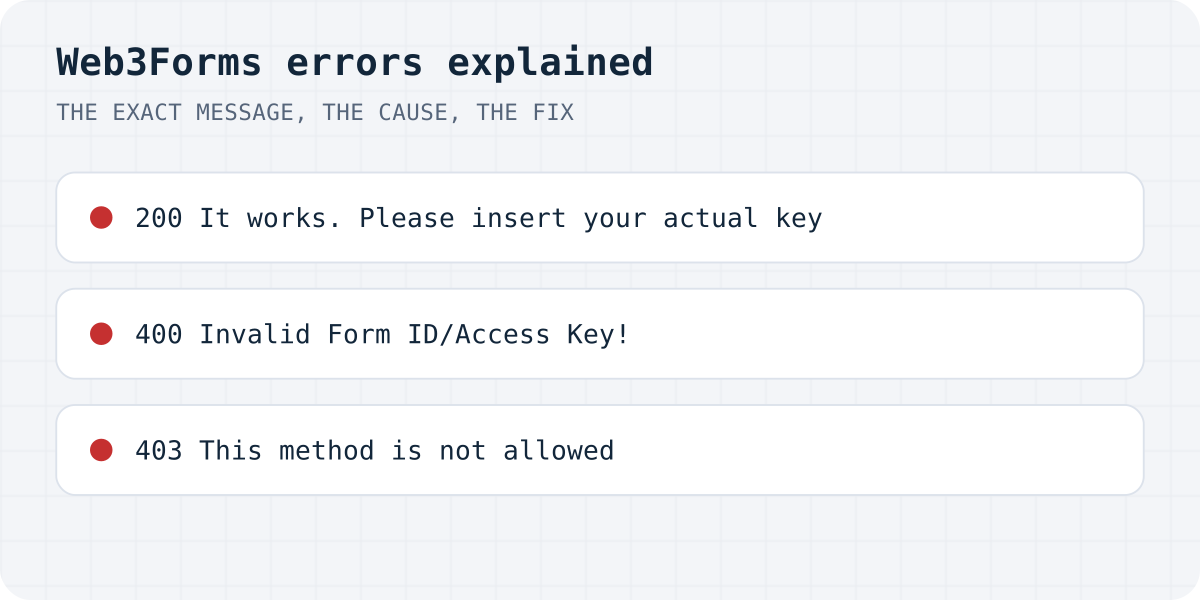
Every response at a glance
Reproduced on 09.10.2026 with made-up keys: the browser rows from a normal Chrome tab, the 403 from a server. Nothing was delivered.
| Status | Message | Cause |
|---|---|---|
| 400 | Invalid Form ID/Access Key! Please double check for extra space! | A well-formed key that is not registered (typo, deleted, extra space) |
| 400 | Invalid form_id/access_key format. Must be a valid UUID. | The value is not a key, for example an empty variable or a label |
| 400 | Form must include a 'form_id' (in path) or 'access_key' field. Visit Docs for help. | No access_key field in the submitted data |
| 200 | {"success":true,"message":"It works. Please insert your actual form_id or access_key to receive emails."} | The key is still the sample YOUR_ACCESS_KEY_HERE |
| 403 | This method is not allowed. Use our API in client side or contact support with server IP address (Pro plan is required) | The request came from a server, not a browser |
The 200 that sends nothing
Web3Forms treats its sample key as a test. With access_key set to YOUR_ACCESS_KEY_HERE it answers 200 and "success": true, with a message asking you to insert your real key. A form that only checks success shows “Thank you” and the message goes nowhere.
This is easy to ship by accident: tutorials and AI builders paste the sample key, the test submit “works”, and the site goes live. In our test of 105 AI-built sites, 27 forms showed success and sent nothing (the study). Search your code for YOUR_ACCESS_KEY_HERE before you publish, and send one real test message to your inbox.
const response = await fetch("https://api.web3forms.com/submit", {
  method: "POST",
  headers: { Accept: "application/json" },
  body: new FormData(form), // includes <input type="hidden" name="access_key" value="...">
});
const data = await response.json();
// Web3Forms answers success: true for its sample key without sending anything,
// so also check that the key in your form is not the placeholder.
if (!data.success) throw new Error(data.message);
showSuccess();
“Invalid Form ID/Access Key” and “Must be a valid UUID”
A Web3Forms key is a UUID like 963ca209-59f3-43c6-8a71-098fdbd00233. If the value has that shape but is not registered, you get “Invalid Form ID/Access Key! Please double check for extra space!”. Copy the key again from the email Web3Forms sent you or from its dashboard, and check the value attribute for spaces or line breaks.
If the value is not shaped like a UUID at all, the answer is “Must be a valid UUID”. That usually means an environment variable was empty at build time and the page contains undefined or an empty string, or the field holds the wrong value. Open the deployed page's source and look at the hidden access_key input.
403 “This method is not allowed”: calling from a server
Web3Forms accepts submissions from browsers. When the same request comes from a server (a Next.js API route or Server Action, a Supabase Edge Function, a backend script), it answers 403 and asks for a Pro plan with your server's IP address. In our test every server request got this answer, whatever the key.
So either post from the browser, as a normal HTML form or with fetch in client code, or use a service that accepts server calls. Moving the call into a server function, which is the usual fix for other email APIs, is exactly what triggers this error with Web3Forms.
“Form must include a 'form_id' … or 'access_key' field”
The submitted data has no access_key. Check that the hidden input has name="access_key" (not id only), that it sits inside the <form>, and, with fetch, that you send new FormData(form) or include access_key in the JSON body.
How Formgong handles the same mistakes
Formgong works the same way from the browser: a public key and a POST. It never answers success for a placeholder key: fk_your_access_key gets 404 “That access key does not exist.”, so a forgotten key cannot look like a working form. It also accepts posts from your own server; we checked both on 09.10.2026. The free plan takes 300 submissions a month, with Telegram alerts at once and email; data is stored in the EU. See Formgong vs Web3Forms and the HTML guide. Our endpoint is https://formgong.com/submit.
Frequently asked questions
Why does Web3Forms say success but no email arrives?
Check the access key. With the sample key YOUR_ACCESS_KEY_HERE, Web3Forms answers success: true and sends nothing. Replace it with your real key and send a test.
What does “Invalid Form ID/Access Key” mean?
The key looks right but is not registered: a typo, a deleted key or an extra space. Copy it again from Web3Forms and check the value attribute.
Why does Web3Forms return 403 “This method is not allowed”?
The request came from a server. Web3Forms accepts server calls only on the Pro plan with your server's IP; otherwise post from the browser.
Can I call Web3Forms from a Next.js API route or Supabase Edge Function?
Not on the free plan: those are server calls and get 403. Post from the browser, or use a form backend that accepts server requests.
Sources and documentation
Official references for this guide: Web3Forms: documentation, MDN: Using FormData objects. HTML contact form, where data is stored.
Read this article as Markdown