Import and export reviews
Last updated
Bring the reviews you already have. They arrive pending, with their original dates, and nothing is public until you publish them.
- Export from the old appJudge.me, Yotpo, Loox, Shopify Product Reviews, WooCommerce or Etsy.
- Import the fileOn the Import / Export tab. Everything arrives pending, with its original date.
- Check and publishPublish … imported reviews, or Undo this import.
- They show on their productsWherever
data-productmatches the review's product.
Import a file
- Export your reviews from the old app as a file. Step-by-step guides: Judge.me, Yotpo, Loox, Shopify Product Reviews, WooCommerce and Etsy.
- In Formgong, open Reviews, pick your site and open the Import / Export tab.
- Under Import reviews, choose the file, pick the Language of these reviews and press Import.
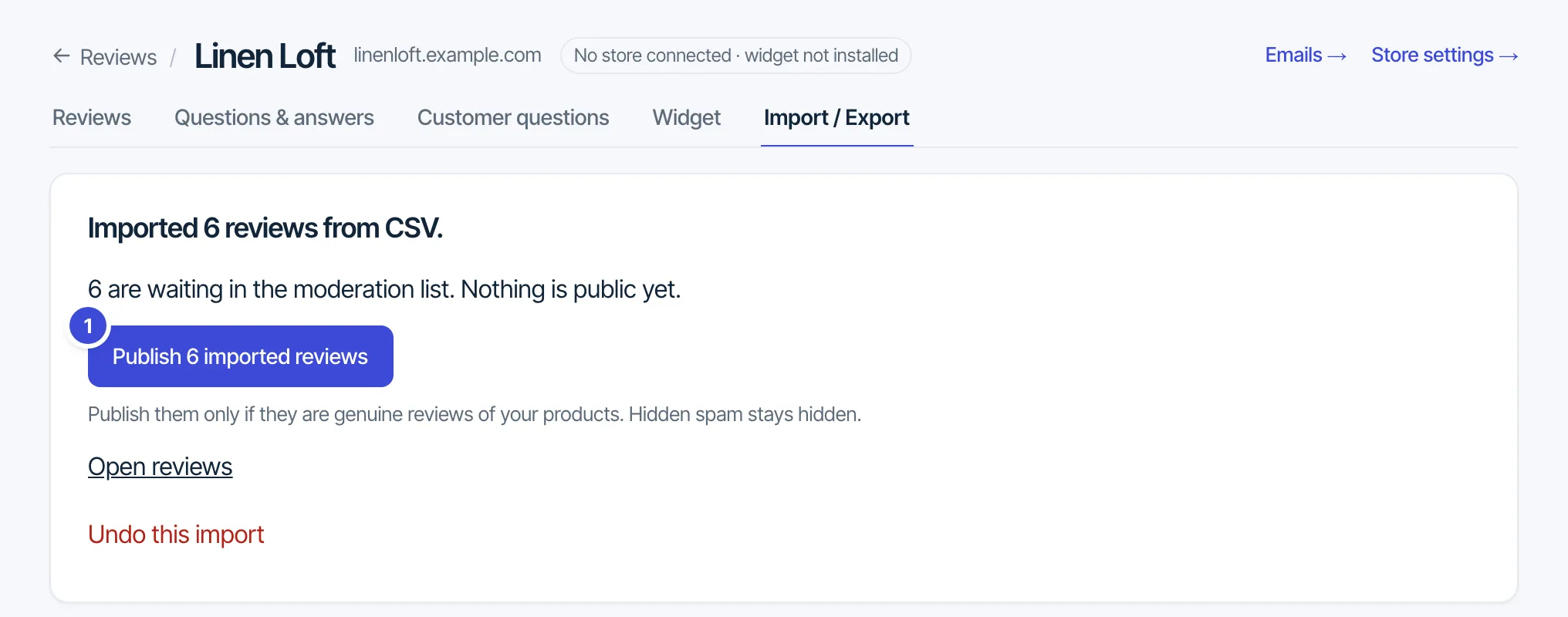
- Formgong says how many reviews it imported. Check them, then press Publish … imported reviews, or Undo this import to remove them.
Formgong reads exports from Judge.me, Shopify Product Reviews, Loox and Yotpo, and recognises the format from the header row. A CSV of your own needs rating (1 to 5) and date columns; text, name, product, title and reply are optional. Download the CSV template gives the column order.
- Every imported review arrives pending, with its original date. Reviews the old app marked as spam or hid arrive hidden.
- Reviewer emails are not stored. Importing the same file again adds nothing. Undo this import removes that import's unpublished reviews.
- Up to 5 MB and 5,000 rows per file, 20 imports a day. Every plan can import.
- An account can import up to 100,000 reviews a month, all sites and files together. An import that reaches the limit stops with a message; what it already imported stays, and the rest can be imported from the 1st of next month.
Match reviews to products
Each review keeps its product from the file: the product column if there is one, otherwise the product handle, otherwise the product id. The widget shows it on the page whose data-product has the same value. Judge.me and Shopify Product Reviews exports name products by handle, which matches data-product="{{ product.handle }}" on Shopify.
Reviews from Etsy
Etsy has its own box, Reviews from Etsy, below the main import. Upload the reviews file you downloaded from your own Etsy shop (JSON or CSV) and confirm they are your shop's reviews. Etsy reviews show in their own list labelled “From Etsy”. They do not count in your rating, and they never go into Google markup, the Google feed or AI summaries. There is no import from Amazon or AliExpress: Amazon has no review export and its terms forbid copying reviews, and AliExpress reviews describe another seller's orders.
Export
Export CSV at the bottom of the same tab downloads every review of the site (up to 50,000) with the columns rating, text, name, date, product, title, reply, status, verified and marketplace. Reviewer emails are never exported.
Questions: support@formgong.com.